Email with your business name on it.
Send from [email protected] instead of a free Gmail address. You get a professional inbox with calendar, contacts and file storage, on your laptop and your phone, and we handle the technical setup.
From
—
/yr
Your addresses update as you type. No domain yet? Type the name you'd like and we'll check if it's free.
A professional inbox on your own domain.
A quote from [email protected] tells a customer there's a real business behind it. Read, reply and send from your own address in a clean webmail that opens in any browser.
- Your own name and domain on every message
- Aliases like hello@ and sales@ that land in your inbox
- Attachments up to 25 MB and out-of-office replies
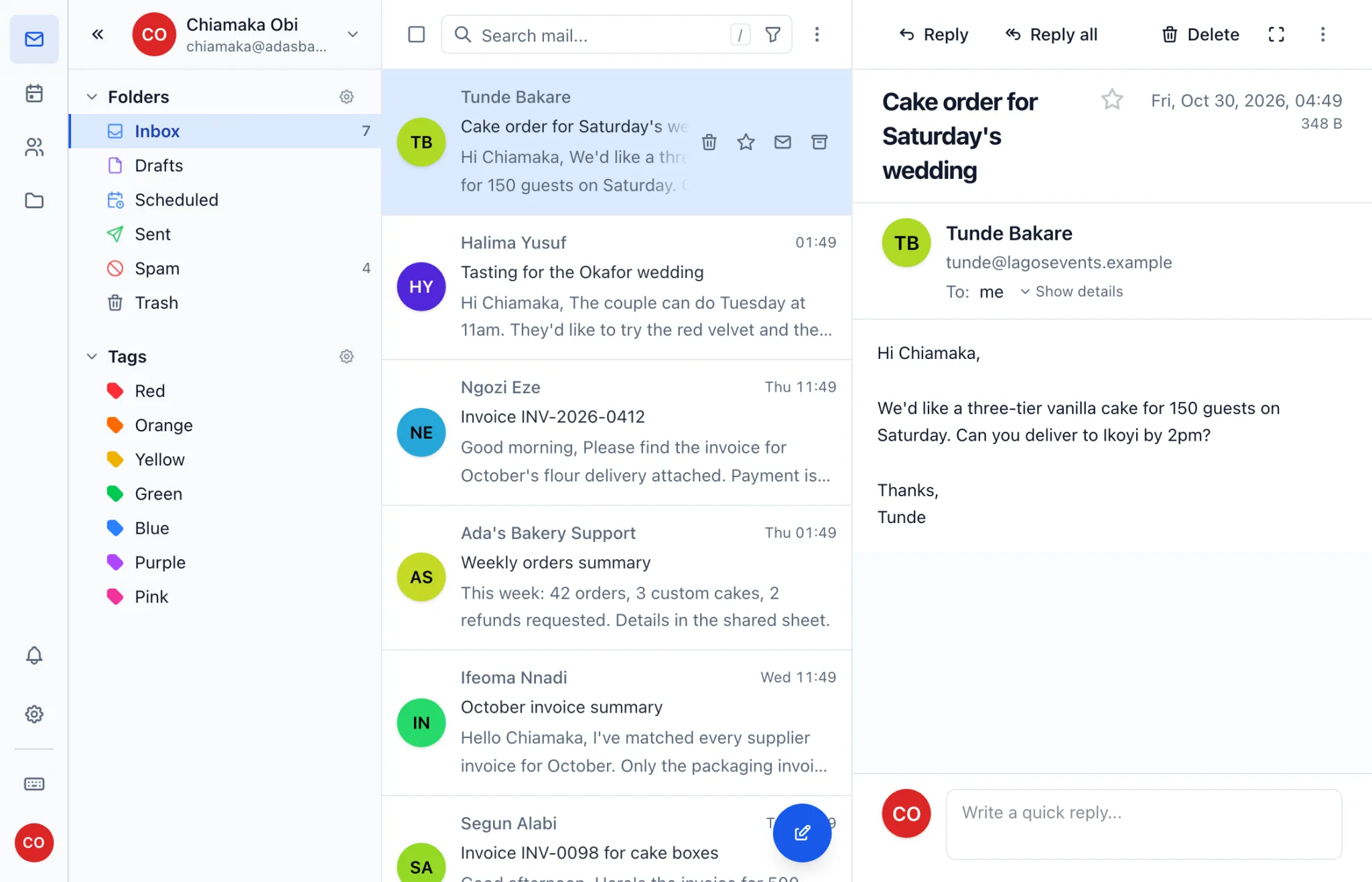
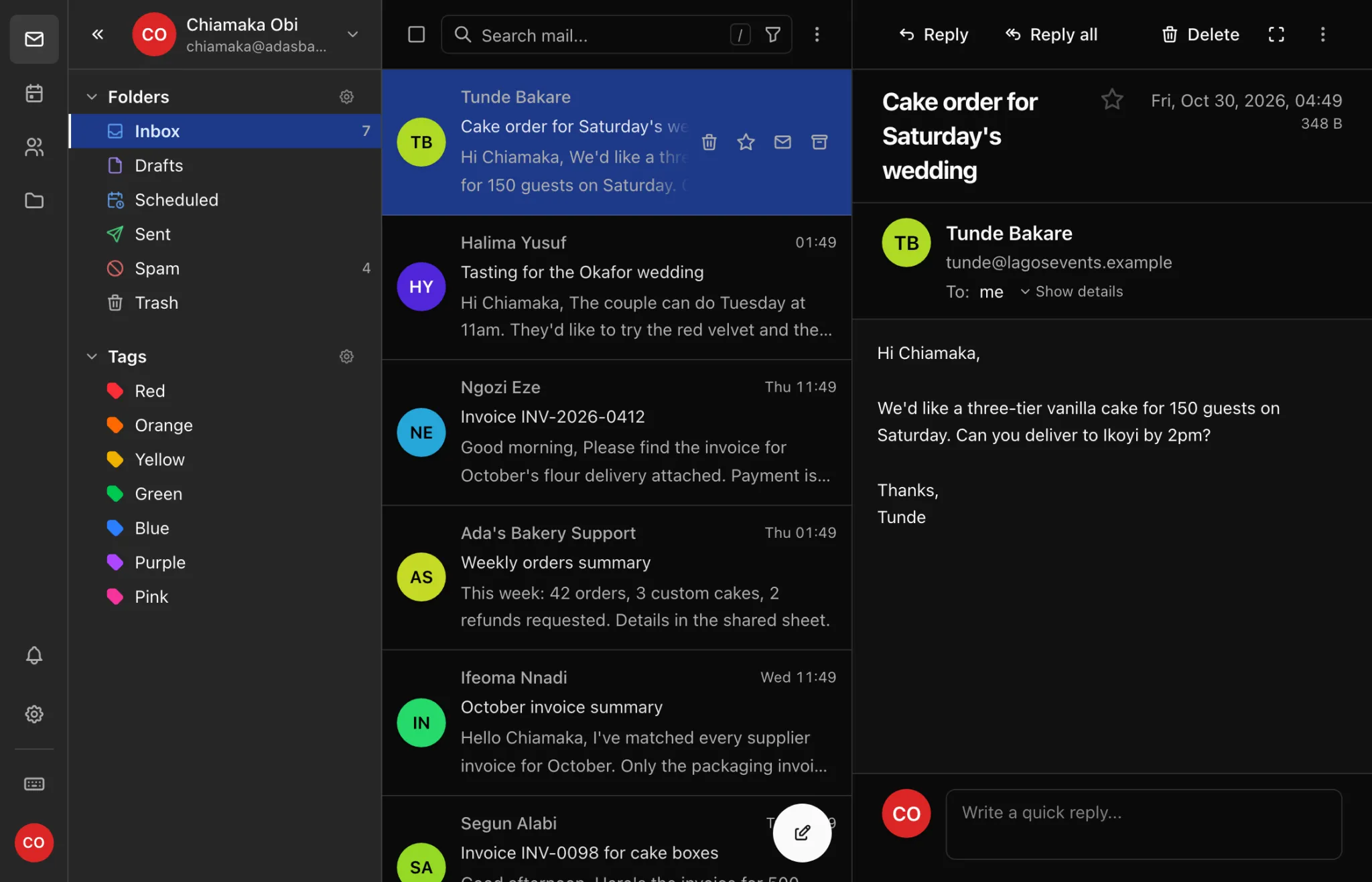
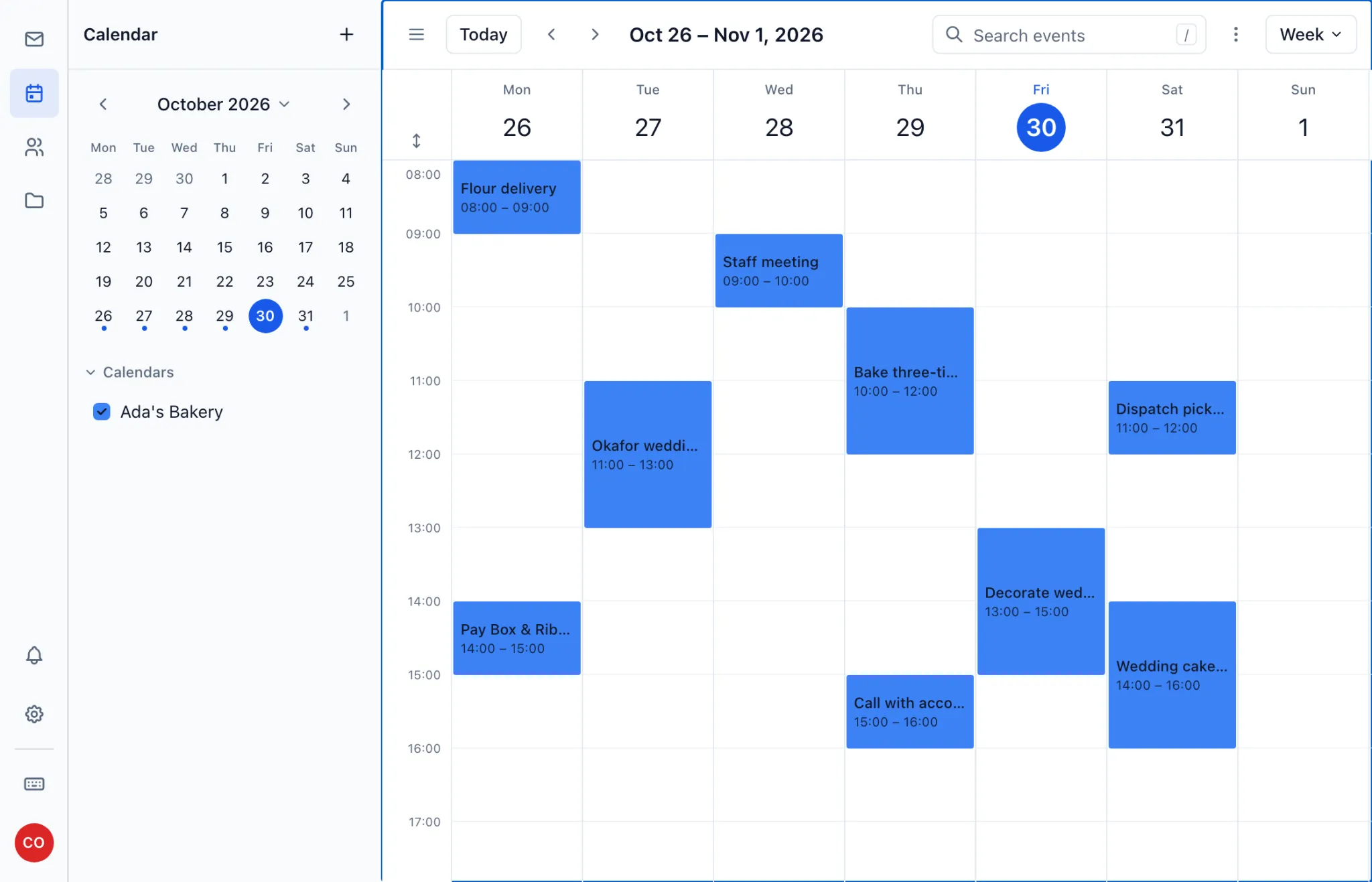
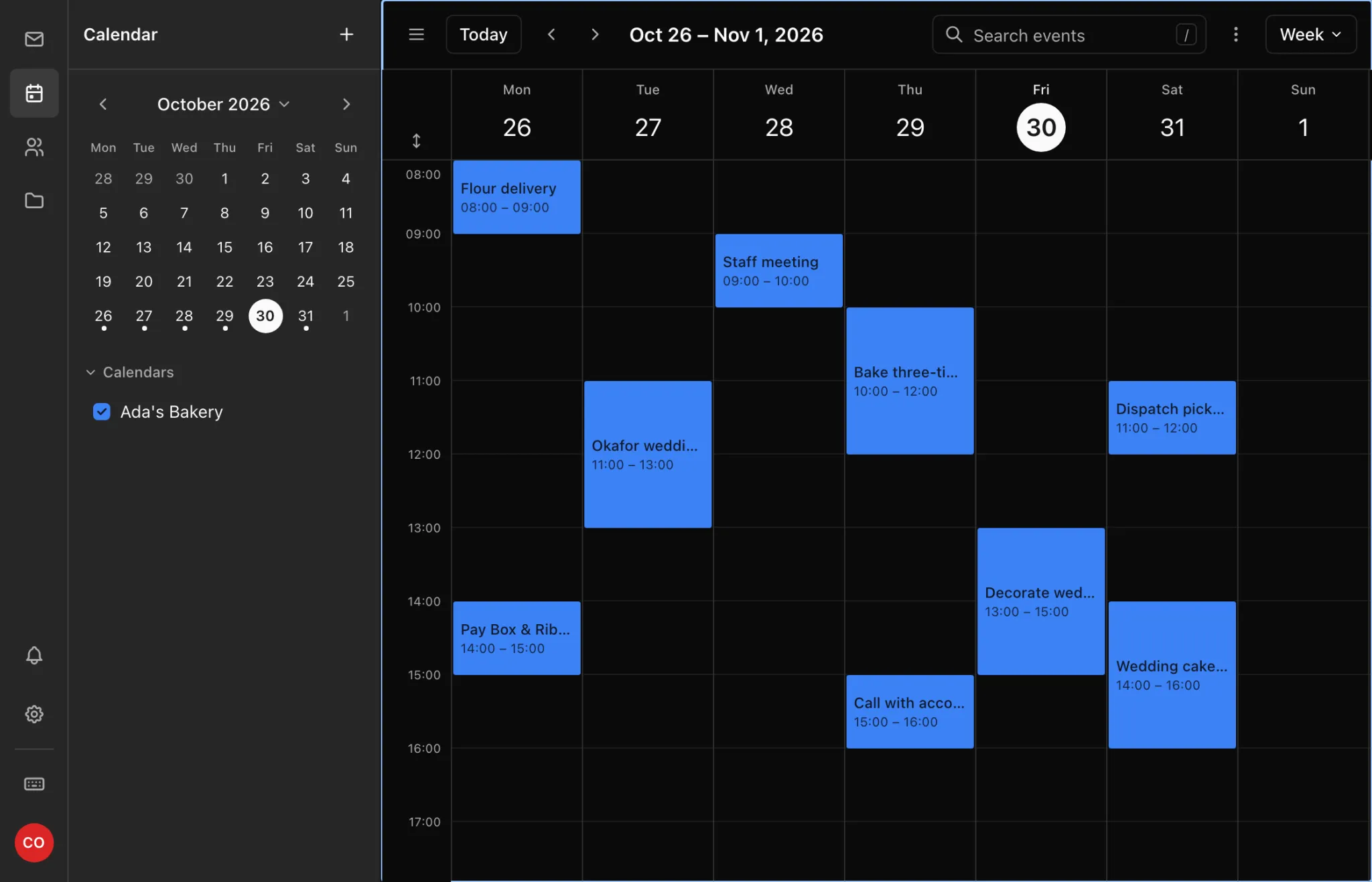
A built-in calendar right next to your inbox.
Keep deliveries, meetings and deadlines in a calendar that's one click from your mail. See the week at a glance, then get back to your customers.
- Month, week, day and agenda views
- Included in webmail on both plans
- Syncs to your phone and computer on Business Pro
Automatic spam filters keep your inbox clean.
Every incoming message is checked for spam and phishing before it reaches you. Prize scams and fake bank alerts go straight to your Spam folder, with nothing for you to configure.
- On from the day you start
- Suspicious mail is kept aside, so you can still check it
- Wrong call? Mark it as not spam and it's back in your inbox
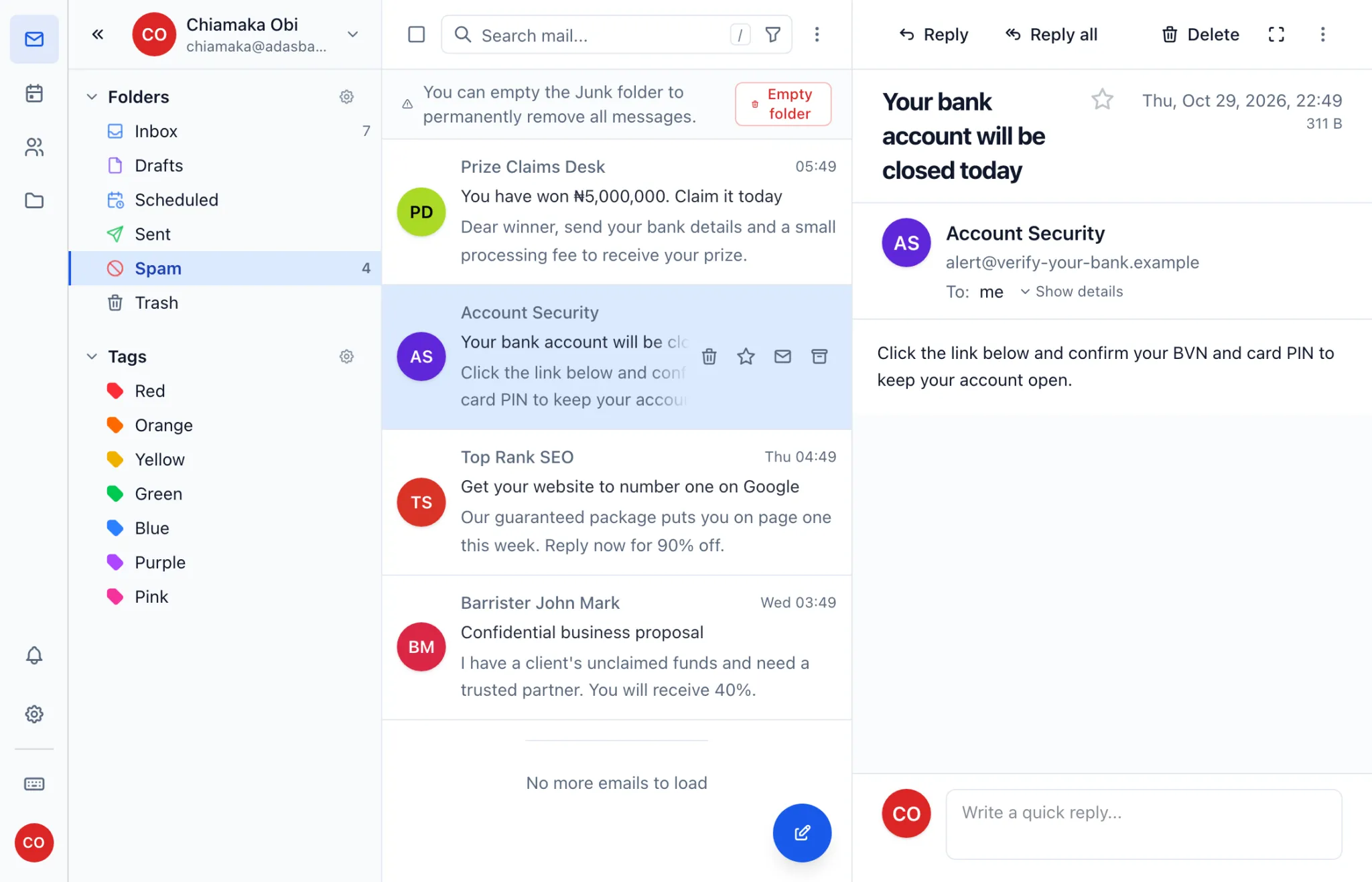
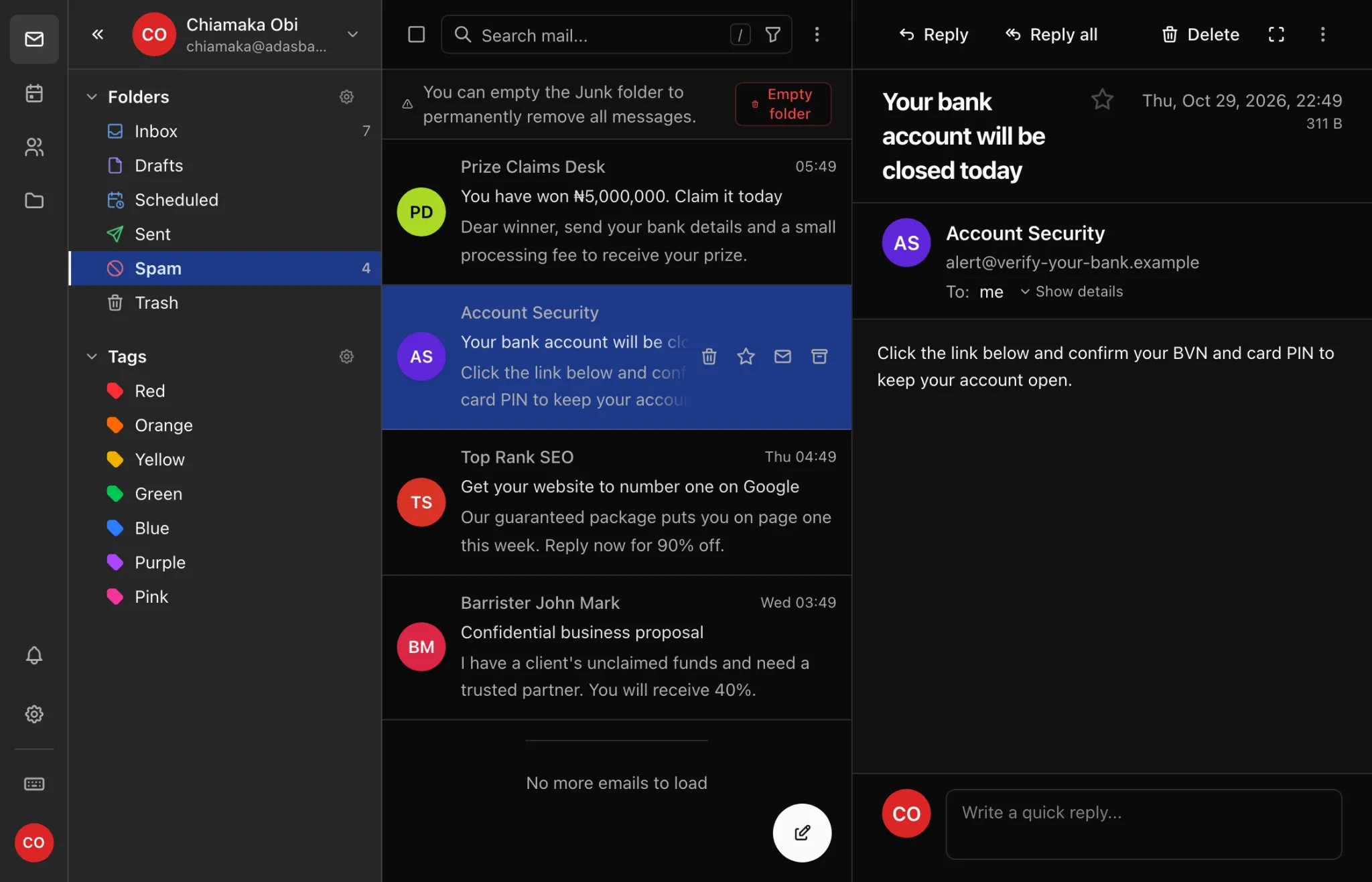
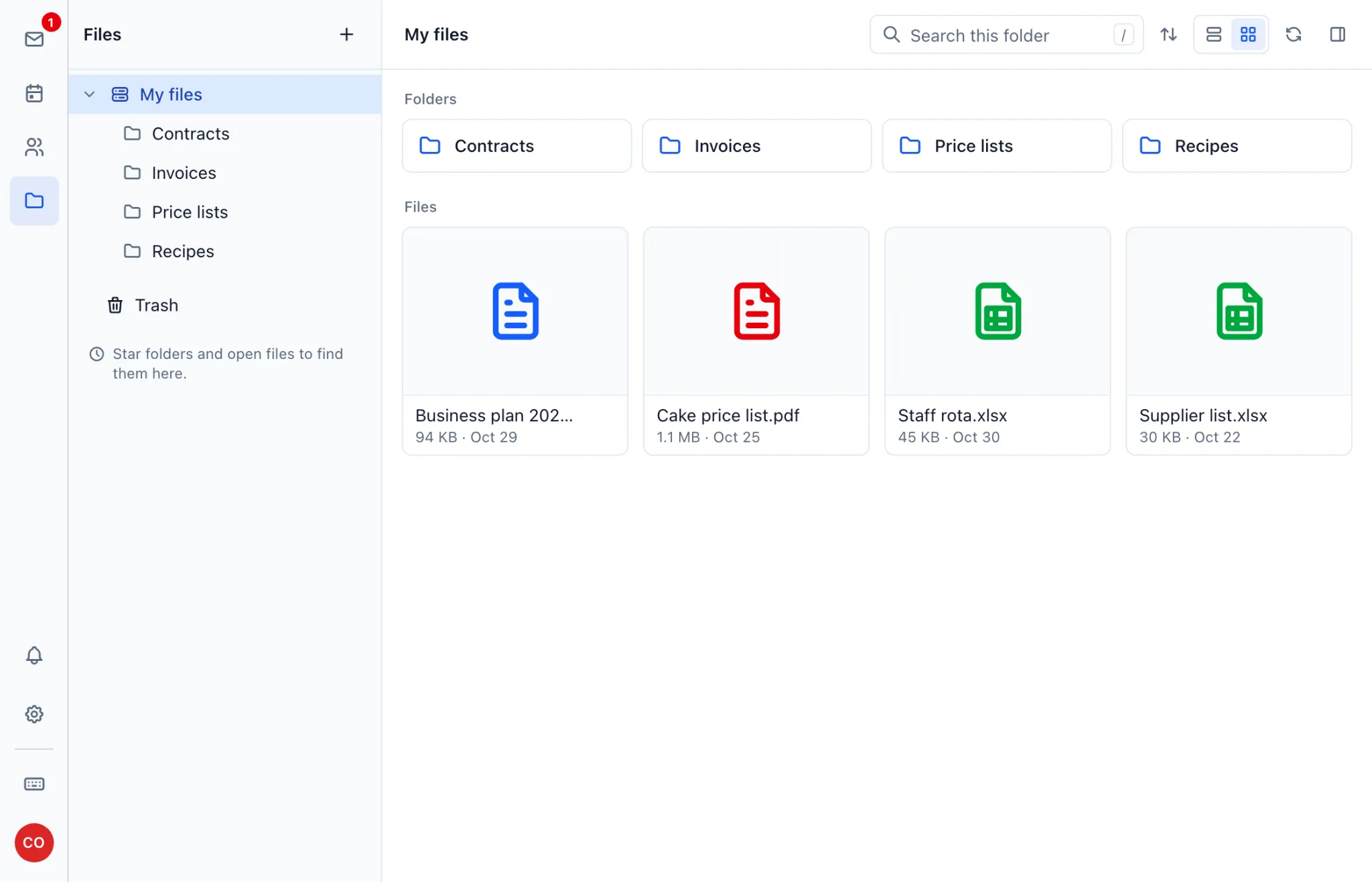
File storage for your price lists and contracts.
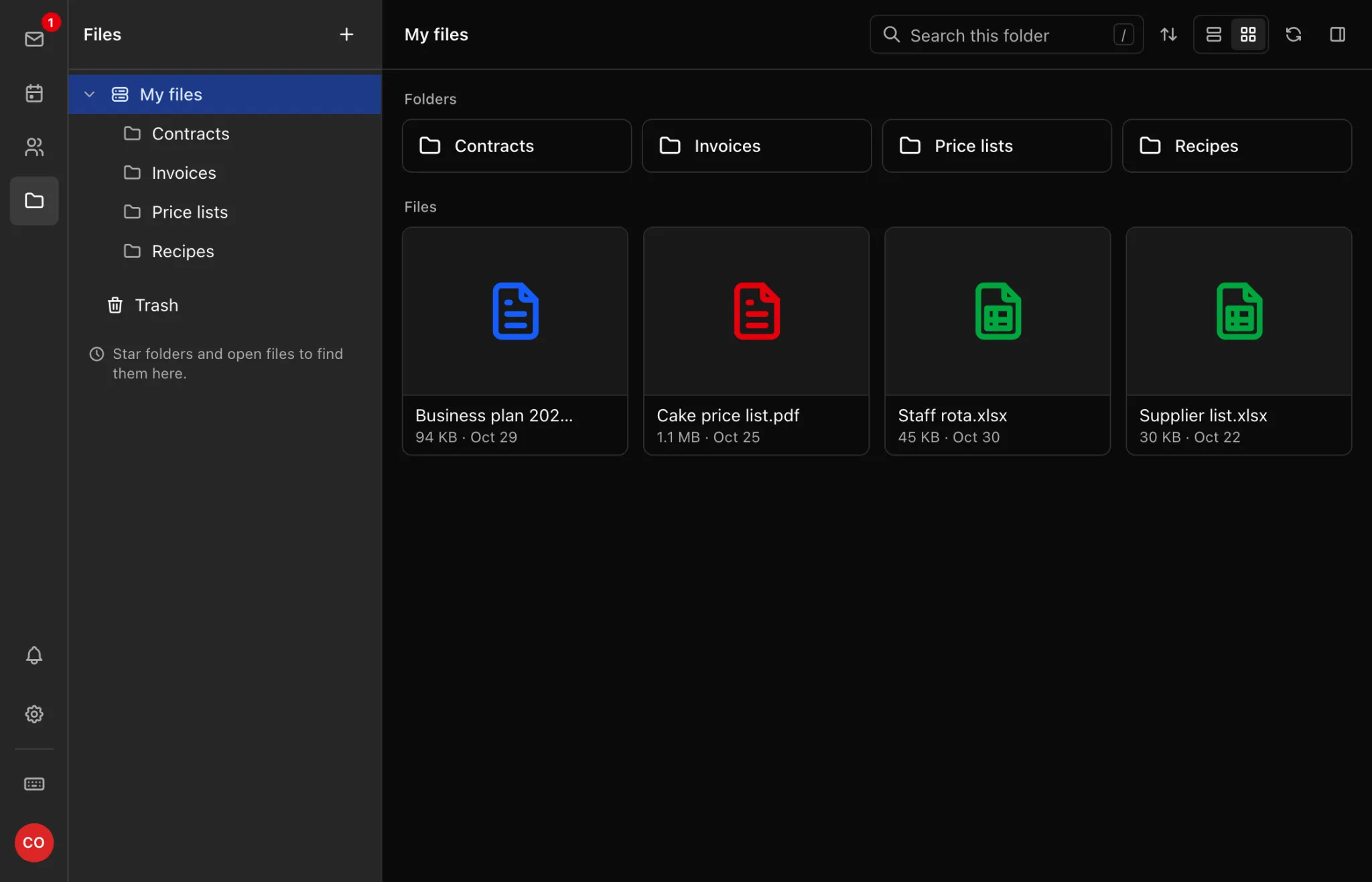
Keep the documents your business runs on in one place and open them from any browser. Folders keep things tidy, so you're not digging through old emails for last year's contract.
- Folders, search and file previews
- Save attachments straight from an email
- Uses your plan's storage: 10 GB on Starter, 100 GB on Pro
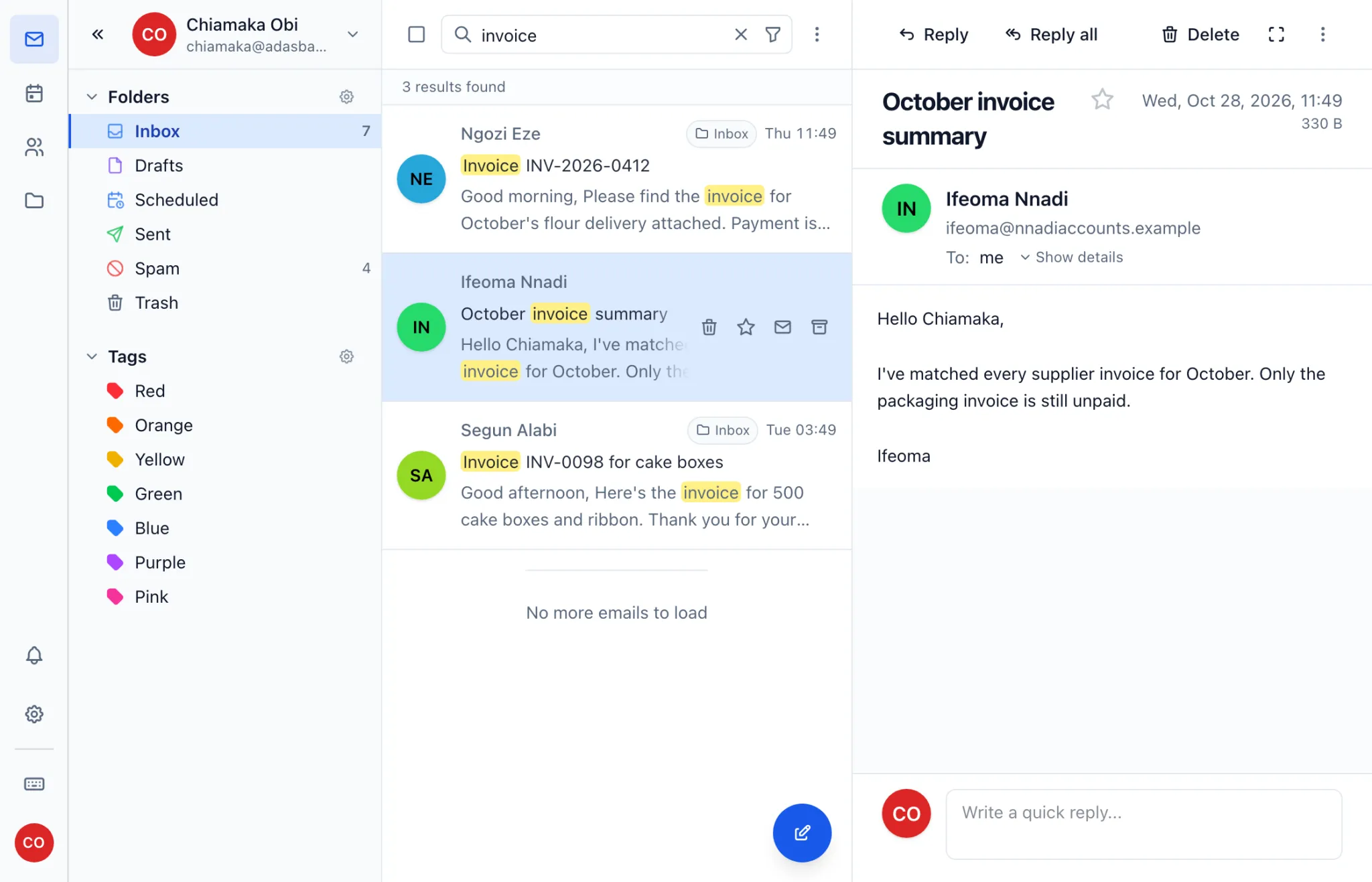
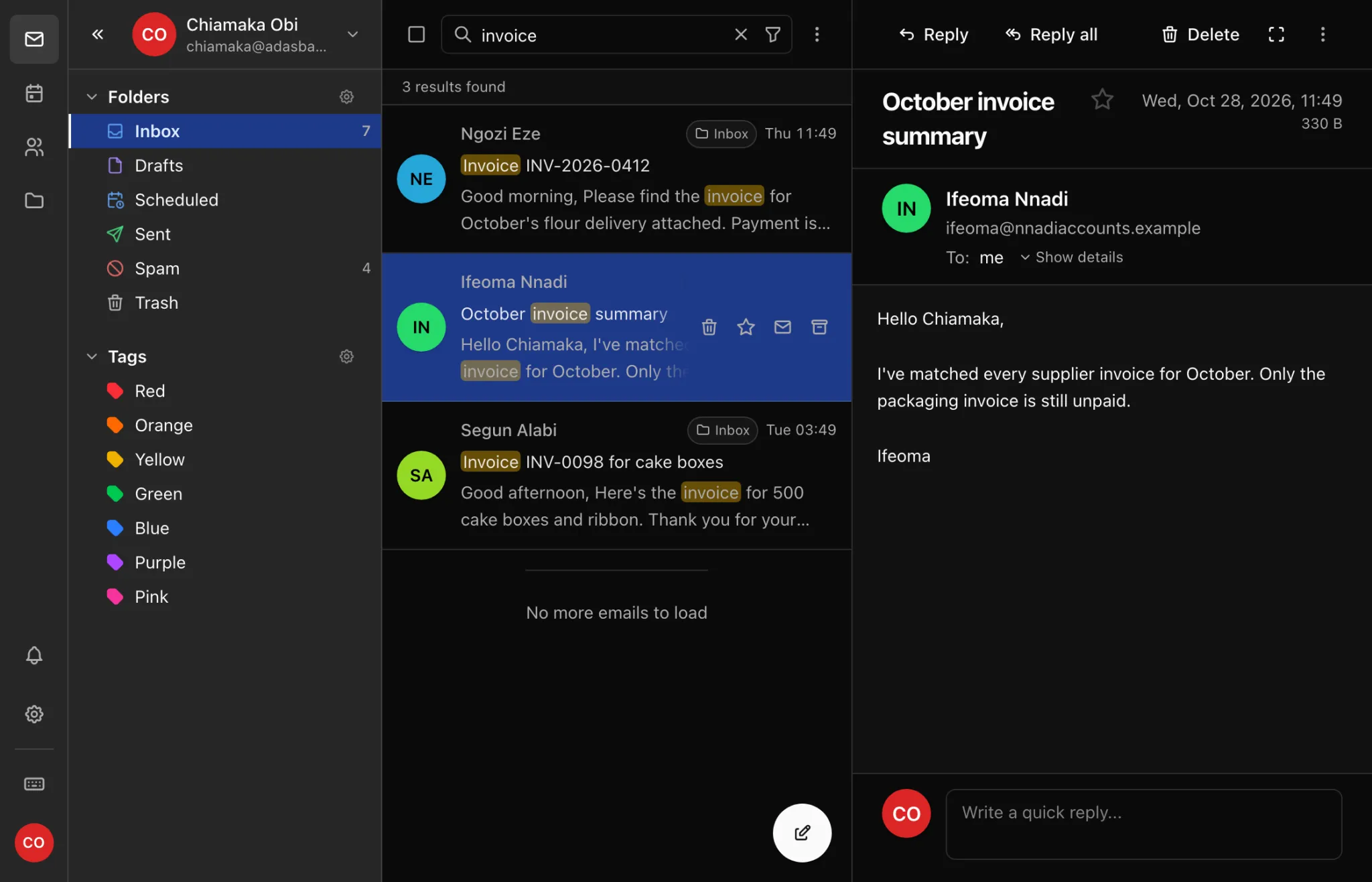
Full email search finds any message from a single word.
Search reads the whole message, not just the subject line. Type a name, an invoice number or a phrase you half remember, and the matches appear with your words highlighted.
- Looks through message text, subjects and senders
- Filter by sender, folder, date or attachments
- Works the same on your phone
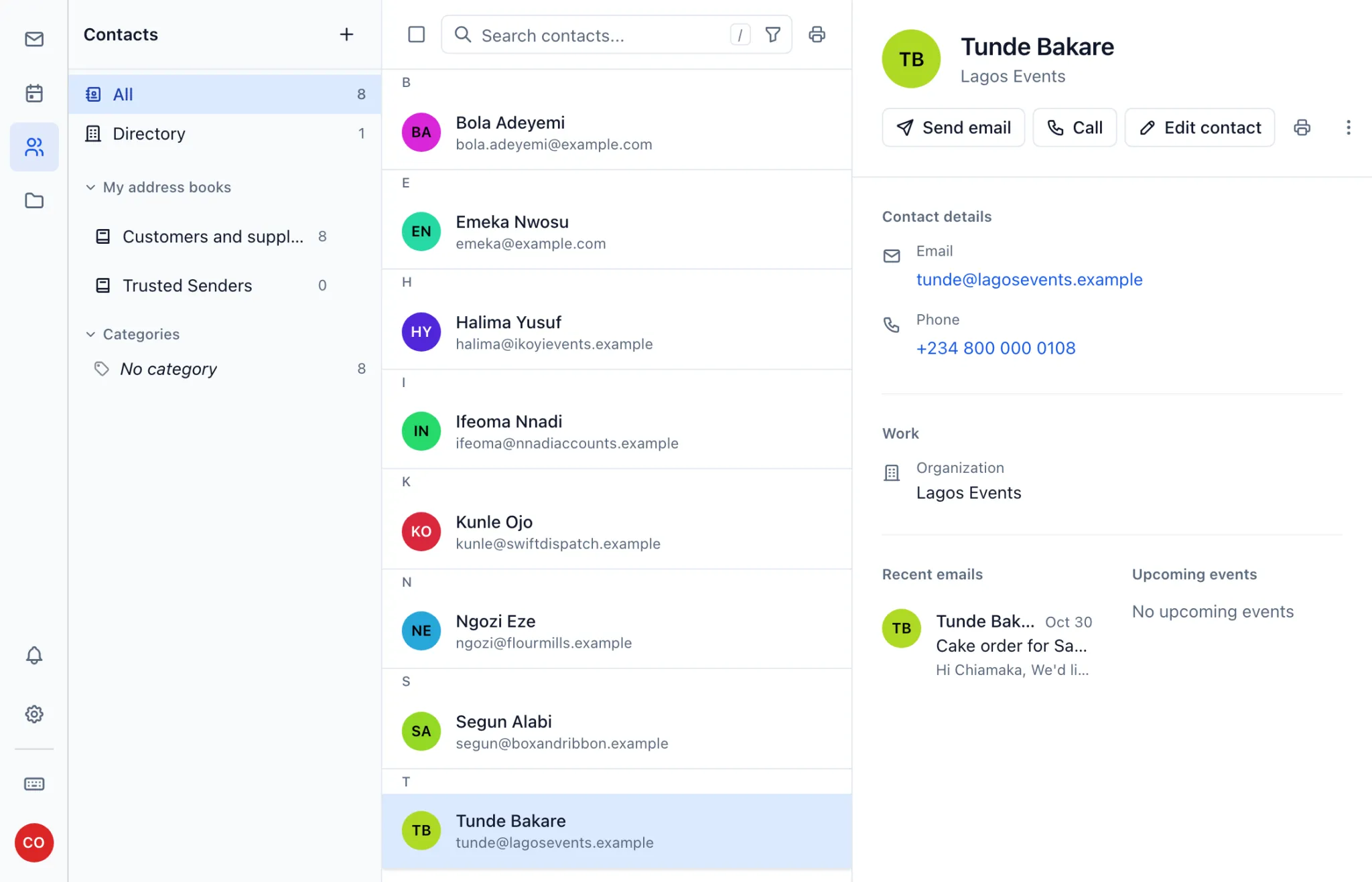
Contact lists for every customer and supplier.
Keep names, numbers and companies in an address book that goes wherever your mailbox goes. Open a contact to call them, email them or see what you last talked about.
- Addresses fill in as you write a new email
- Included in webmail on both plans
- Syncs to your phone and computer on Business Pro
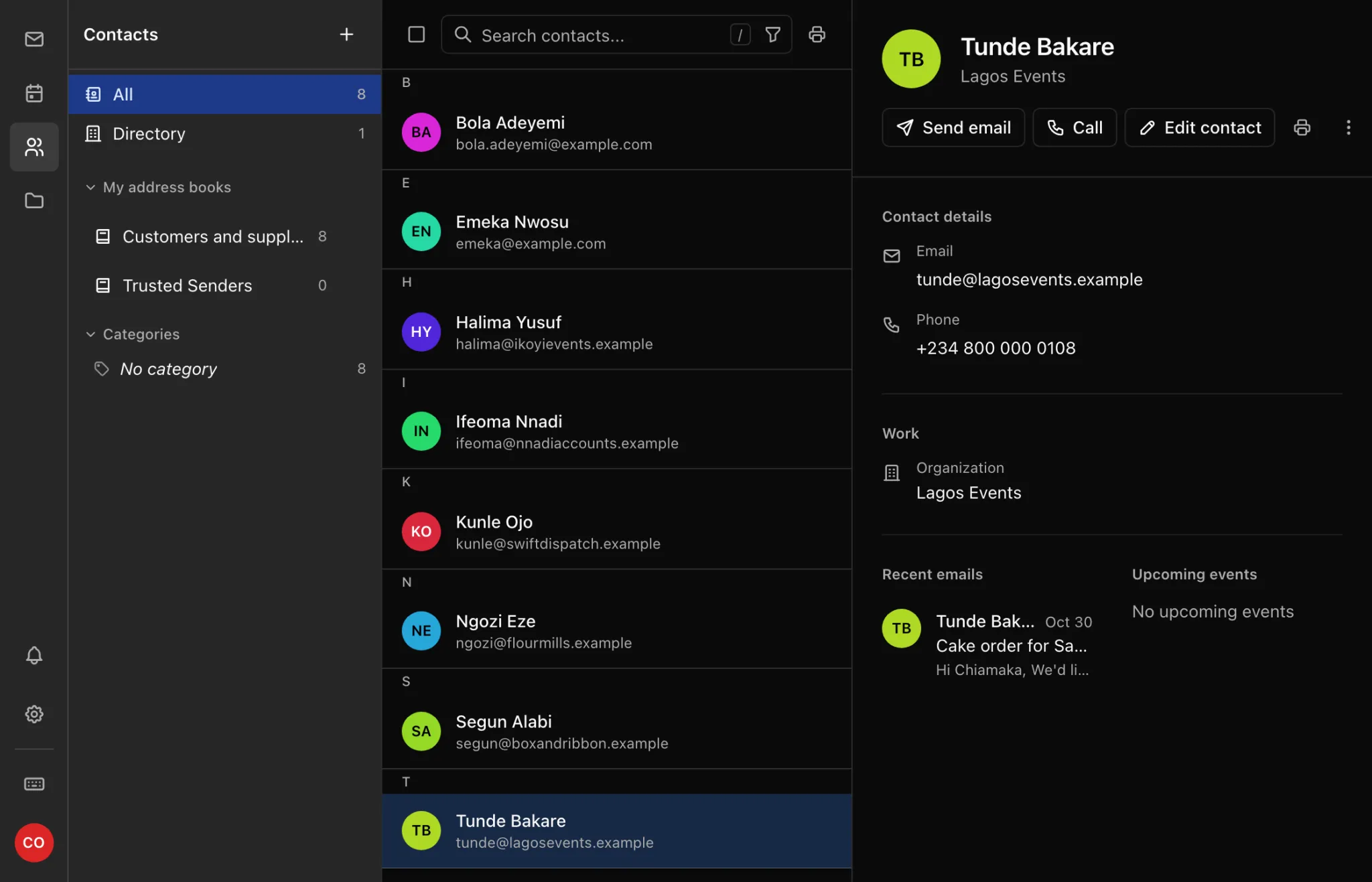
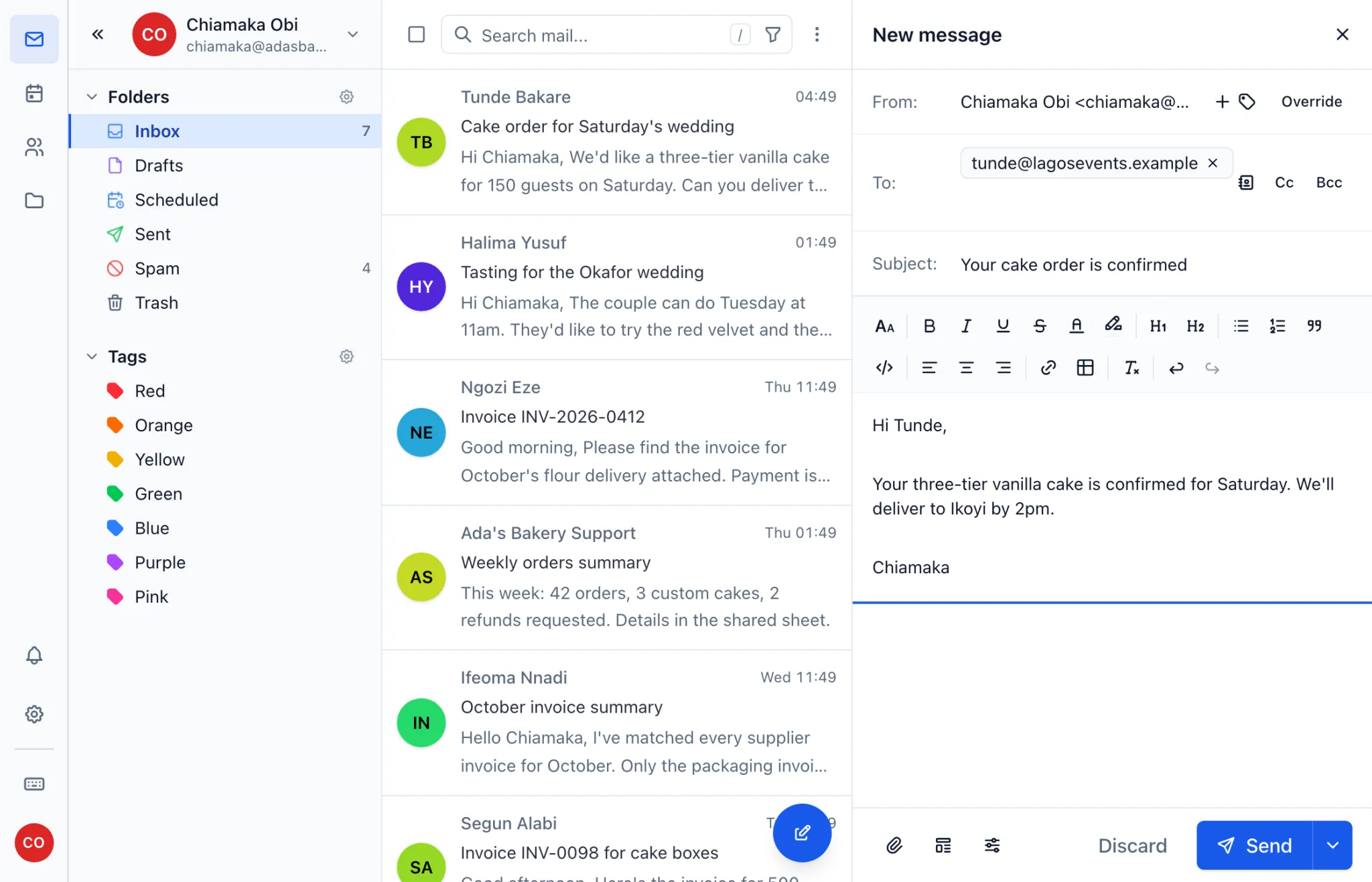
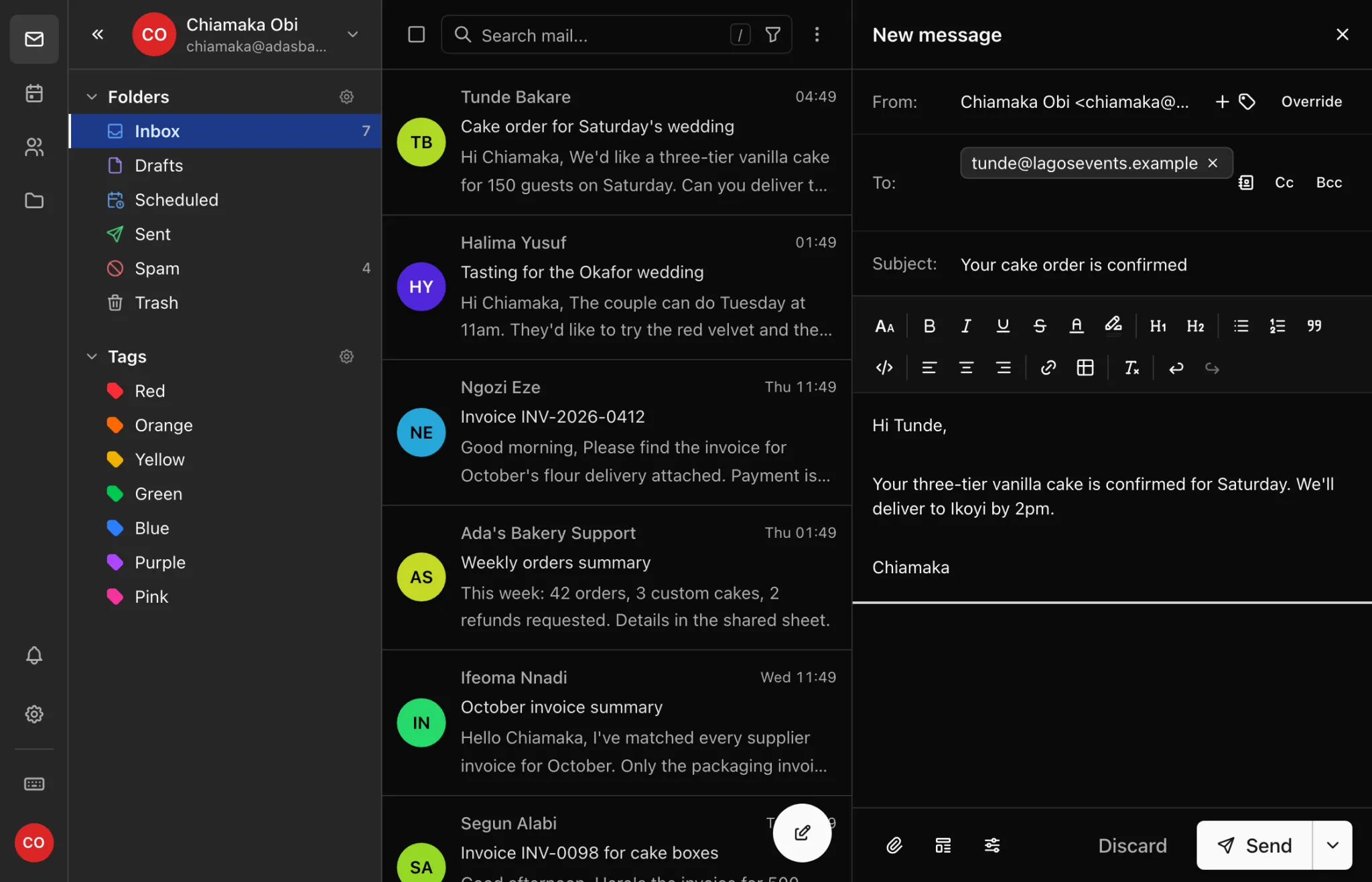
Light and dark mode for day or night.
Use the bright theme at your desk, switch to dark mode for late-night orders, or let webmail follow your device.
- Choose light, dark or match your device
- The same look across mail, calendar, contacts and files
Mobile support on iPhone and Android.
Webmail is built for your phone's screen, so you can answer a customer from the market or the delivery van, with nothing to install.
- Mail, calendar, contacts and files a tap apart
- Works in your phone's browser
- Or add your address to iPhone Mail, the Gmail app or Outlook


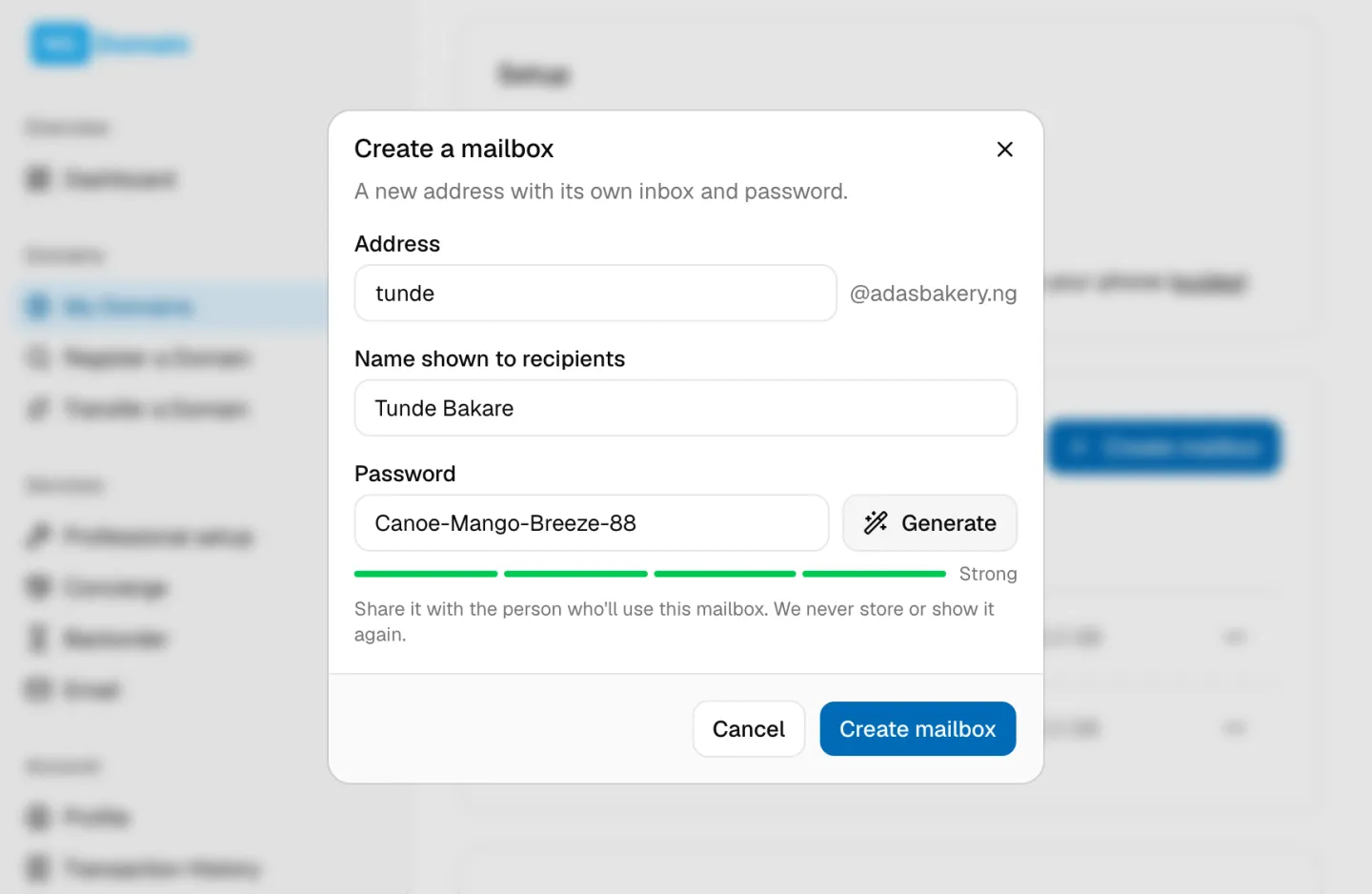
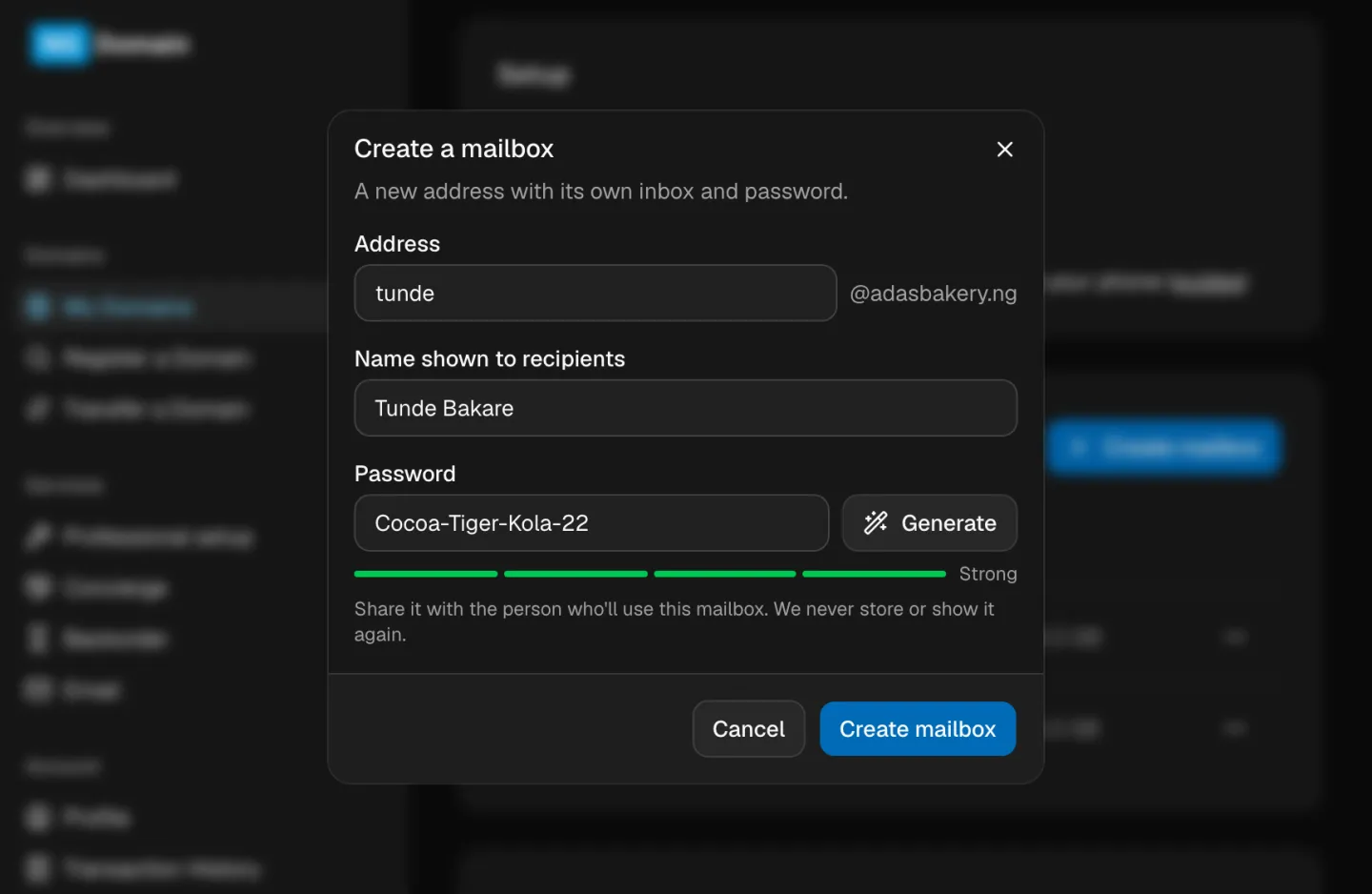
Add team mailboxes in under a minute.
Create a mailbox from your dashboard, generate a strong password and share it. Everyone gets their own inbox, and the addresses stay with your business.
- 3 mailboxes on Starter, 25 on Pro, in one yearly price
- Aliases like hello@ and sales@ at no extra cost
- Decide how much storage each mailbox gets
Pick the plan that fits your team.
- 3 mailboxes, 10 GB shared storage
- 10 aliases, like hello@ and sales@
- Webmail, phone and desktop apps
- Calendar, contacts and file storage in webmail
- Spam filtering, SPF, DKIM and DMARC set up for you
- 25 mailboxes, 100 GB shared storage
- 100 aliases and a catch-all address
- Calendar and contacts sync to your phone
- 1,000 messages a day per mailbox
- Priority support on WhatsApp
Billed yearly. Renews at the same price unless you change plans.
From checkout to your first email in three steps.
Register a new domain along with your email, or add email to a domain you already have with us.
Pick addresses and passwords in your dashboard. We set up your domain's email records for you.
Mail starts arriving within minutes, and sending opens up once your records verify, usually in under an hour.
Your phone, your laptop, any browser.
- Webmail
- iPhone & iPad
- Android (Gmail app)
- Outlook
- Apple Mail
- Thunderbird
If an app supports IMAP and SMTP, it works with your address. Your dashboard lists the settings, and our guides walk you through each app.
How we compare, honestly.
| NG Domain | Google Workspace | Microsoft 365 | Zoho Mail | |
|---|---|---|---|---|
| Billing | Yearly, in naira, plus VAT | Per user, usually priced in dollars, so the naira cost moves with the exchange rate | ||
| Mailboxes | 3 or 25 in one price | Each mailbox is another paid seat | ||
| Setup | Email records published for you | You copy records from them into your DNS | ||
| Office apps | Email, calendar, contacts and file storage | They go further: online documents, spreadsheets, video calls and larger file storage | ||
| Support | A Nigerian team, by email and WhatsApp | Global support centres | ||
Their current prices are on their own pricing pages: Google Workspace, Microsoft 365, Zoho Mail.
Bring your old mail with you.
Coming from Gmail, cPanel or another host? Your mail app can copy every folder across over IMAP, and mail keeps flowing while you switch. Read the moving guide.
Everything you might want to ask before buying.
Is there a free trial?
No, but the demo lets you click through the real webmail first, and the screenshots on this page show what you'd use every day.
Can I get a refund?
Business email follows the same refund policy as the rest of NG Domain; see Payments, receipts and refunds in the help centre. If you're unsure it's right for you, try the demo or ask us on WhatsApp before you buy.
What happens if I don't renew?
Mail keeps working for 15 days after the end date. After that sign-in and sending stop, but incoming mail is still kept. 45 days after the end date the mailboxes and their mail are deleted. Renew any time before then and everything comes back as it was.
Can I upgrade later?
Yes, from Starter to Pro at any time. You pay for a year of Pro and the unused part of your Starter year is credited onto it. You can move from Pro to Starter when Pro renews, as long as your mailboxes fit Starter's limits.
Can I use it with a domain from another registrar?
Not yet. Business email is for domains registered with NG Domain. Transfer your domain to us first, then add email.
How many mailboxes do I get?
3 with Business Starter and 25 with Business Pro, all on the same domain.
What's the difference between a mailbox and an alias?
A mailbox has its own inbox and password. An alias is an extra address, like hello@ or sales@, that delivers into an existing mailbox and costs nothing extra.
How much storage do I get?
10 GB shared by every mailbox on Starter, 100 GB on Pro. You decide how much each mailbox gets.
Are there sending limits?
Each mailbox can send 300 messages a day on Starter and 1,000 on Pro. The limits keep the shared sending reputation clean, which is what keeps your mail out of spam folders. For newsletters, use a newsletter service.
How big can attachments be?
Up to 25 MB per message, the same as most providers.
Do you read my mail?
No. Your mail is stored on our servers so you can read it anywhere, but nobody at NG Domain reads it. Spam filtering is automatic.
Where is my mail stored?
On mail servers NG Domain runs for its customers, with daily backups. Outgoing mail is delivered through Amazon SES, which other providers trust.
Can I export my mail?
Yes. Any IMAP mail app can copy every folder out, and we'll help if you ask. Your mail is never locked in.
Does it work on my phone?
Yes. Use the webmail in your phone's browser, or add the account to iPhone Mail, the Gmail app on Android, or Outlook.
Will setting up email break my website?
No. Email uses its own DNS records (MX, SPF, DKIM, DMARC). Your website's records aren't touched.
What DNS changes do you make?
We add an MX record for incoming mail, add Amazon SES to your SPF record (or create one), add three DKIM records and a DMARC record, and add records that let mail apps set themselves up. If your domain uses NG Domain DNS, we do this for you.
What if my DNS is on Cloudflare or another provider?
It works the same. Your dashboard lists the records to add there, with copy buttons, and checks them for you.
Can I keep using Gmail?
Yes. Add your new address to the Gmail app on your phone and read both side by side.
Is there a catch-all address?
On Business Pro. Mail sent to any address on your domain that doesn't exist is delivered to a mailbox you choose.
Can several people share a mailbox?
Give them the address and password of a shared mailbox like support@, or use aliases so one person's mailbox receives several addresses.
Can I set an auto-reply?
Yes. Turn on Out of Office or create filters in webmail's settings.
Is there a calendar?
Webmail has a calendar and contacts on both plans. Business Pro also syncs them to your phone and computer.
Can I store files?
Yes. Webmail has file storage on both plans, with folders, previews and a trash you can restore from. Files share your plan's storage with your mail: 10 GB on Starter, 100 GB on Pro.
Is two-factor authentication supported?
Not yet in webmail. Give each mailbox its own strong password; the dashboard's password generator makes one for you.
When can I get help?
Email us or message us on WhatsApp and we'll reply within one business day. Business Pro customers get priority on WhatsApp.
Can I get an invoice for my company?
Yes. Every payment has a receipt in your dashboard, and we can issue a company invoice on request.
Put your business name on every email.
Choose a plan, tell us your domain and finish at checkout. Still deciding? We're happy to help on WhatsApp.
Get business email Ask us on WhatsApp