
Both live in webmail's settings, so they keep working when your phone or computer is off.
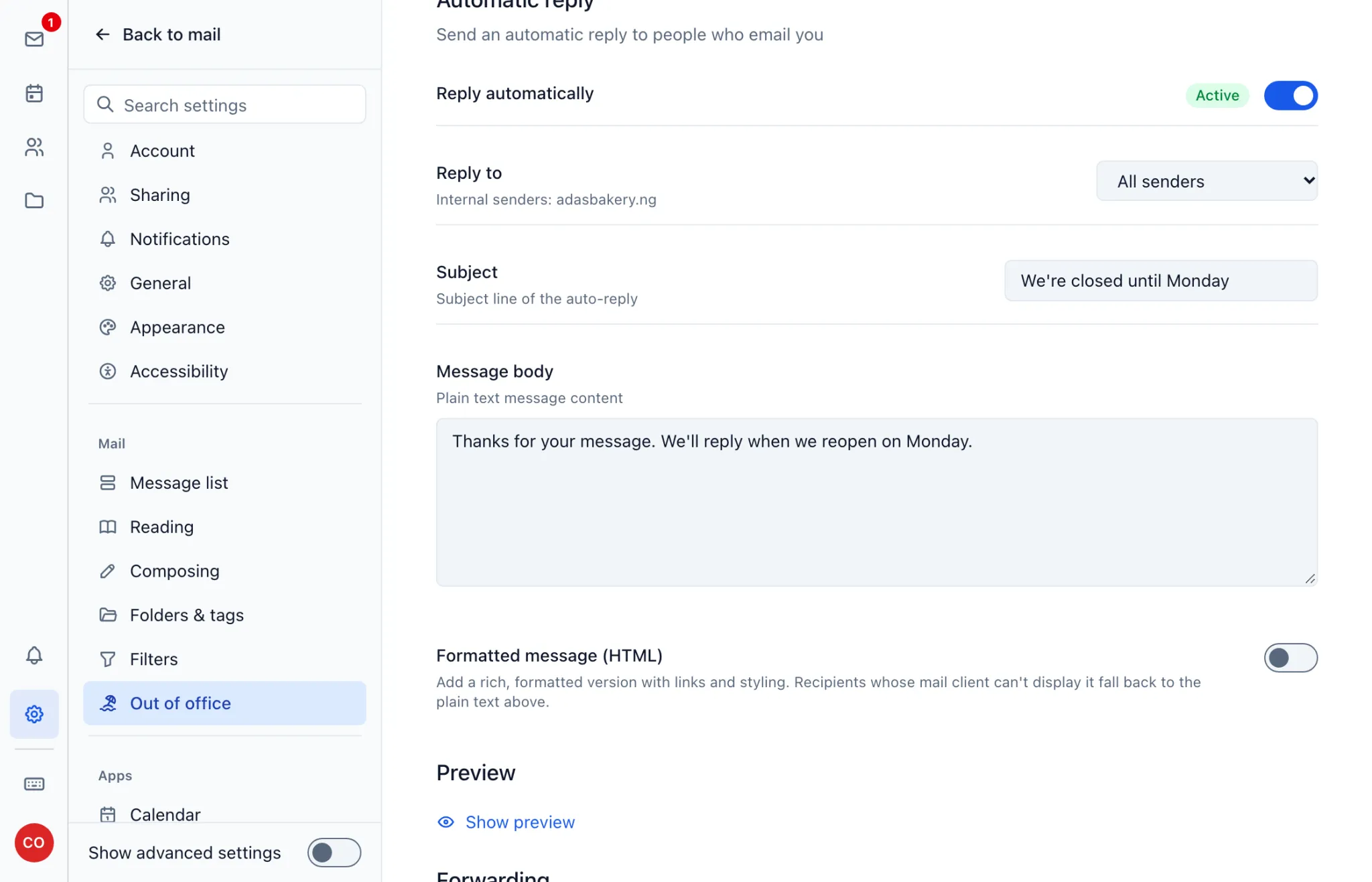
Out-of-office reply
- Sign in at https://mail.ngdomain.ng and open Settings.
- Choose Out of office.
- Set a Start date and End date if you want it to switch itself on and off.
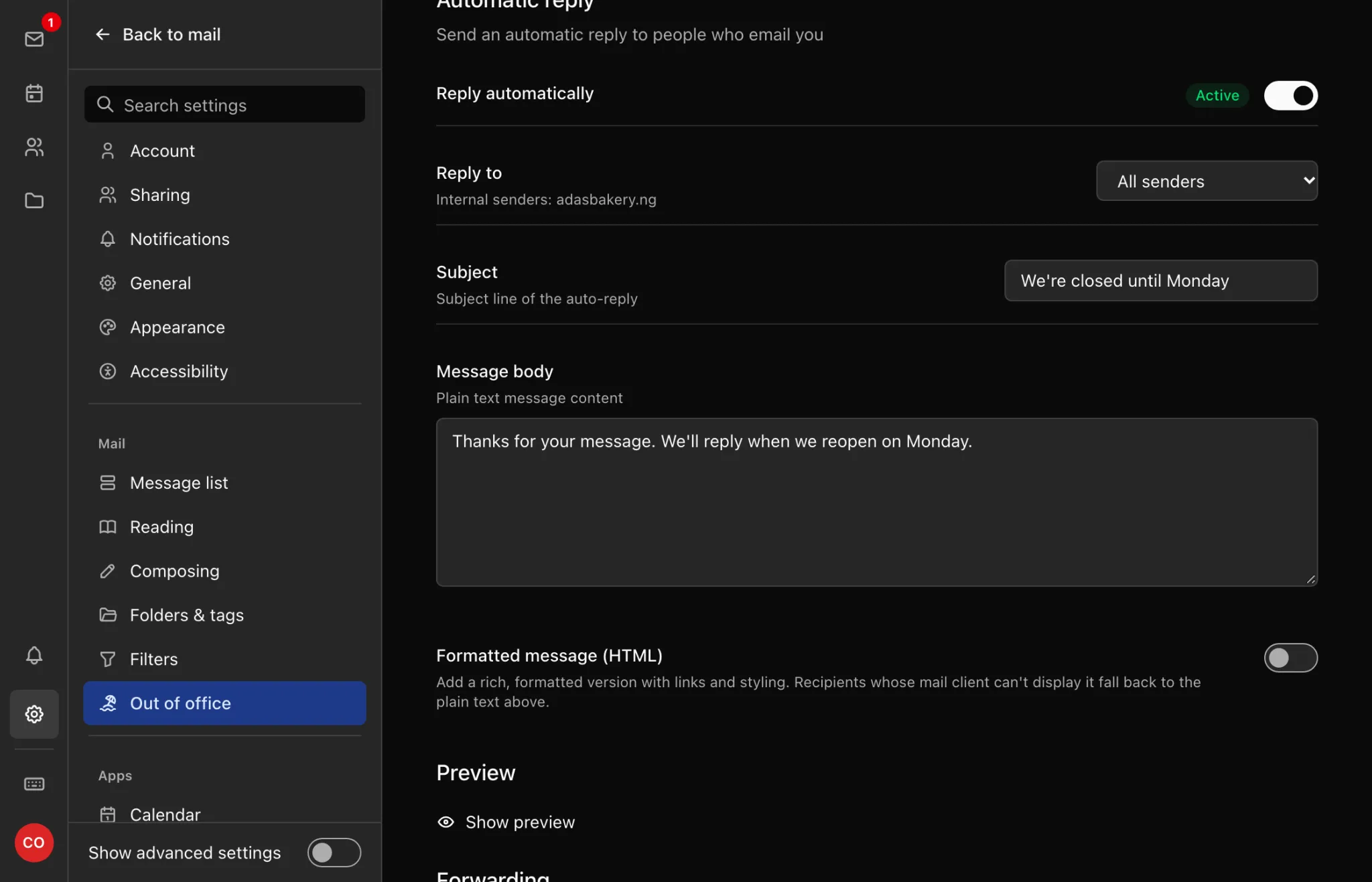
- Turn on Reply automatically, then fill in the Subject and Message body. Changes save as you make them.
Senders get your reply once each.
Filters
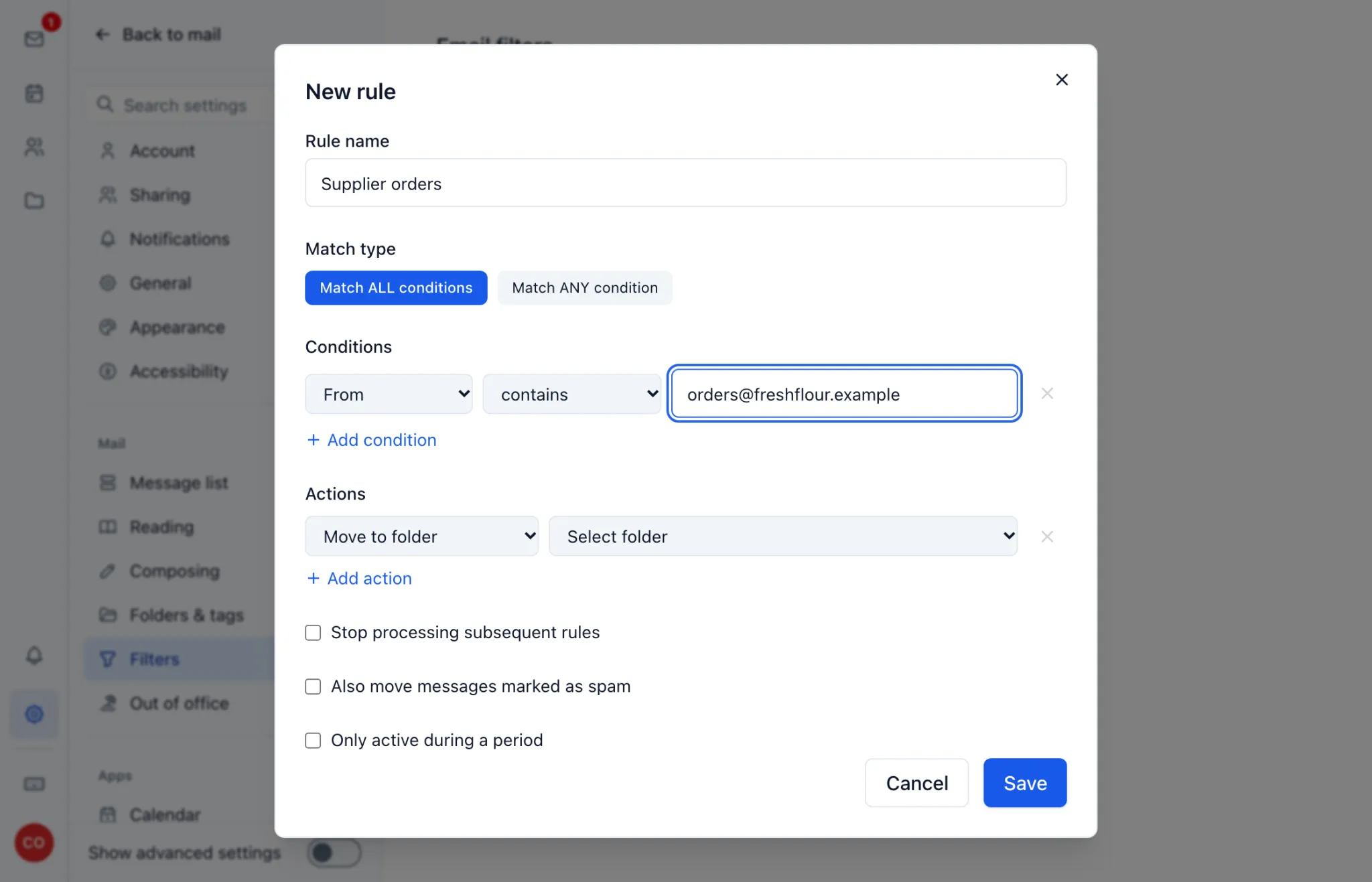
- In Settings, open Filters and click New rule.
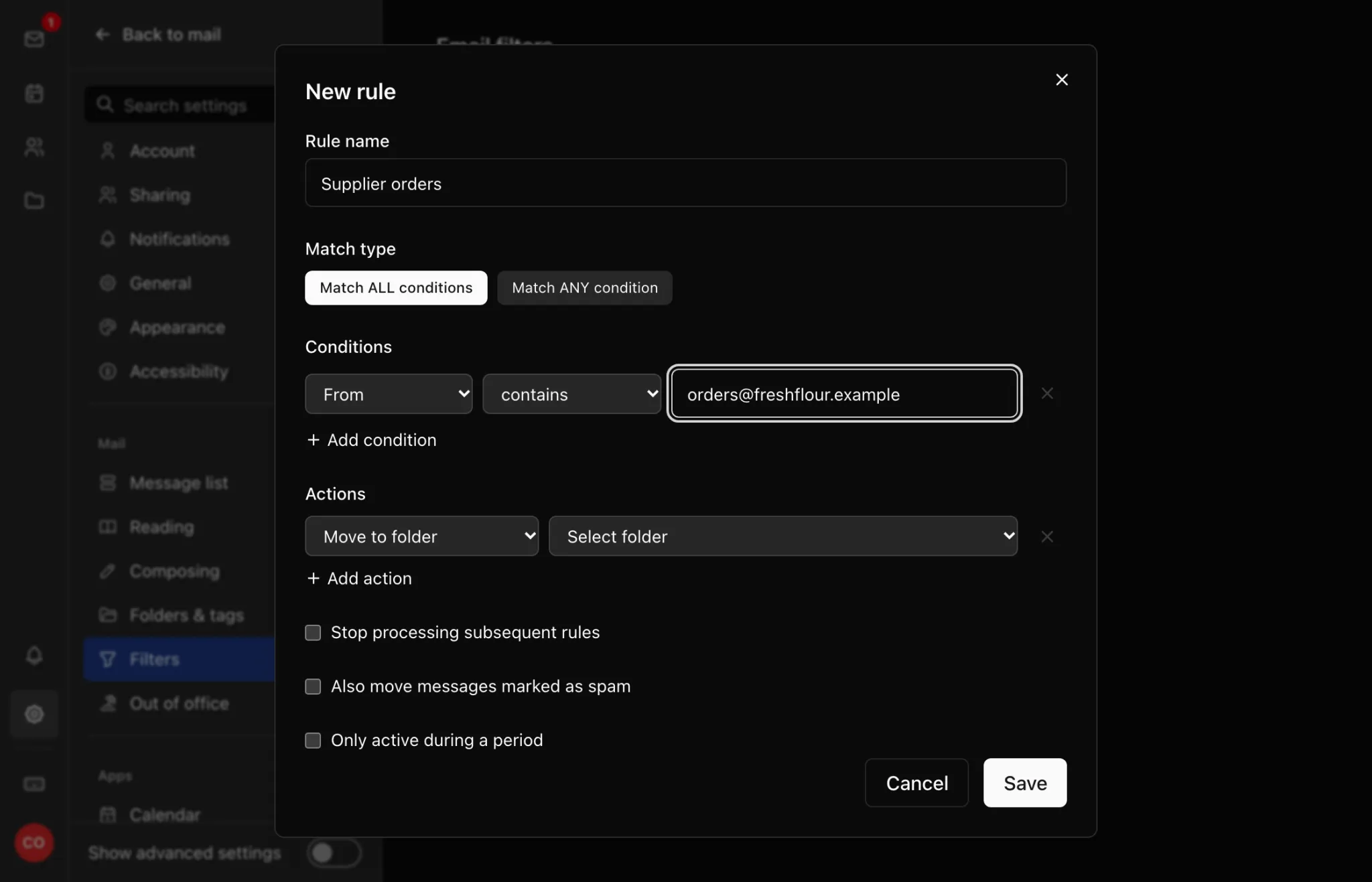
- Name the rule, then add its conditions and actions: for example, messages from
orders@your supplier go to an Orders folder. - Click Save. The rule applies to new mail as it arrives.
Filters can also tag, star or mark mail as read. Forwarding to outside addresses, like Gmail, isn't supported yet, even though Forward to appears in the list of actions. See Mailboxes, Aliases and Catch-all.