
Webmail's calendar and contacts work on both plans. With Business Pro, they also sync to your phone and computer over CalDAV and CardDAV.
Calendar
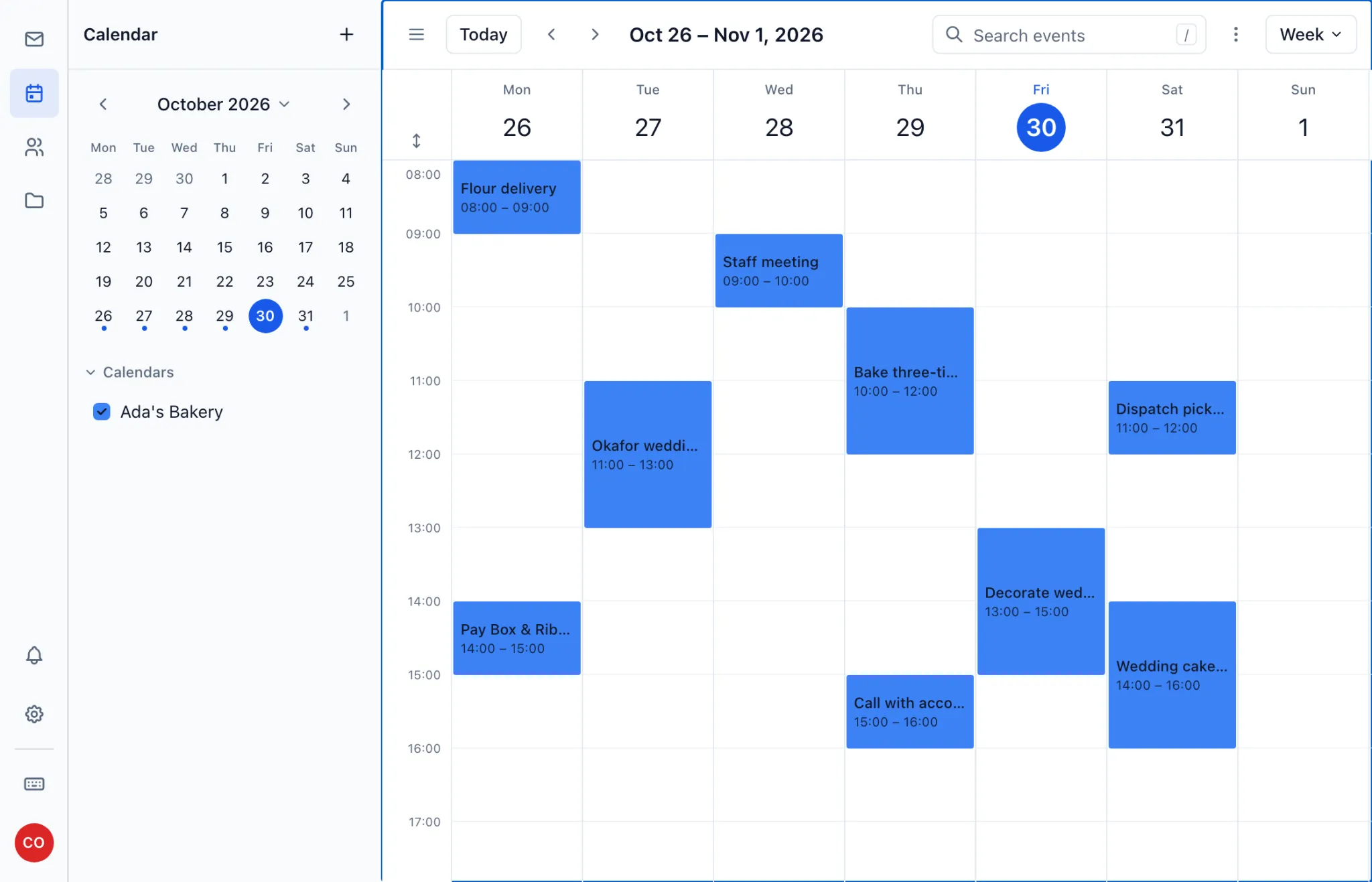
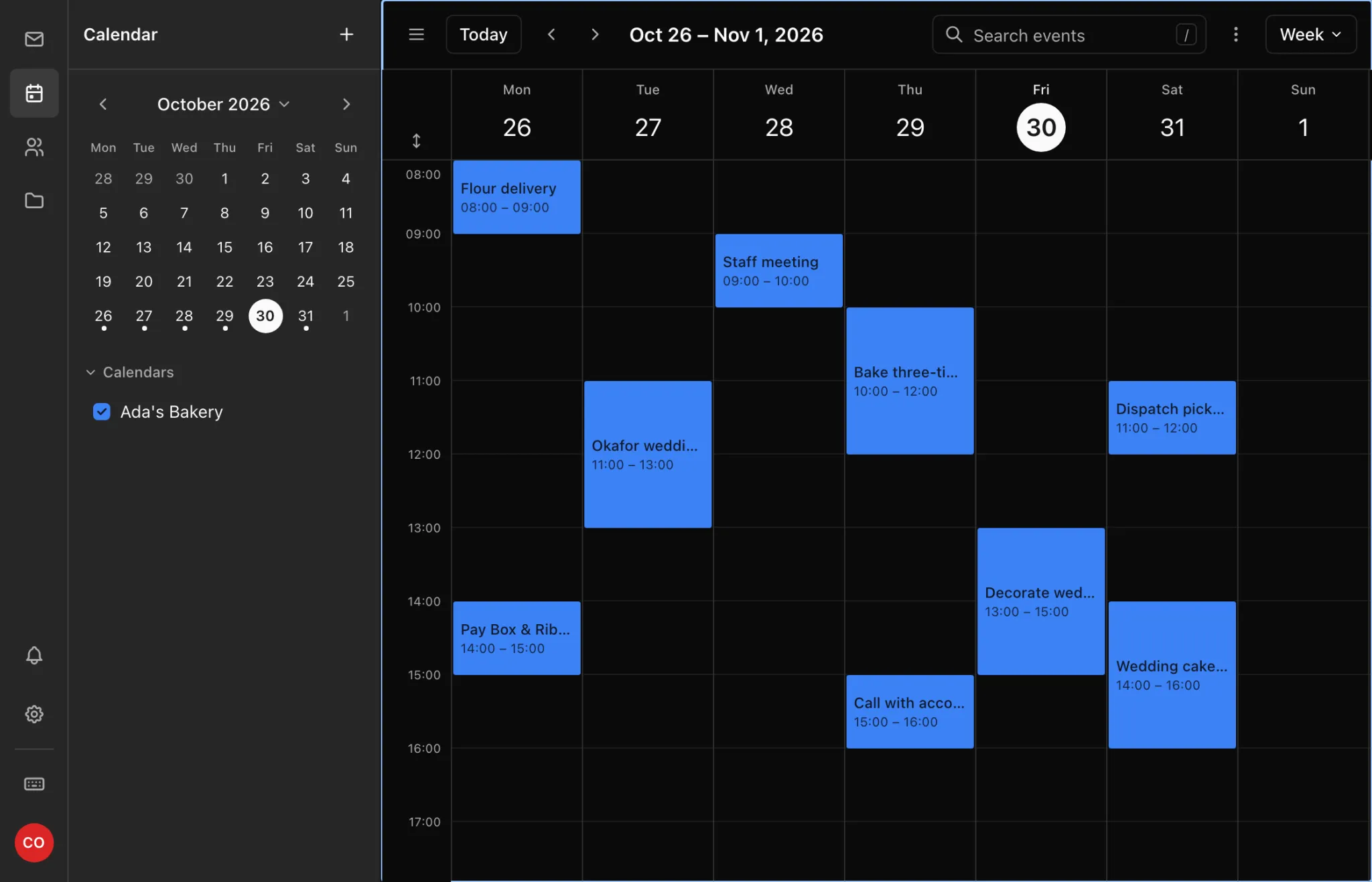
Open Calendar from the icons in webmail and click Create event. Switch between month, week and agenda views to see what's coming up.
Contacts
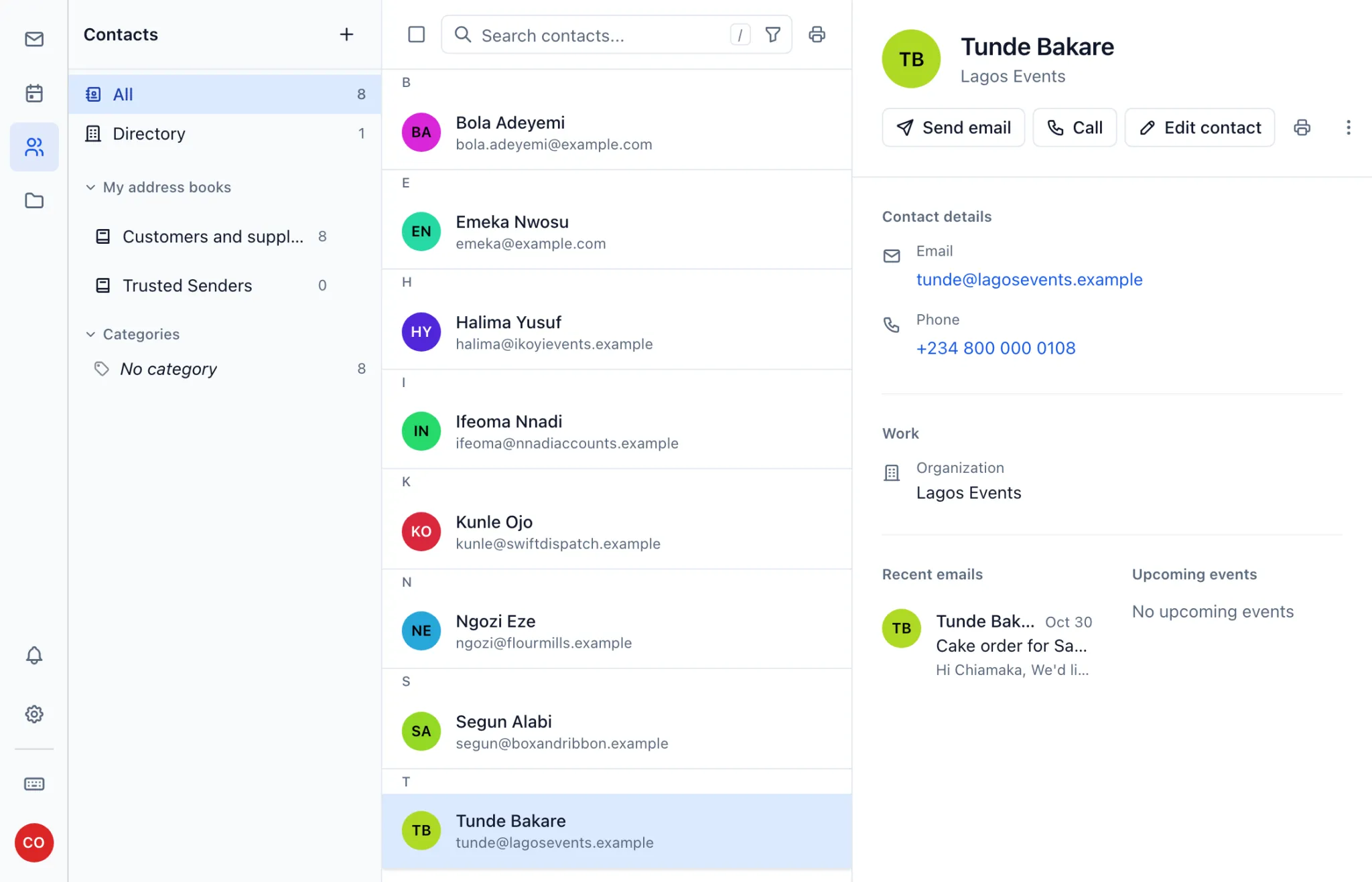
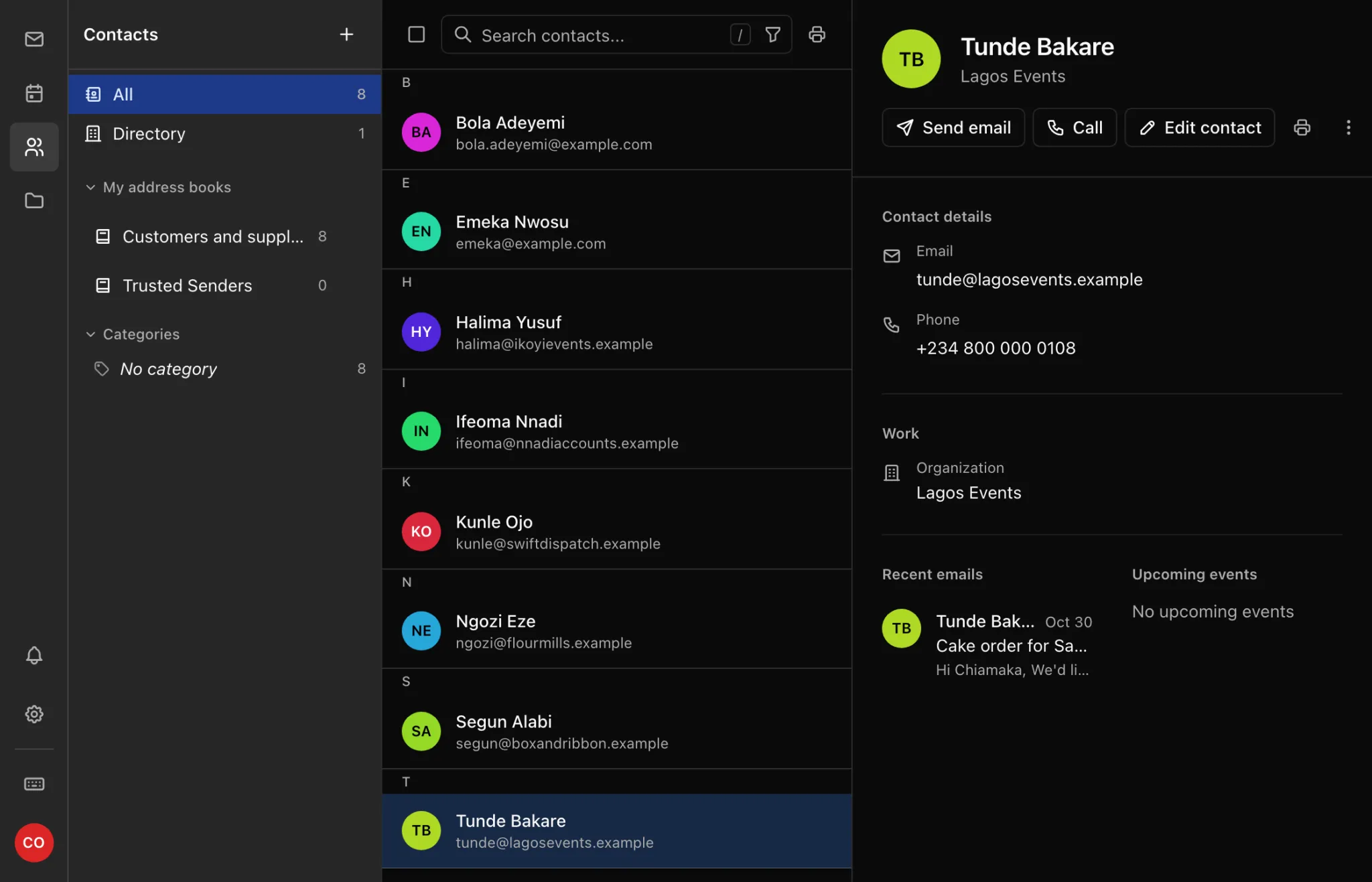
Open Contacts, click New and choose New contact. To bring in an existing list, choose Import contacts. When you write a message, addresses from your contacts are suggested as you type.
Sync on iPhone and iPad
- Settings → Apps → Calendar → Calendar Accounts → Add Account → Other → Add CalDAV Account.
- Server:
mail-api.ngdomain.ng. User name: your full address. Password: the mailbox password. - For contacts, repeat under Contacts → Add CardDAV Account with the same details.
Sync on Android
Install a CalDAV/CardDAV app such as DAVx⁵, add an account with URL and user name, and use https://mail-api.ngdomain.ng with your full address and password.
Sync with Thunderbird and Apple Calendar
Add a CalDAV calendar at https://mail-api.ngdomain.ng/dav/cal/you%40yourbusiness.ng/, replacing the address with yours (the @ is written %40).
On Business Starter, these connections are refused. Upgrade to Pro from the domain's Email tab.