
Find a message
Type in Search mail at the top of webmail and press Enter. Search looks through the words inside your messages as well as names and subjects, in every folder except Spam and Trash.
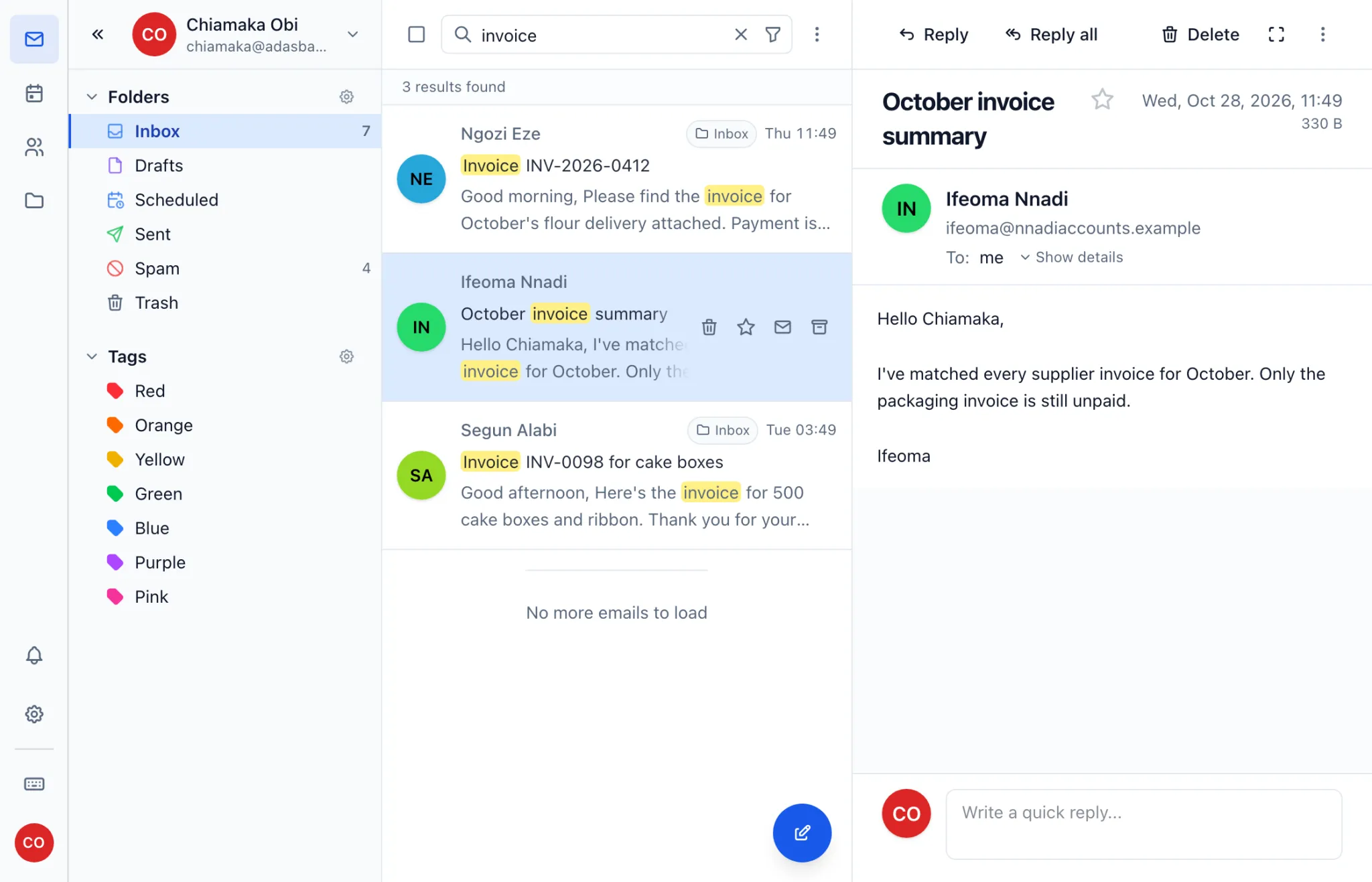
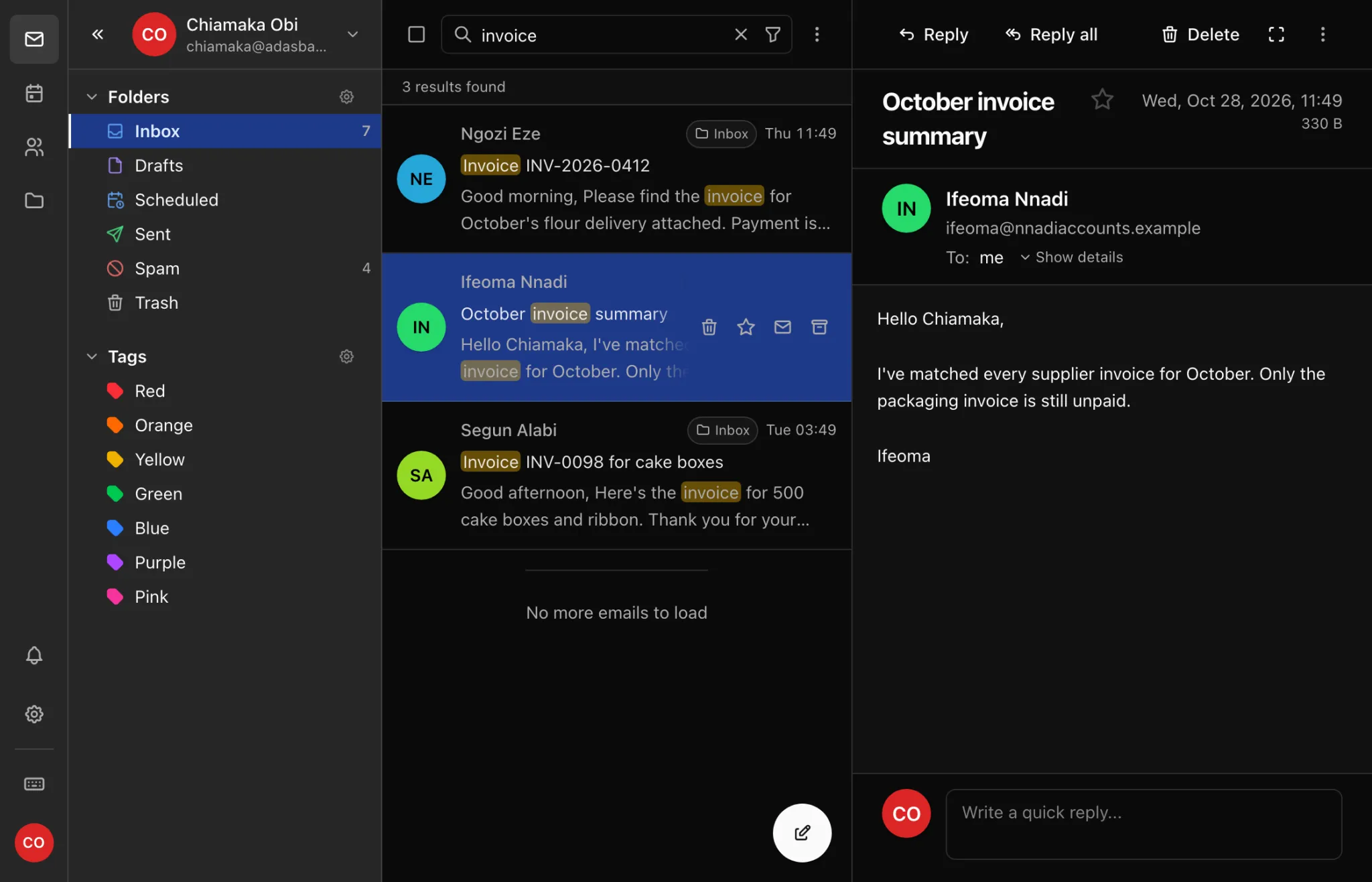
To narrow it down, click Filters and choose a sender, recipient, subject or date, or look only for messages with attachments. To look in Spam and Trash too, set Folder to All folders.
How spam is handled
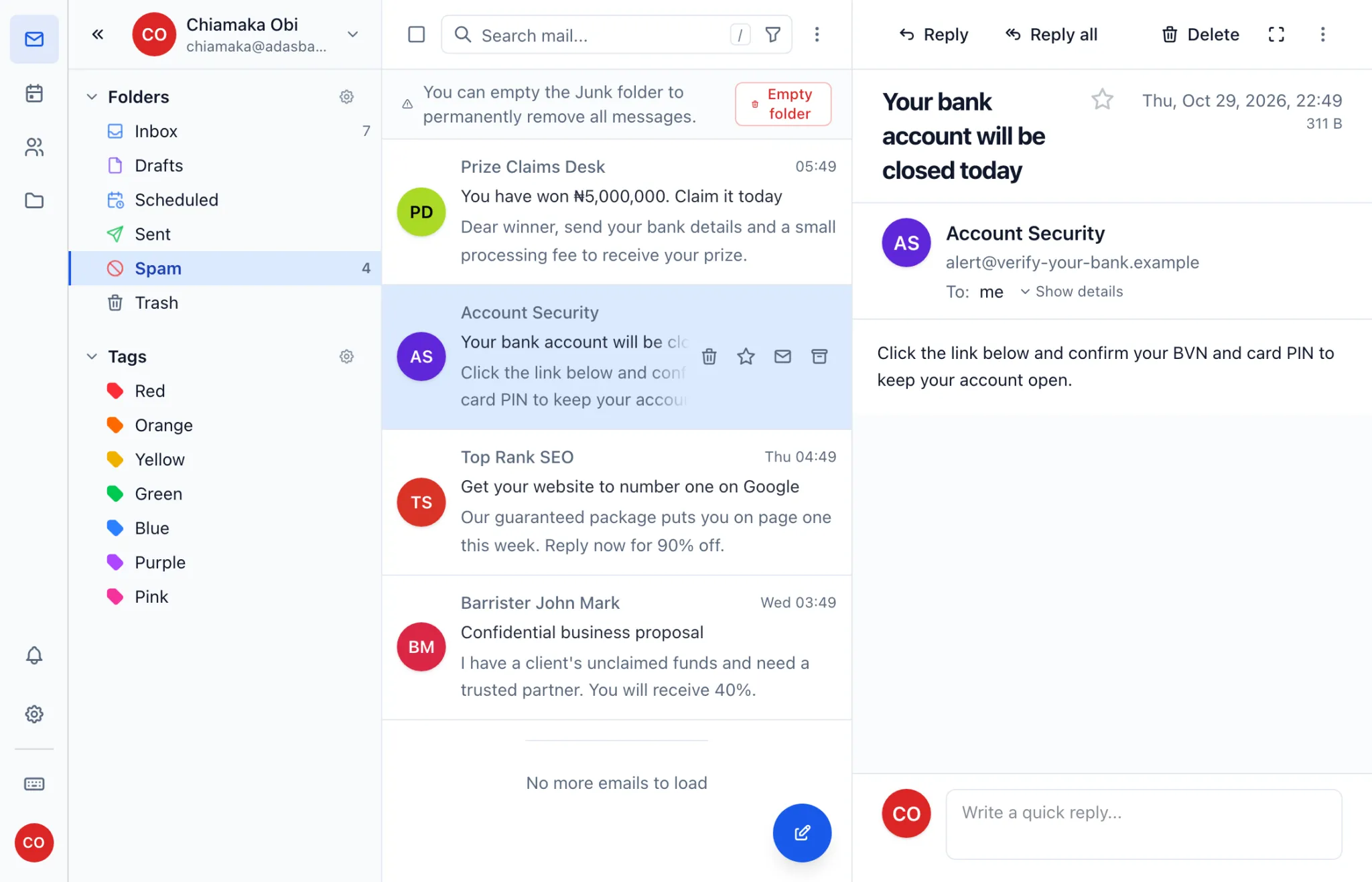
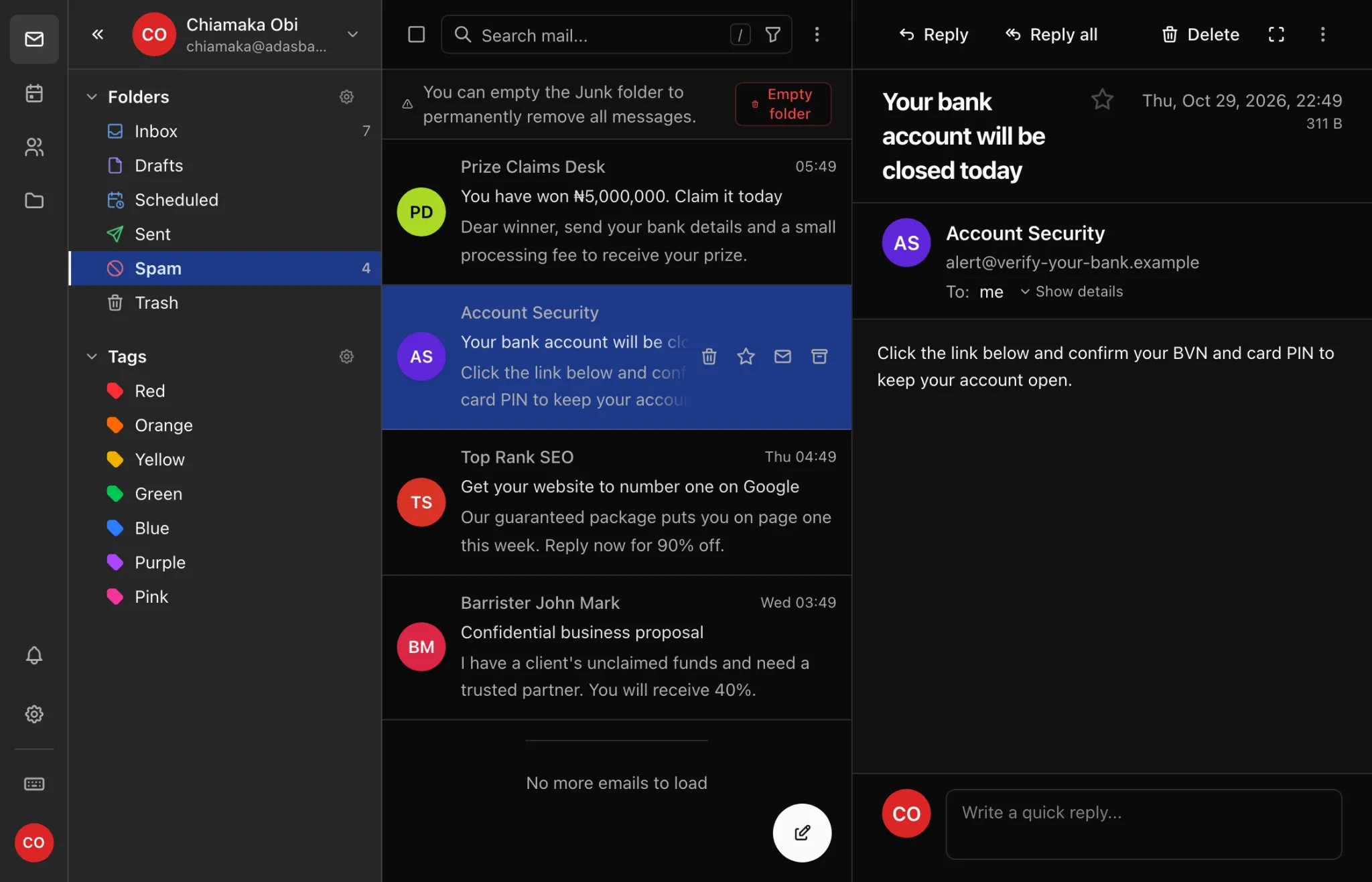
Incoming mail is checked as it arrives, and anything that looks like spam goes straight to your Spam folder instead of your inbox.
If a filter gets it wrong
- A good message in Spam: open it, click More actions and choose Not spam. It moves back to your inbox.
- Spam in your inbox: open it, click More actions and choose Report spam.
If you use a mail app on your phone or computer, check the Spam or Junk folder there too.
Are your own messages landing in other people's spam folders? See the deliverability checklist.