
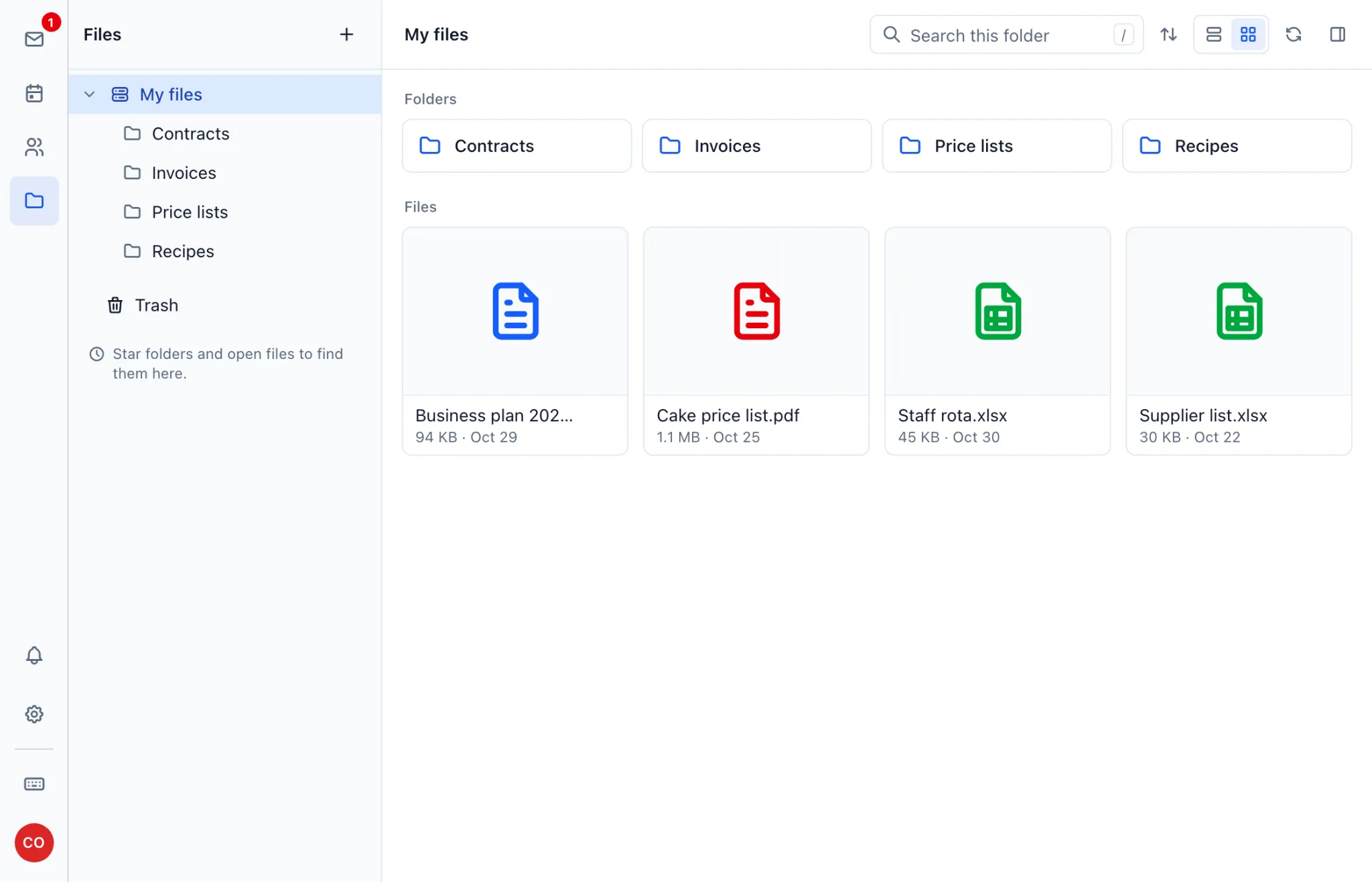
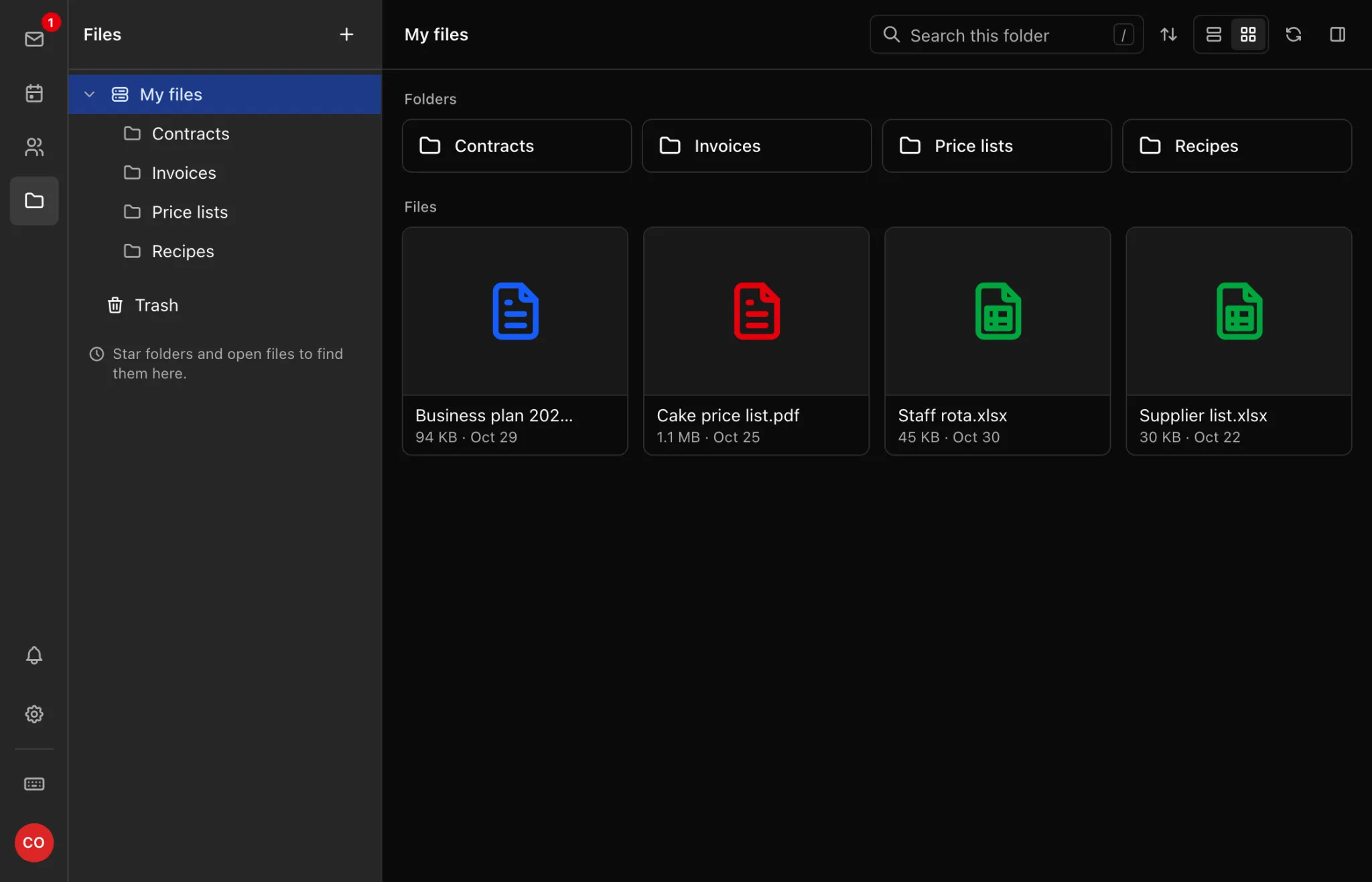
Every mailbox on both plans comes with Files, a private place to keep documents alongside your mail. Open it from the icons in webmail.
Add files and folders
Click New, then choose:
- Upload files or Upload folder to bring things in from your computer or phone.
- New folder to organise what you have.
- New text file to write a quick note.
Save an attachment
Open the message, then use Save to Files on the attachment.
Delete and restore
Click ⋯ next to a file and choose Delete, and it moves to Trash. Open Trash to restore it.
Storage
Files share your mailbox's storage with your mail, so a large upload leaves less room for messages. See Storage, Sending Limits and Attachments.