
Webmail works in any modern browser, on a computer or a phone.
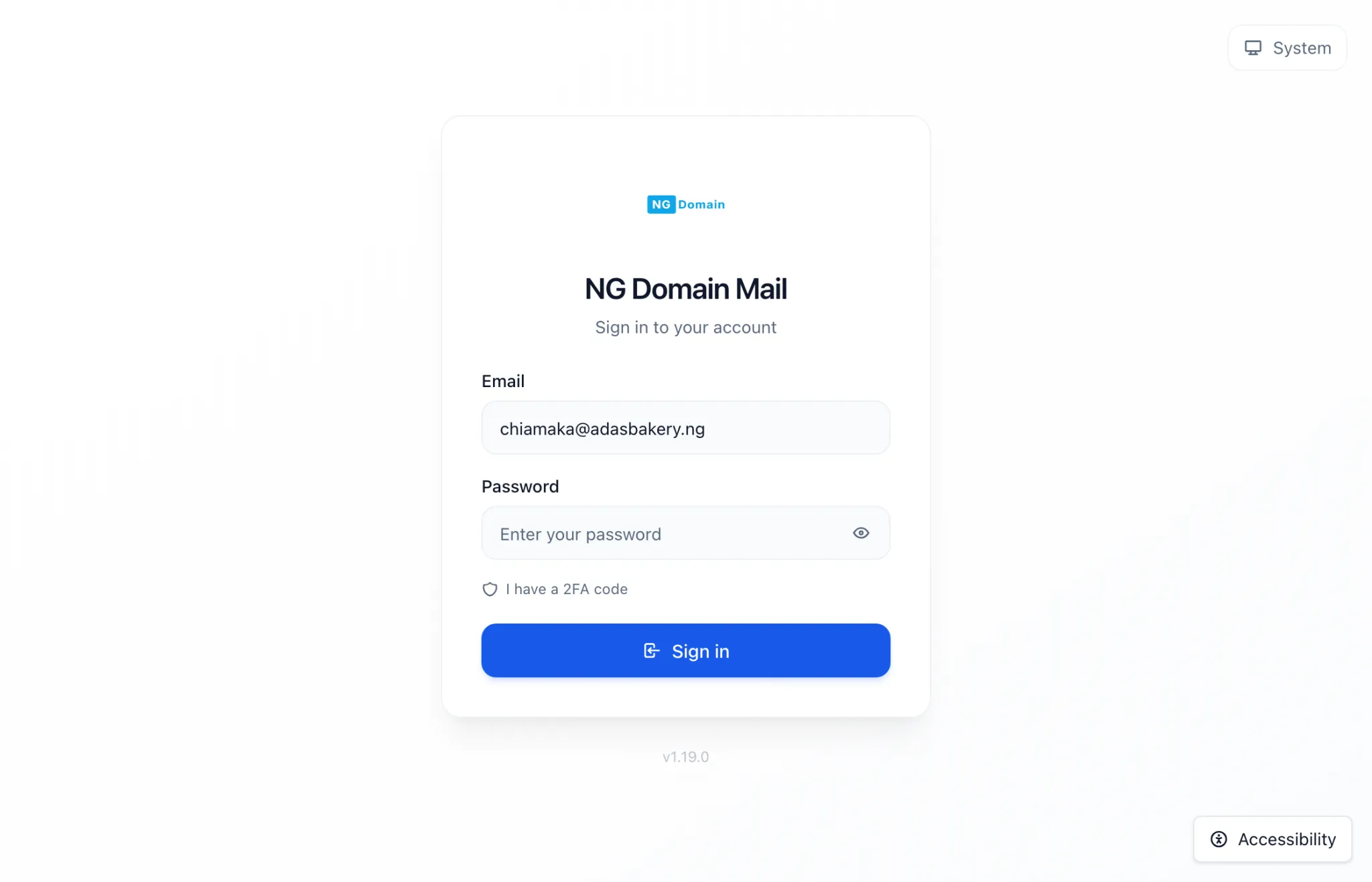
- Go to https://mail.ngdomain.ng.
- Enter your full address, such as
[email protected], and the mailbox password. - Click Sign in.
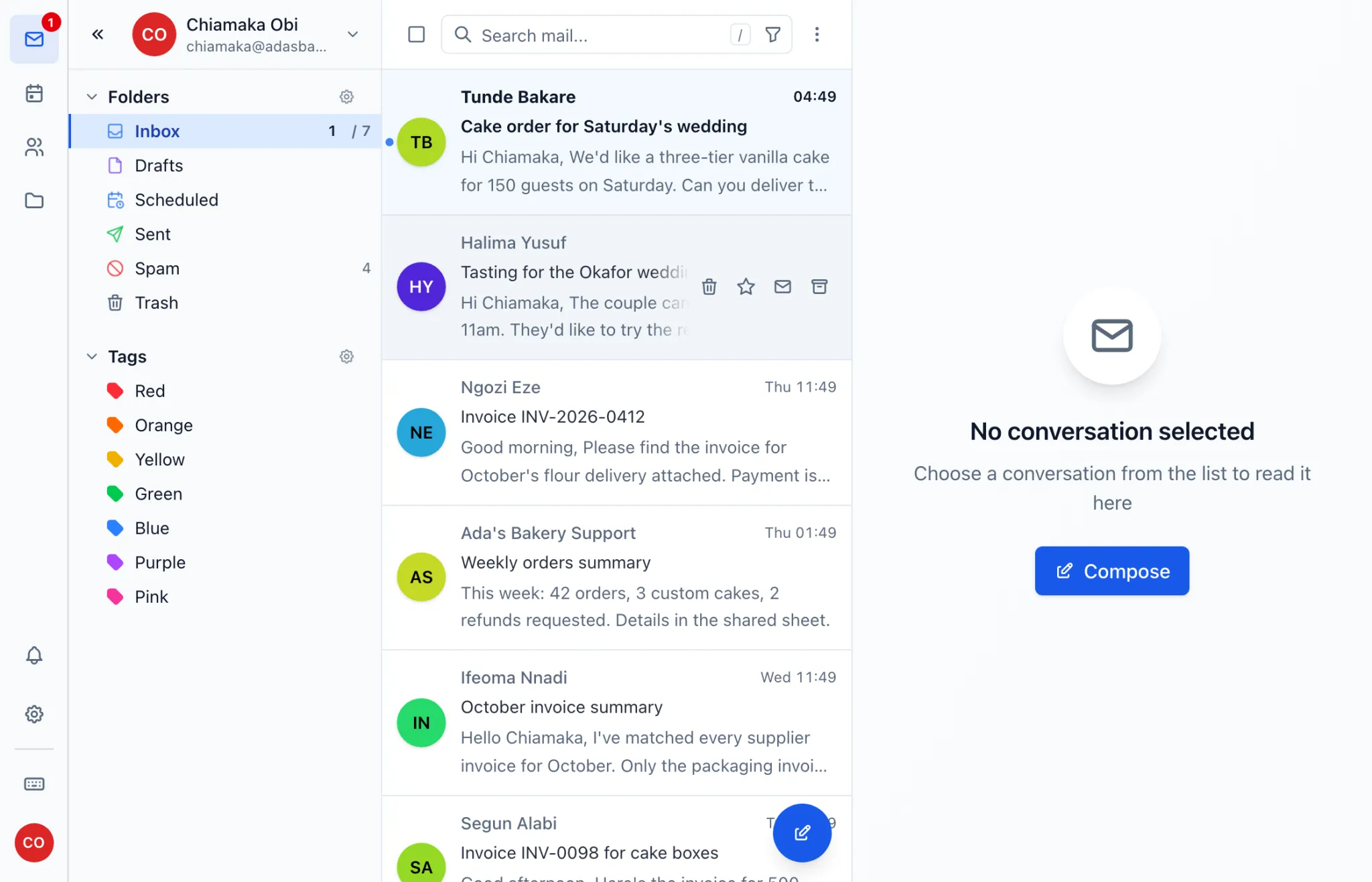
The icons down the side, or along the bottom on a phone, switch between your mail, calendar, contacts, files and settings.
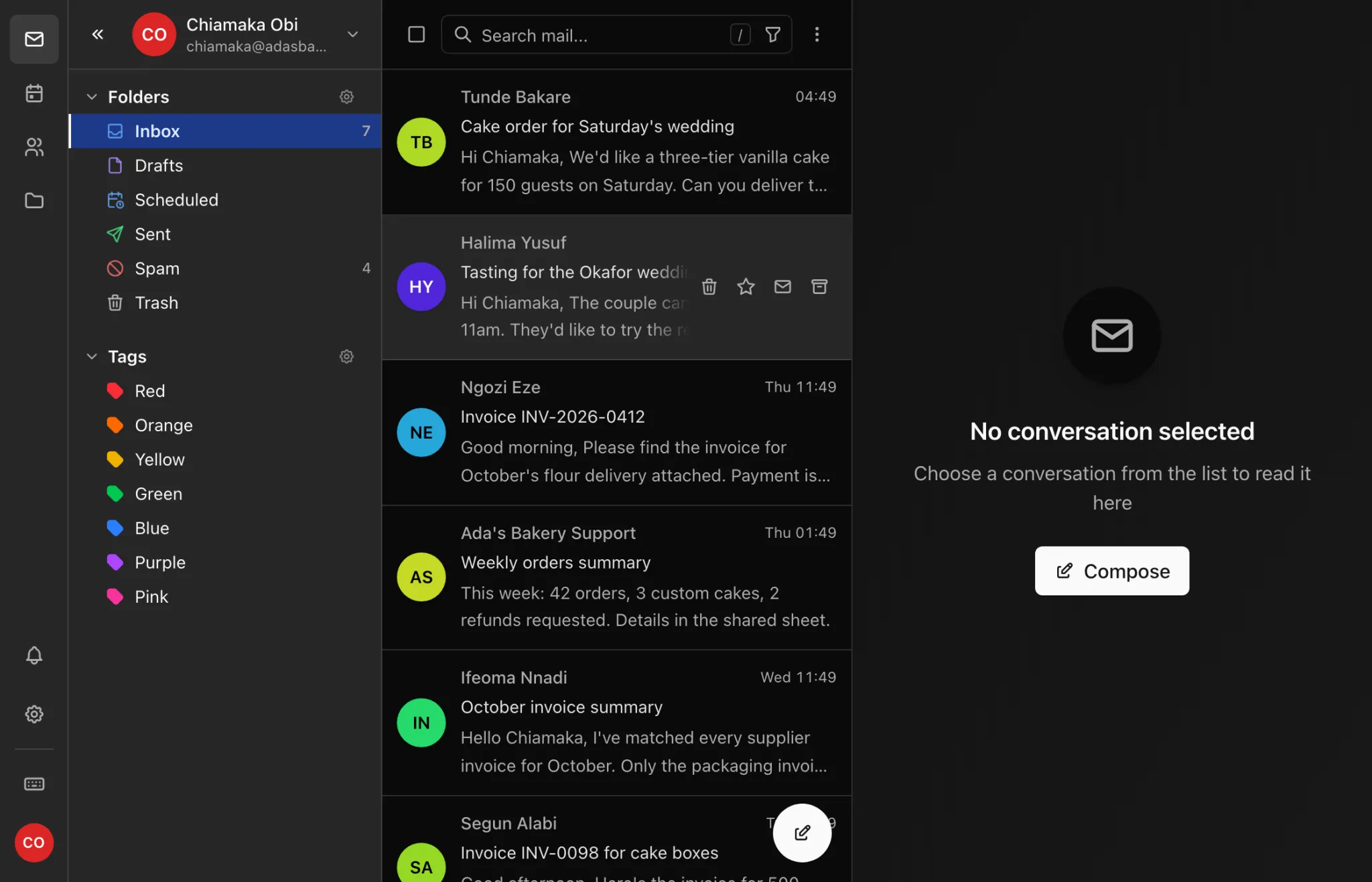
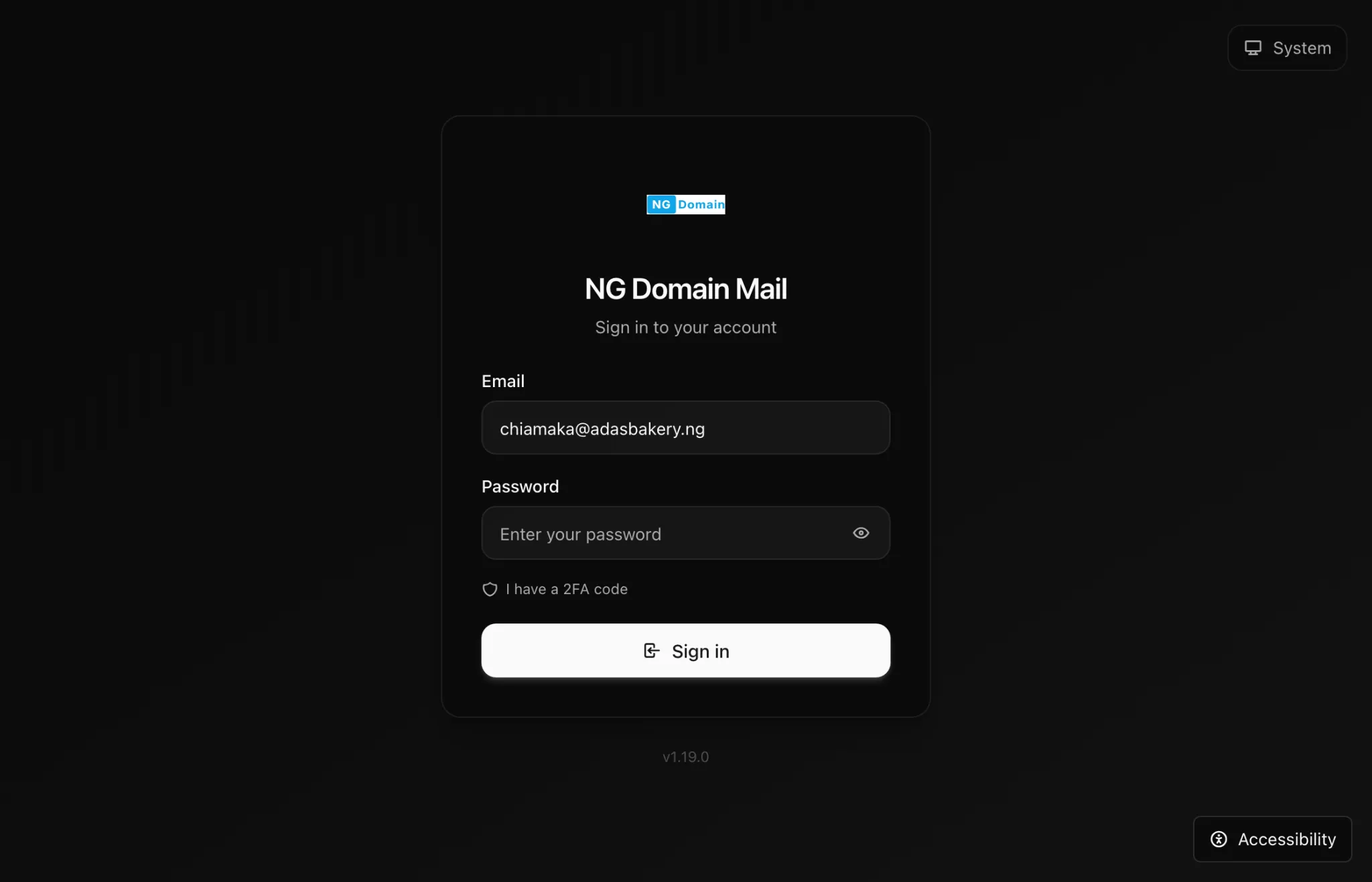
Light or dark
Open Settings, choose Appearance, and pick Light, Dark or System. System follows your device.
Can't sign in?
- Check you typed the whole address, not just the part before the @.
- Leave I have a 2FA code alone. Two-factor sign-in isn't available yet, so you don't need a code.
- The domain owner can reset the password from the domain's Email tab. See Mailbox Passwords and Security.
- If the plan has lapsed for more than 15 days, sign-in is paused until it's renewed. See Renewing, Upgrading and Cancelling.