
Sites hosts a static website on your own domain: HTML, CSS, JavaScript and images, built by hand or by a generator such as Hugo, Eleventy or Next.js. Every version you publish is kept, and forms, visitor statistics and an HTTPS certificate are included.
What a site can hold
| Starter | |
|---|---|
| Storage | 1 GB |
| Files | 10,000, up to 25 MB each |
| Requests | 1,000,000 a month |
| Forms | Contact and subscribe forms, sent to your account's email |
Sites serves files as they are. Pages that run code on the server, such as PHP, Python or Next.js server rendering, don't work, and video files aren't accepted. To host a WordPress site, export it as static files first.
1. Order a site
Click Get started on the Sites page, or sign in to your dashboard, open Sites under Hosting and click New site.
- Domain: pick one of your domains. A domain that already has a site can't take another. Pick Decide later to start on a preview address and add a domain when you're ready. A domain registered elsewhere? Transfer it to NG Domain first.
- How will you publish? Pick Upload files to publish a folder or ZIP from your computer, or GitHub Actions to publish from your repository on every push. You can switch later, on the same plan.
- Click Continue to payment, check the order and pay by card.
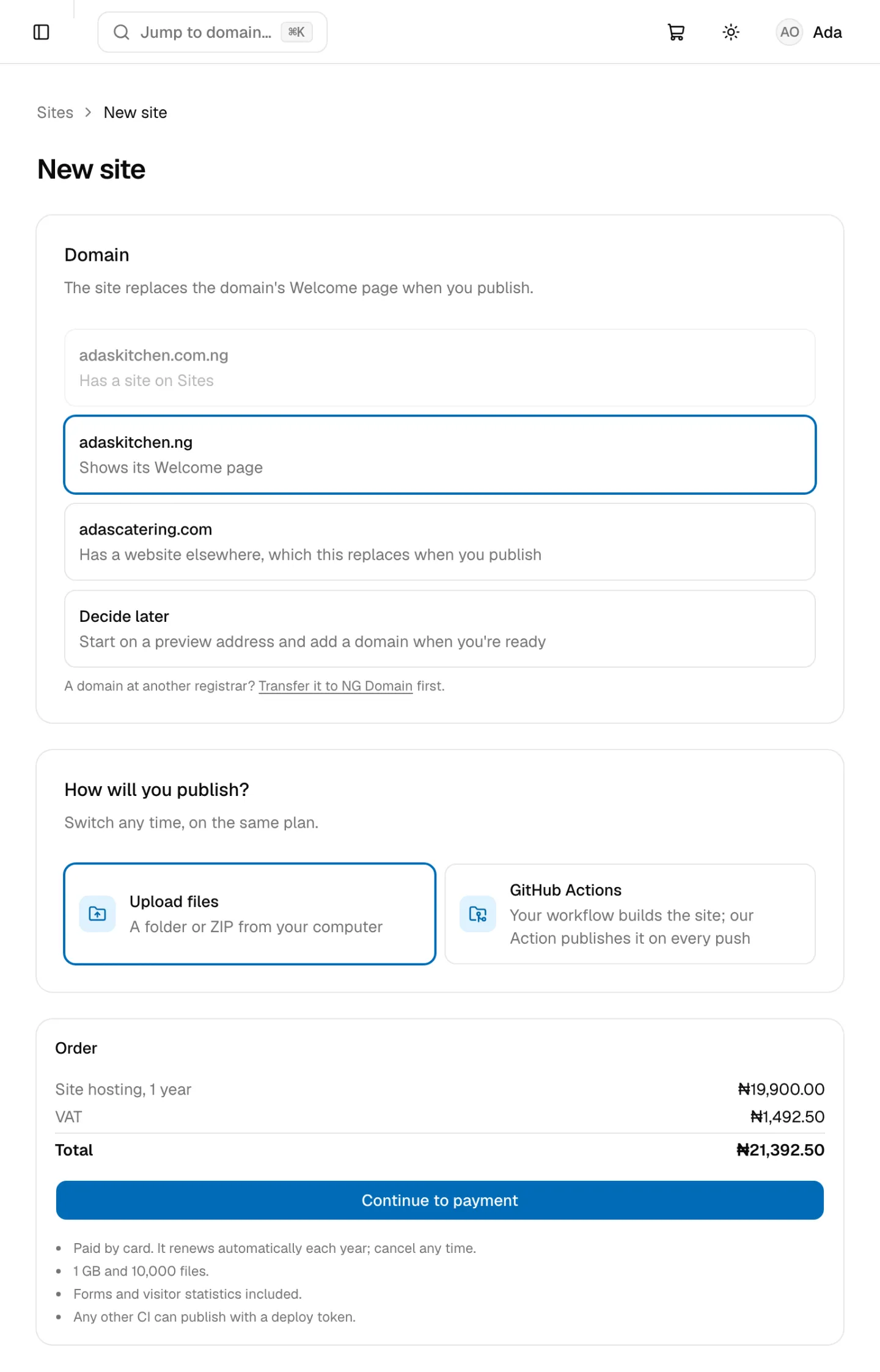
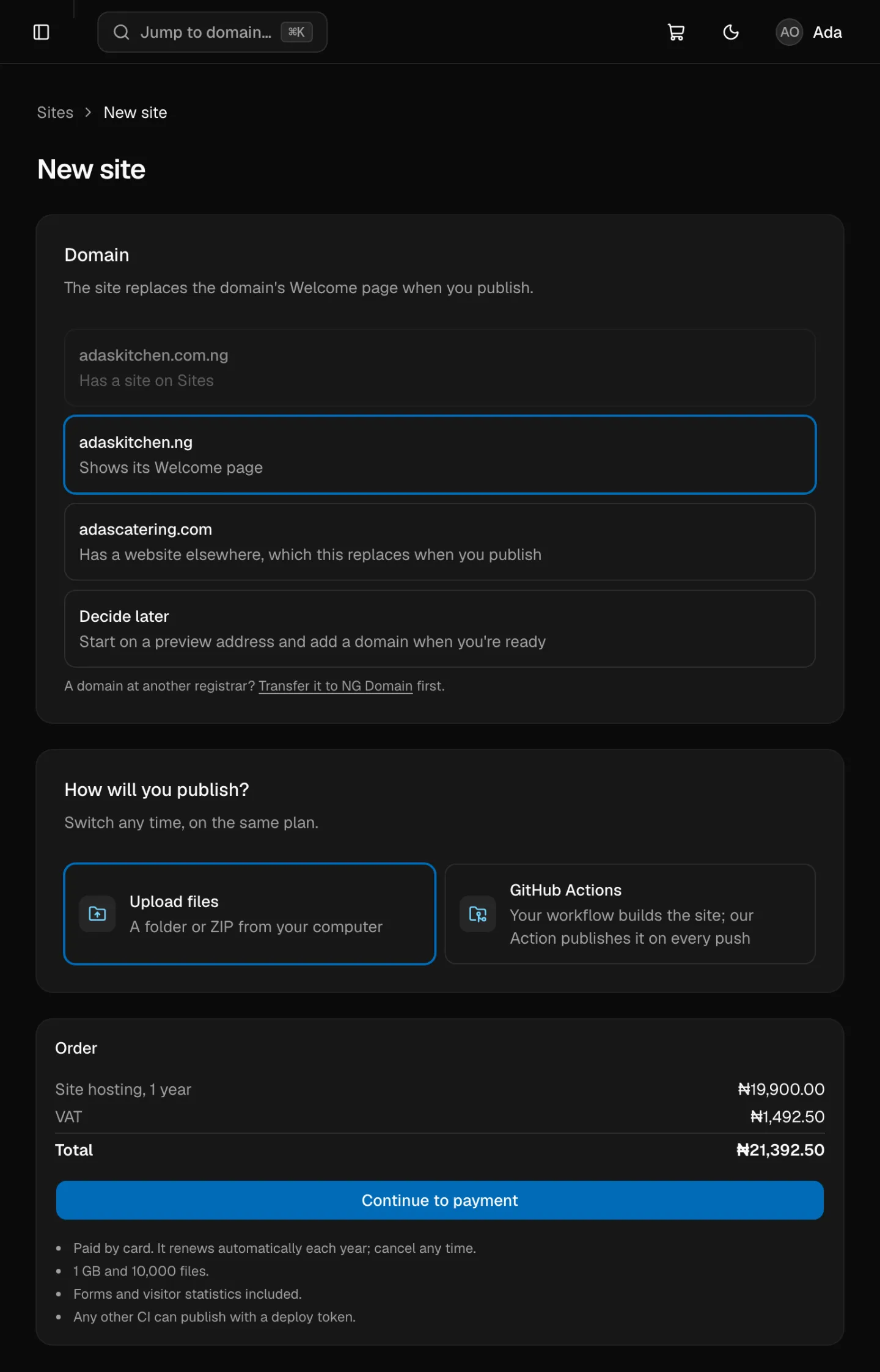
Sites is paid yearly by card and renews automatically. If your profile has no name, phone number or address yet, checkout asks for them first.
2. Publish your first version
After payment, the thank-you page offers the next step for the new site: Upload files or Deploy from GitHub.
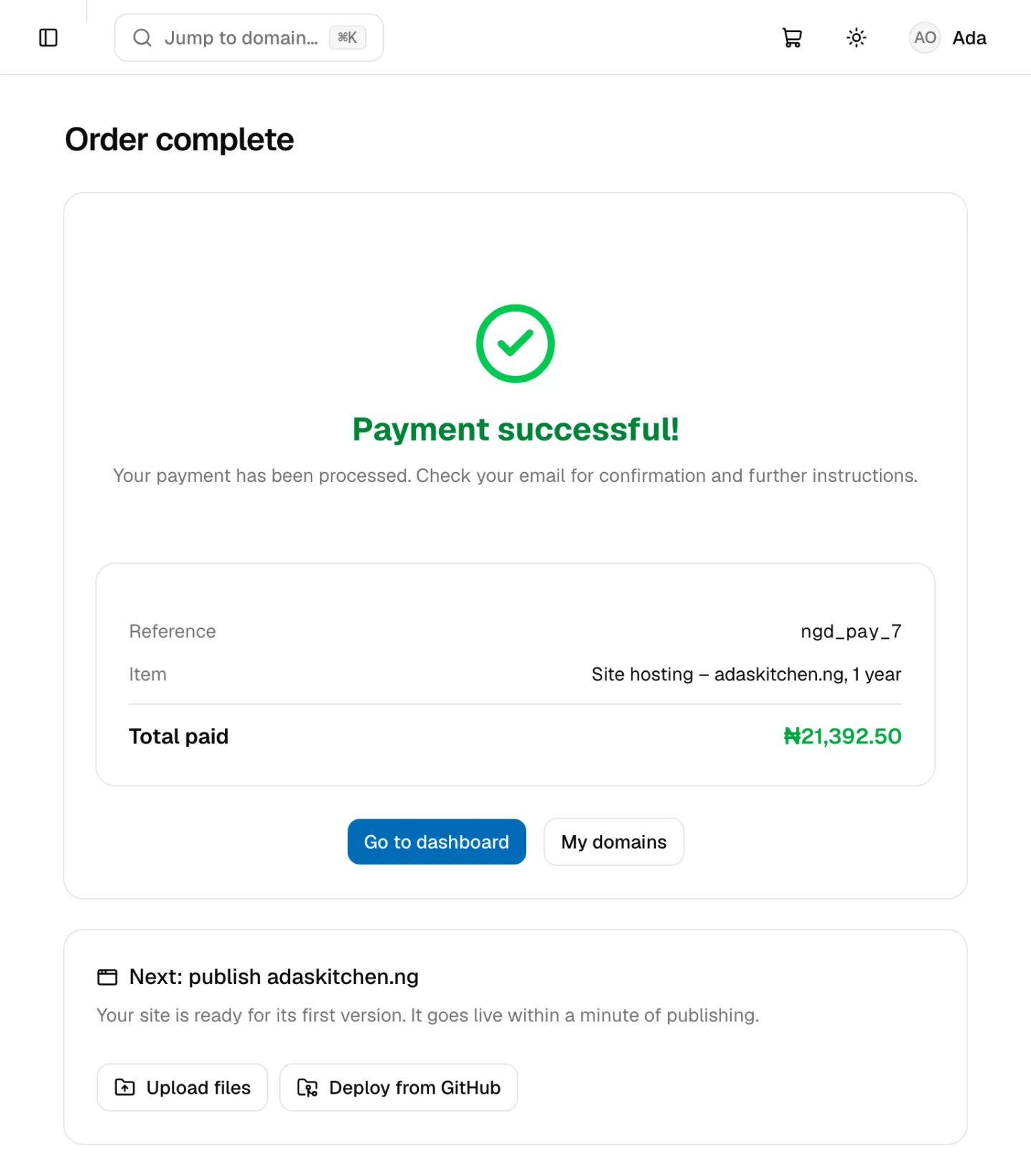
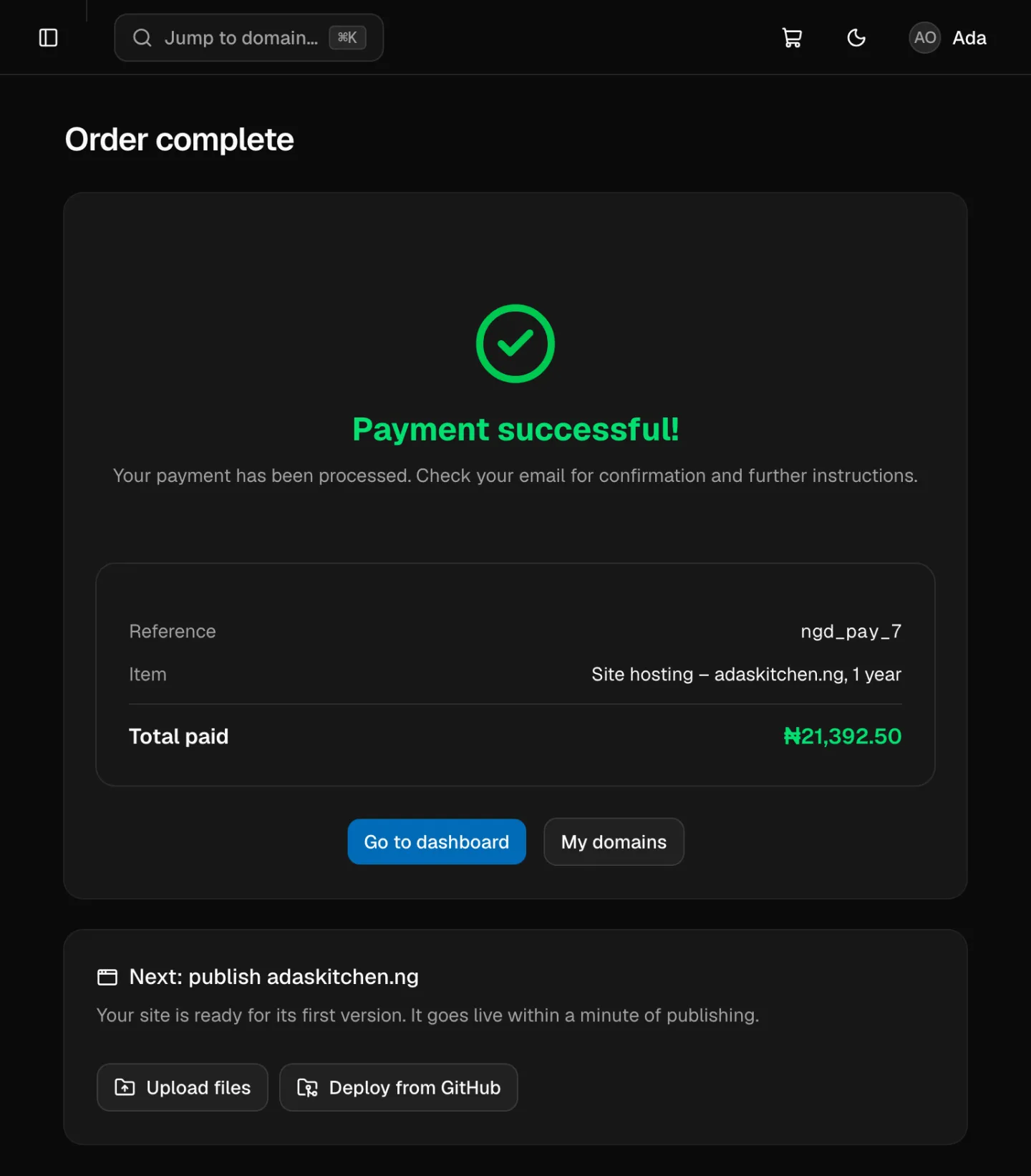
Your site needs an index.html at the top of its folder. Once published, it's live within a minute.
The first upload from your account is checked by our team before it goes live on your domain. Until then it's on the site's preview address, and the site's status reads Waiting for our review.
3. Find your sites
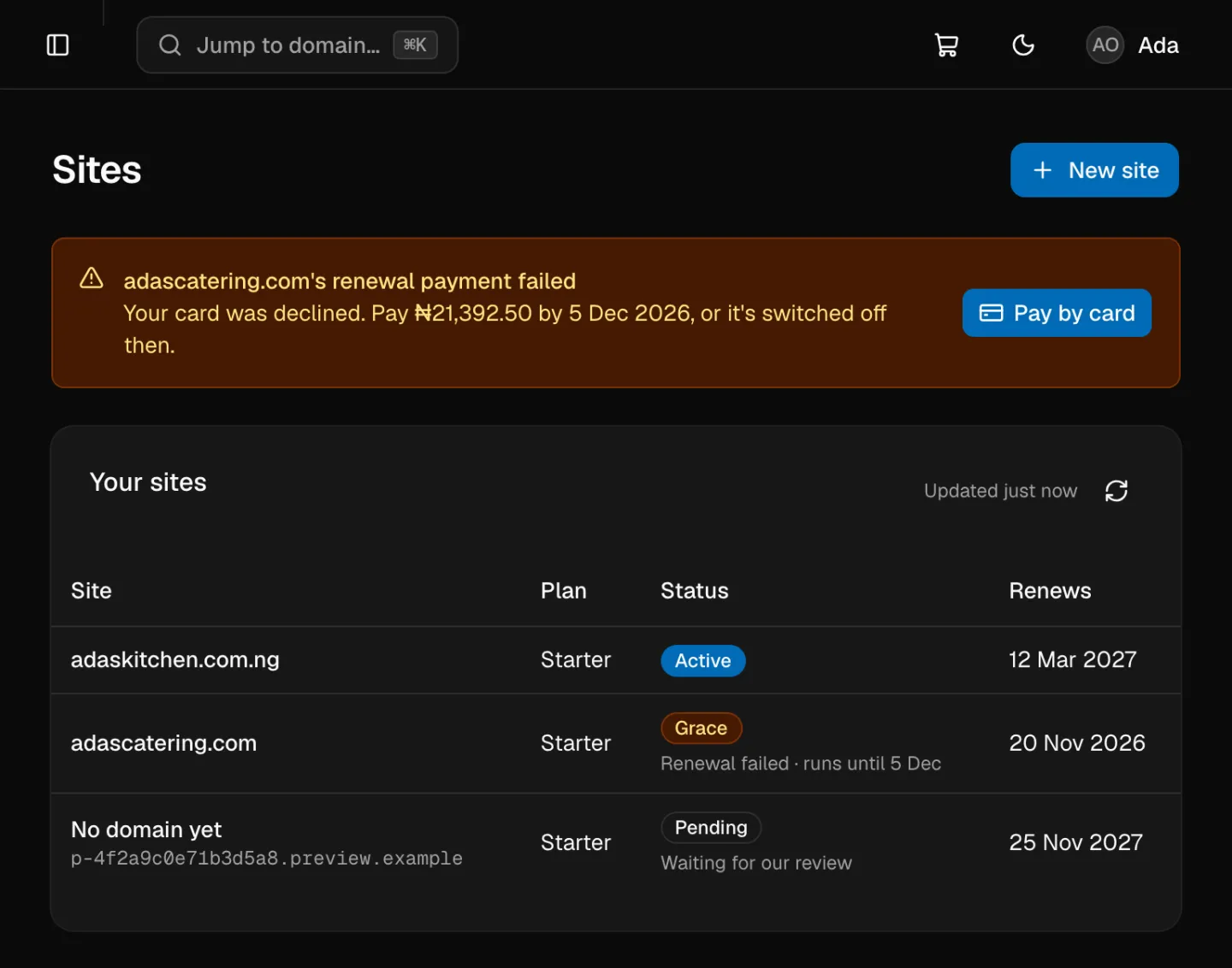
Sites in the dashboard lists every site with its domain, plan, status and renewal date. Click one to open its page. If a renewal payment fails, a notice at the top of the list has a Pay by card button.
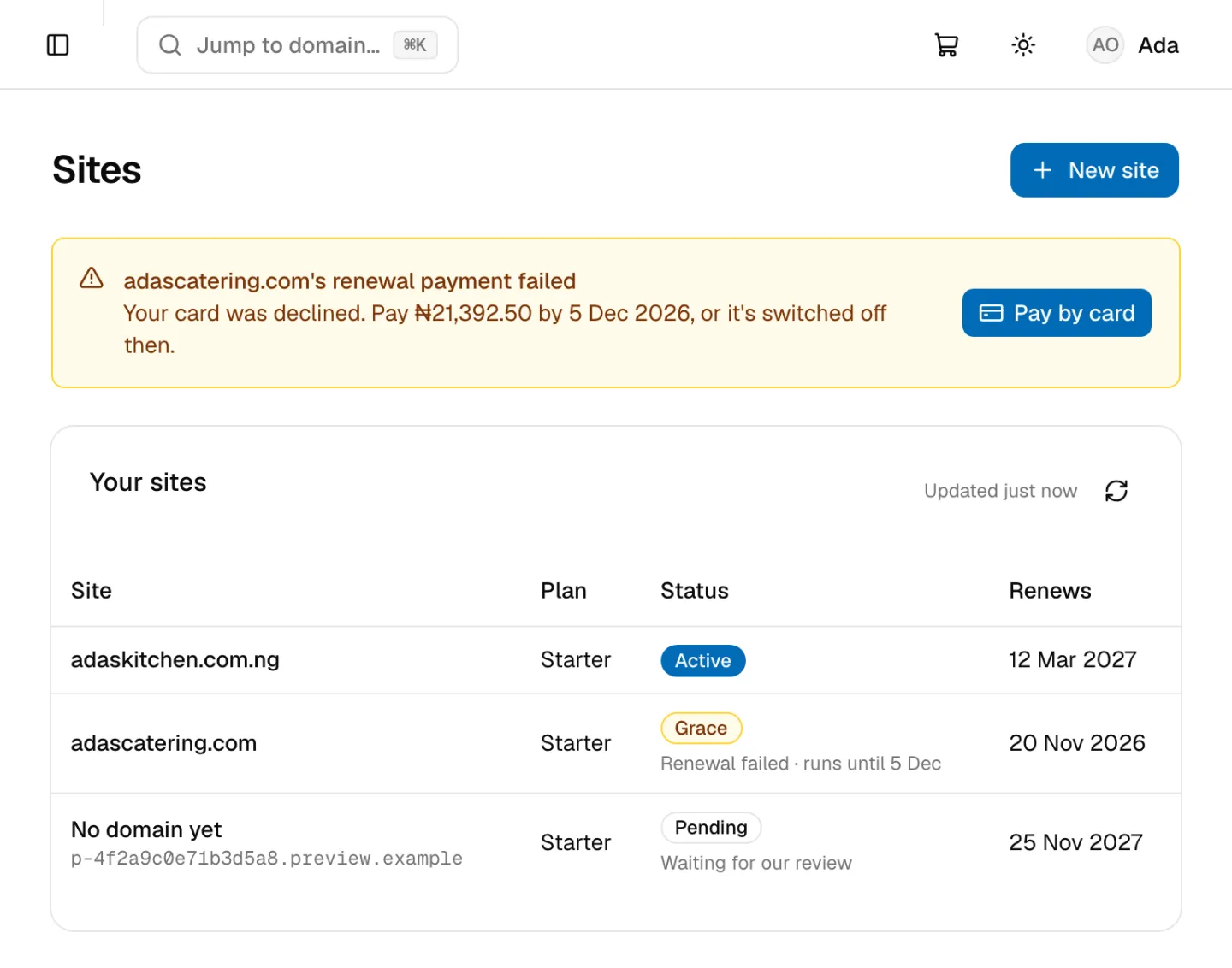
| Status | What it means |
|---|---|
| Active | The site is live. |
| Pending | We're reviewing its first upload, or setting up its domain and certificate. It goes live once HTTPS works. |
| Grace | The renewal payment failed. The site stays live until the date shown; pay before then. |
| Suspended | The site is switched off. If its renewal wasn't paid, pay it to switch the site back on. |
What happens to your domain
Publishing a site to a domain replaces its Welcome page, and www follows the domain. If the domain uses NG Domain DNS, we add the records for you. If it uses other nameservers, the dashboard offers to copy its DNS records to NG Domain and move its nameservers, so email and anything else on it keeps working. See Managing Your Site to move a site to another domain.