
Sites hosts a Next.js site as a static export: next build turns every page into HTML, CSS and JavaScript ahead of time, and Sites serves those files on your domain. Client-side features keep working, such as React state, data fetched in the browser and client-side navigation.
1. Turn on static export
In next.config.js (or next.config.mjs or next.config.ts), set output to 'export':
const nextConfig = {
  output: "export",
  images: { unoptimized: true },
};

export default nextConfig;
images: { unoptimized: true } is needed if you use next/image with its default loader, which resizes images on a server. Run npm run build: the site is written to the out folder. To check it before publishing, run npx serve out and open the address it prints.
2. Check what your site uses
A static export has no server, so these don't work on Sites:
| Feature | What to do instead |
|---|---|
Pages rendered on each request (getServerSideProps, cookies(), headers(), dynamic = 'force-dynamic') |
Render at build time, or fetch the data in the browser. |
| API routes and Route Handlers that aren't static | Call an external API from the browser, or use the site's forms (below) for messages. |
| Middleware, Server Actions and incremental static regeneration | Rebuild and publish when content changes. |
redirects, rewrites and headers in next.config.js |
Use a _redirects or _headers file in public, which the build copies to the top of out. |
Dynamic routes such as app/menu/[dish]/page.js work when every value is known at build time: list them with generateStaticParams (or getStaticPaths in the Pages Router). next build stops with an error that names the page when something can't be exported.
3. Publish it
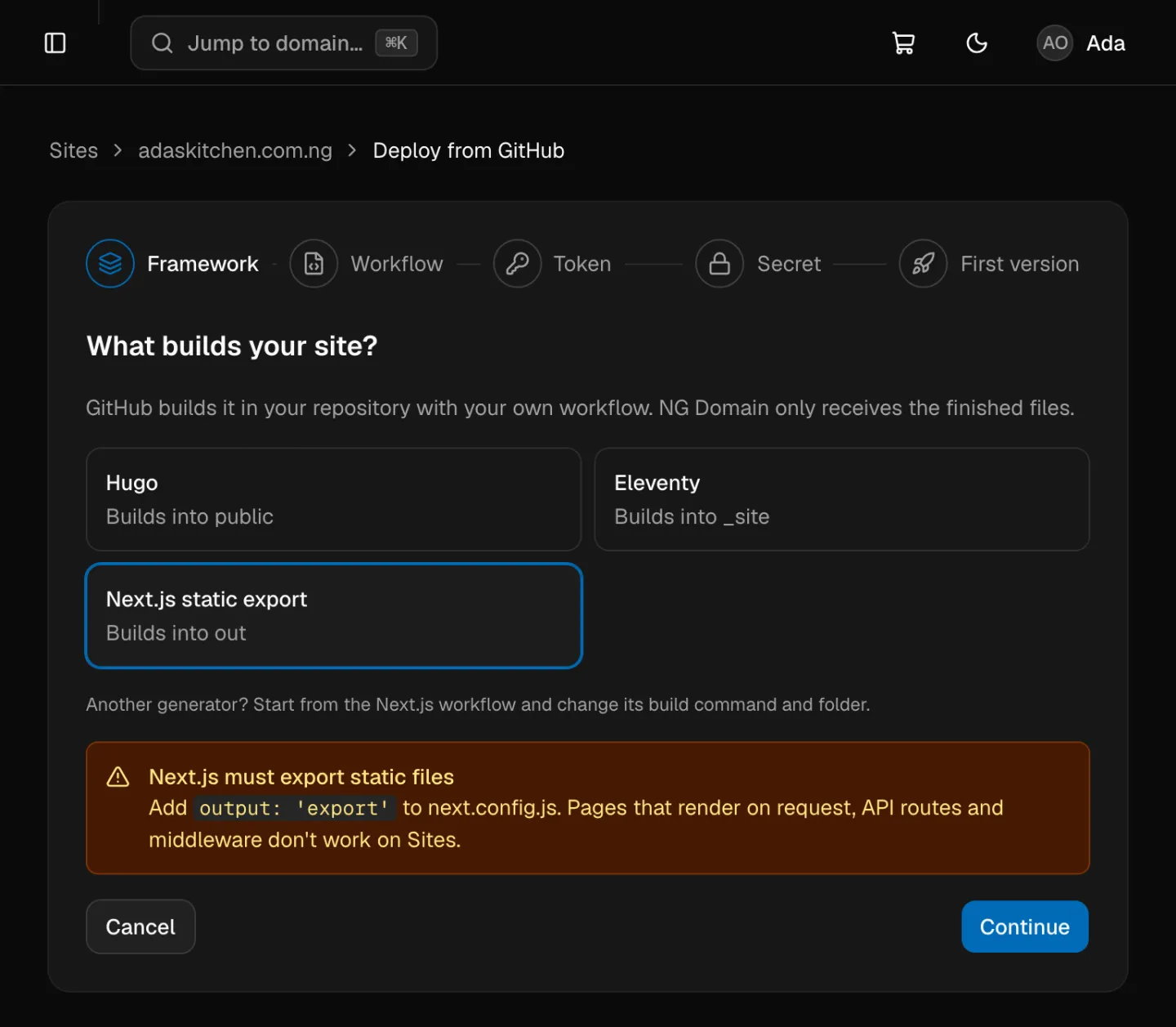
From GitHub (recommended): on your site's page, click Set up next to GitHub Actions and pick Next.js static export. The dashboard gives you a workflow that runs npm ci and npm run build, then publishes out on every push to main. See Deploying from GitHub.
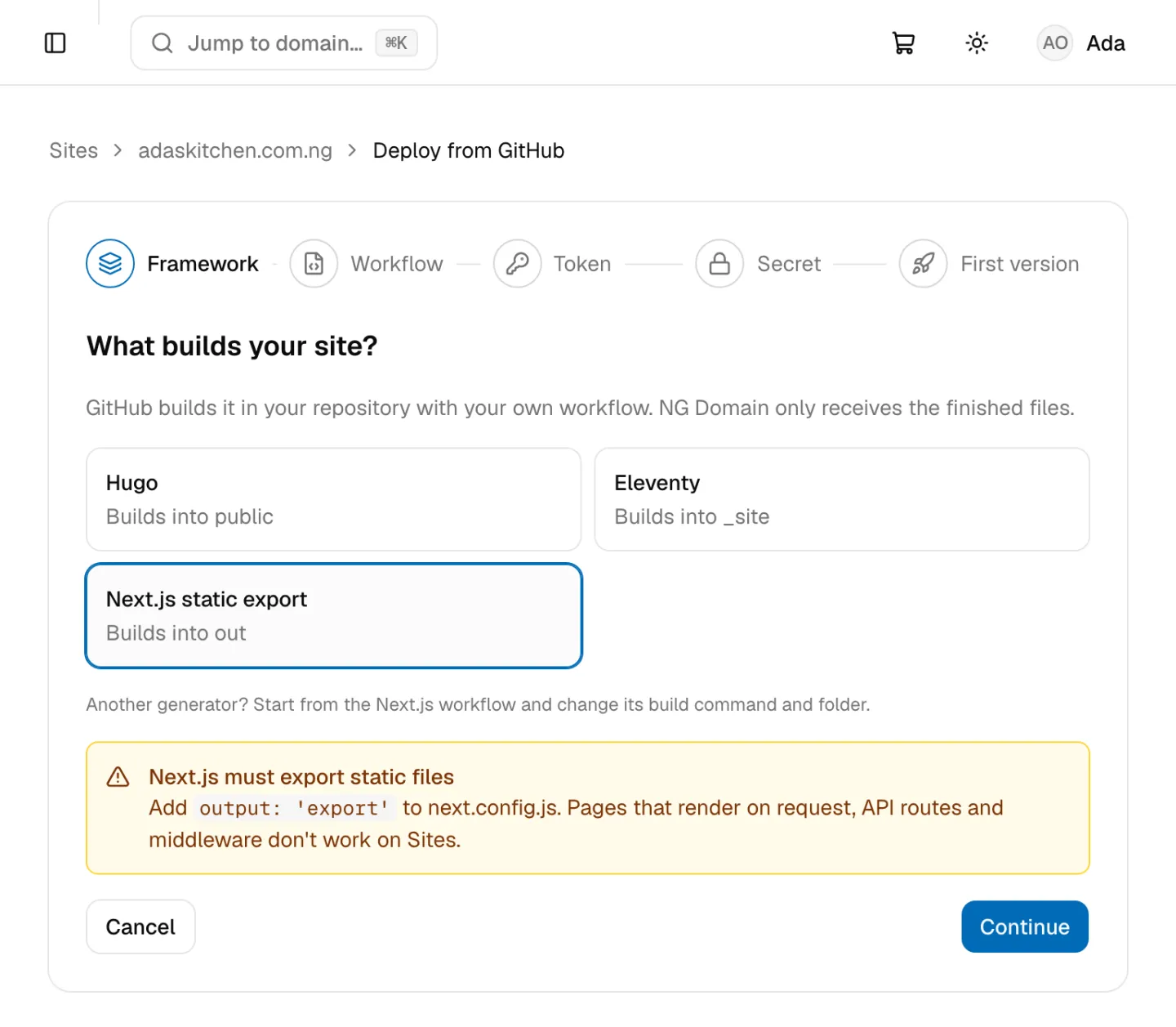
By upload: run npm run build on your computer, then upload the out folder. See Publishing by Upload.
Addresses and 404s
A visitor to /menu sees menu.html or menu/index.html, so links work with or without trailingSlash. Next.js writes a 404.html to out, which Sites shows for addresses that don't exist.
Forms
Post a form to /__forms/contact from any page, with an empty _gotcha field. From React, send JSON and ask for a JSON answer:
const response = await fetch("/__forms/contact", {
  method: "POST",
  headers: { "Content-Type": "application/json", Accept: "application/json" },
  body: JSON.stringify({ name, email, message, _gotcha: "" }),
});
const { delivered } = await response.json();
Messages go to your account's email. See Managing Your Site to turn forms on or off.