
Each site has its own page in your dashboard: open Sites under Hosting and click the site. Its Overview shows where it stands, Versions lists everything you've published, and Visitors shows who comes to it.
Overview
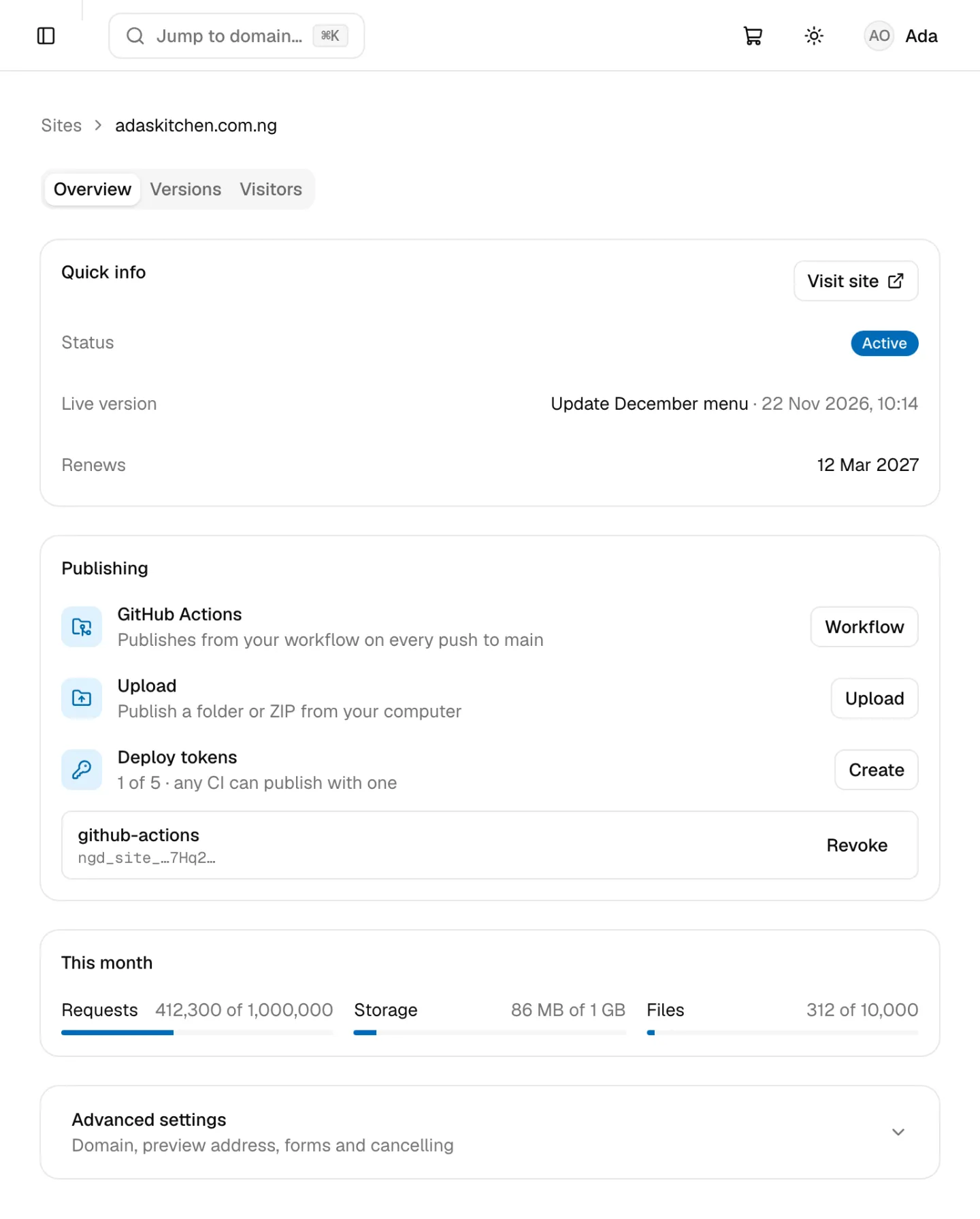
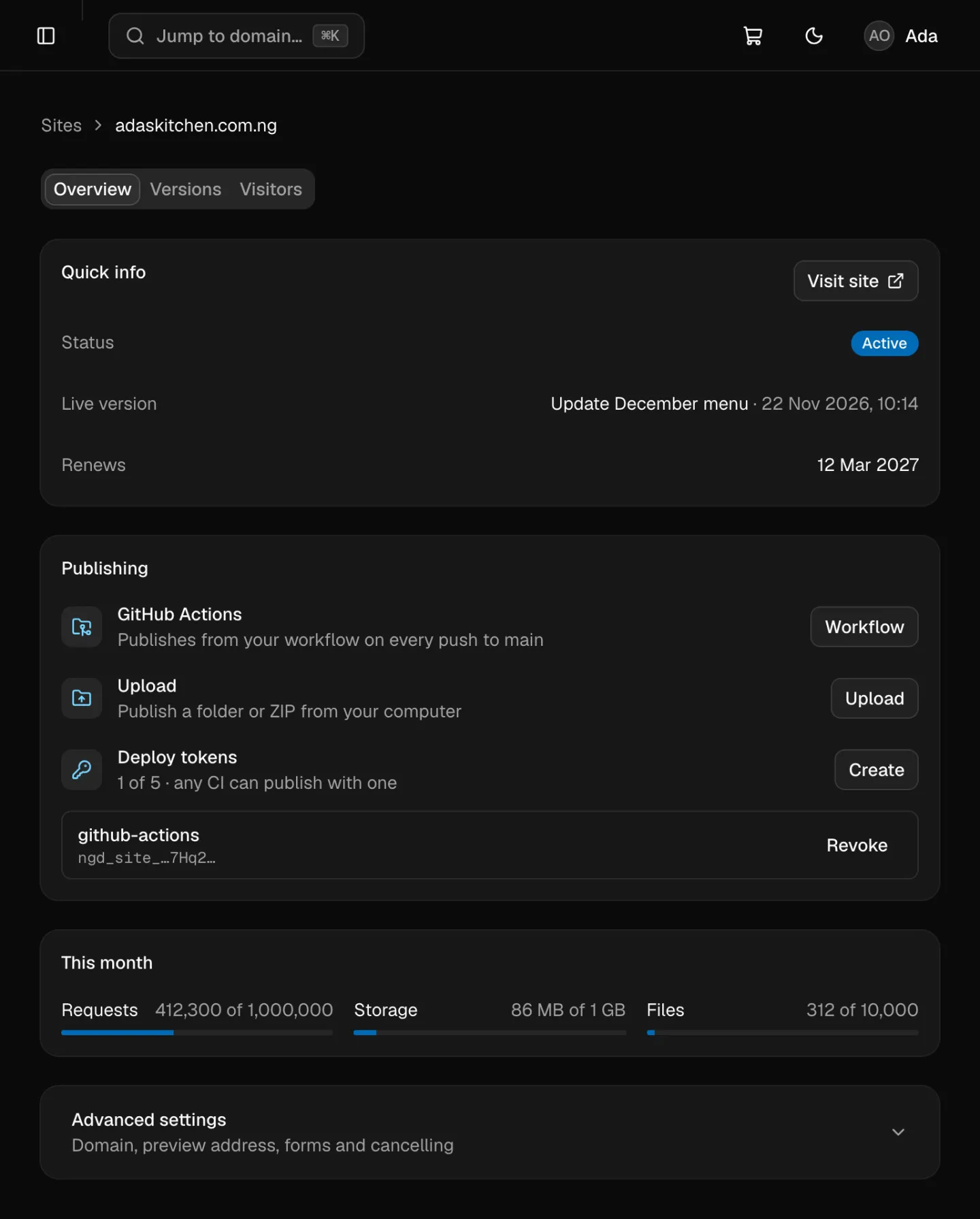
- Quick info: the site's status, the version that's live and when the site renews. Visit site opens it.
- Publishing: how new versions arrive. See Publishing by Upload and Deploying from GitHub.
- This month: requests, storage and files used, against the plan's 1,000,000 requests a month, 1 GB and 10,000 files.
Visitors
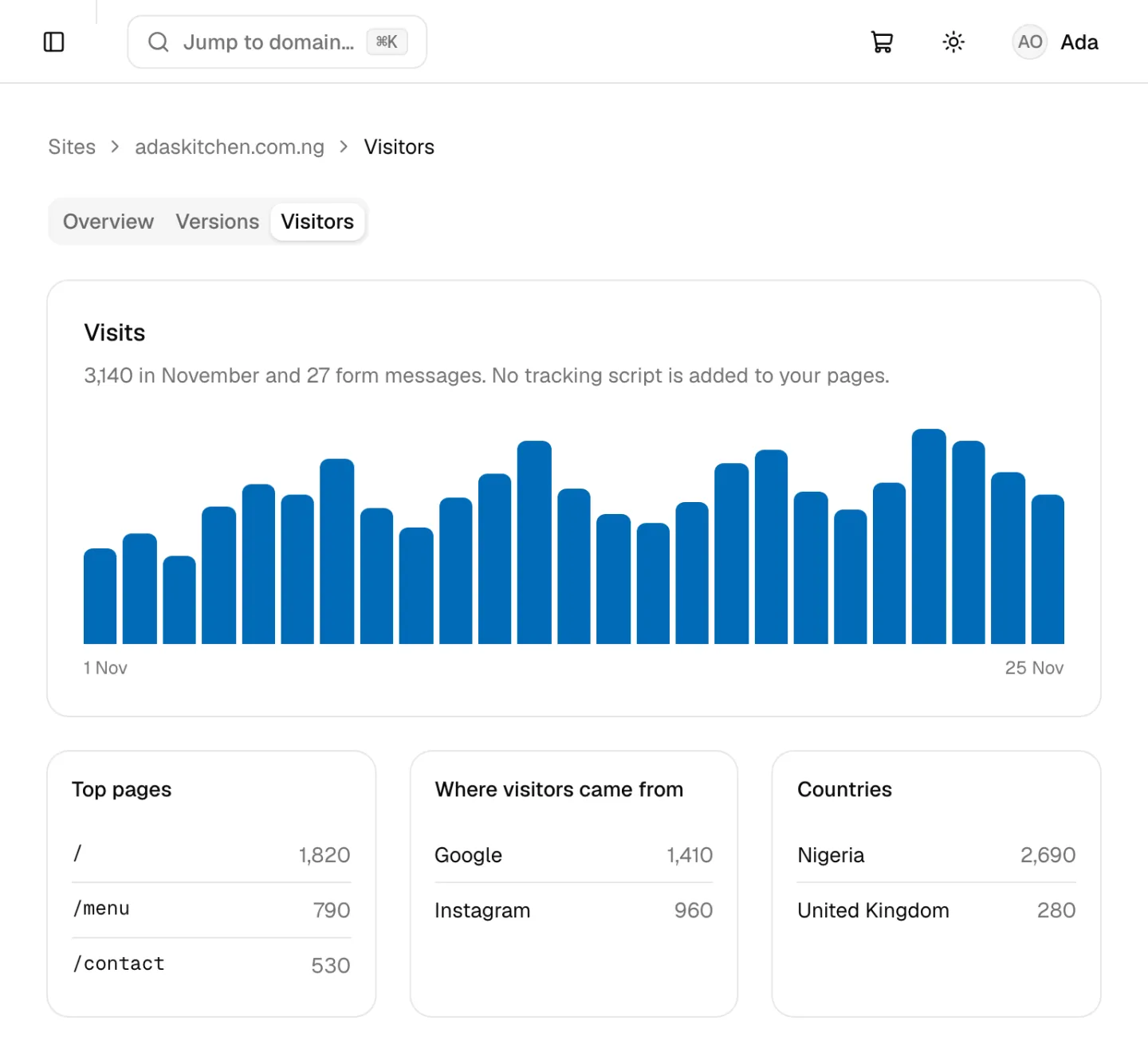
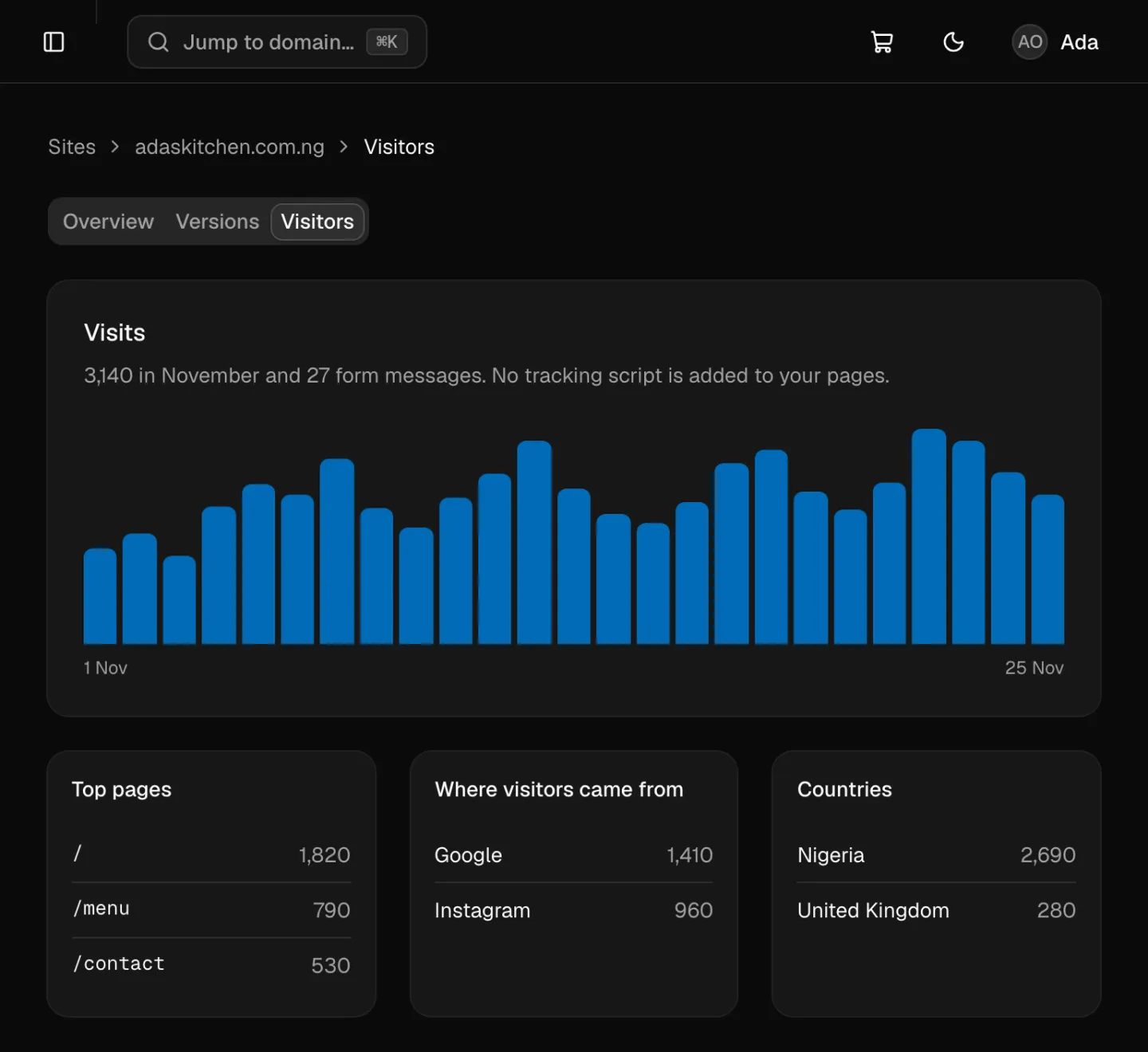
The Visitors tab shows this month's visits each day, the top pages, where visitors came from and their countries, and how many form messages arrived. Statistics are counted as pages are served, so no tracking script is added to your site. Visits to the preview address aren't counted.
Advanced settings
Click Advanced settings at the bottom of the Overview.
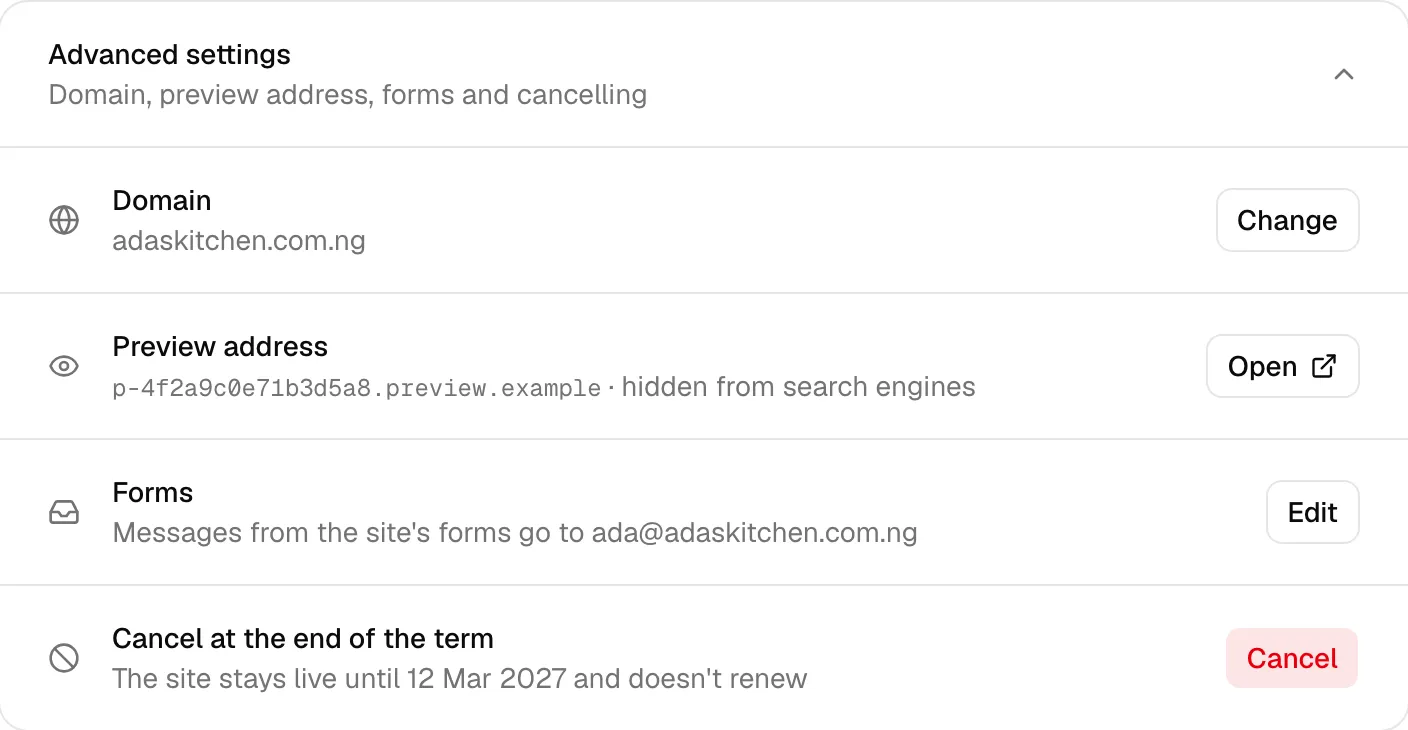
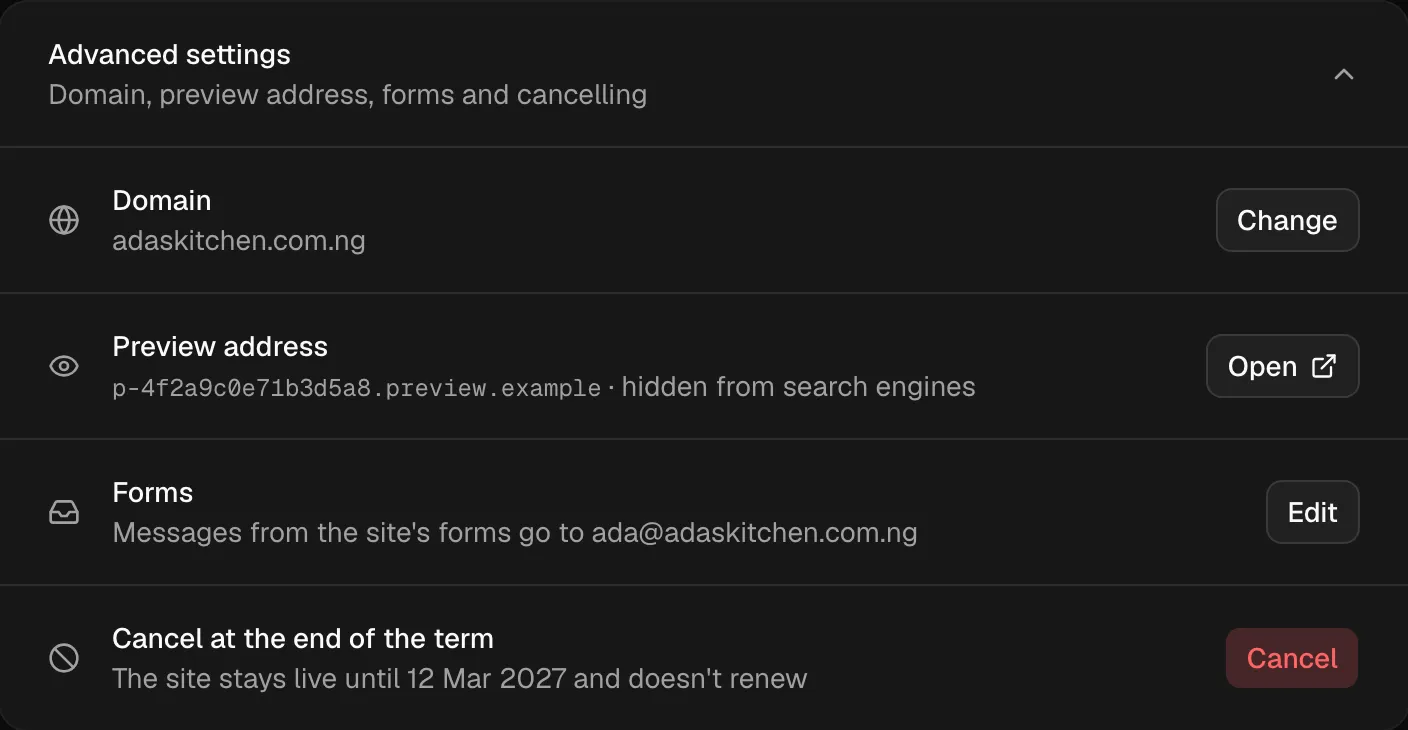
Domain
Click Change to move the site to another of your domains, or to give a site on its preview address its first domain. The domain it leaves goes back to its Welcome page, and www follows the new domain.
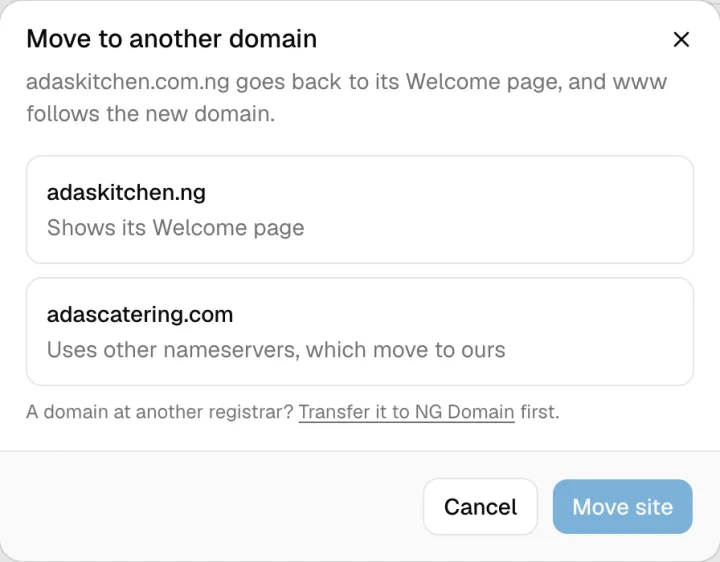
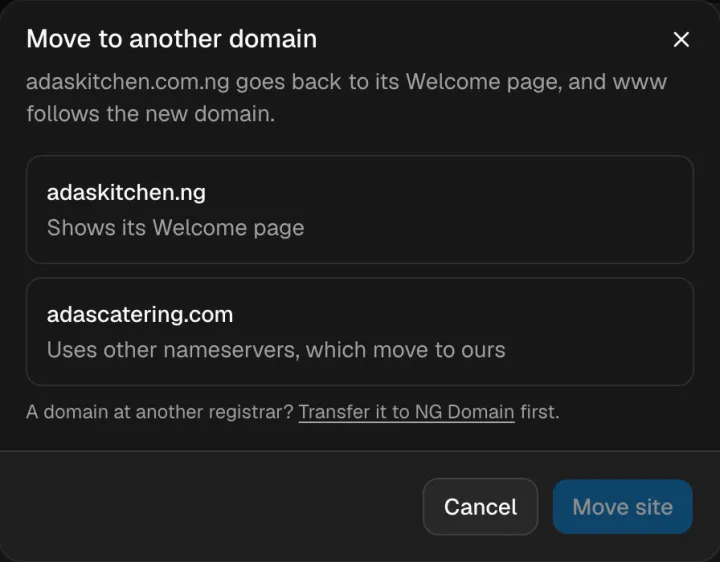
- A domain with a website elsewhere: publishing replaces it.
- A domain on other nameservers: we copy its DNS records to NG Domain first, so its email keeps working, then move its nameservers.
We email you when the site is live on its new domain. Its HTTPS certificate is set up for you.
Preview address
Every site has a preview address that works even without a domain. It's hidden from search engines, so you can share it to check a version before your domain points to it.
Forms
Your site can have a contact form and a subscribe form. Messages go to your account's email. Click Edit next to Forms to switch each one on or off.
To add one to a page, post the form to /__forms/contact or /__forms/subscribe, and include an empty, hidden _gotcha field, which catches spam bots:
<form method="post" action="/__forms/contact">
  <label>Name <input name="name" required></label>
  <label>Email <input name="email" type="email" required></label>
  <label>Message <textarea name="message" required></textarea></label>
  <input name="_gotcha" tabindex="-1" autocomplete="off" hidden>
  <button>Send</button>
</form>
After sending, visitors see a page confirming their message arrived. A form can only be sent from your site's own pages, and each visitor can send a few a minute.
Cancelling
Click Cancel under Cancel at the end of the term. The site stays live until its renewal date and doesn't renew. After that, the domain shows its Welcome page and the site's files are deleted 45 days later. Click Undo any time before the renewal date to keep it.
Renewals
Sites renews automatically each year with the card you paid with. If a renewal payment fails, the site enters Grace: it stays live until the date shown, and a Pay by card button appears on its page and on the Sites list. If it isn't paid by then, the site is switched off, and its files may be deleted after the date the notice gives.