
Your site can publish itself whenever you push to GitHub. Your repository's own GitHub Actions workflow builds the site, then NG Domain's deploy Action (justiceo/ngdomain-deploy-action) publishes the finished files. NG Domain never sees your code, only the built site, and you see every build's log in GitHub.
You need a GitHub repository with your site in it, and permission to change its settings.
Set it up
Open Sites, click your site and, in the Publishing card, click Set up next to GitHub Actions. You can also pick Deploy from GitHub on the thank-you page after buying a site. The dashboard takes you through five steps.
1. Framework
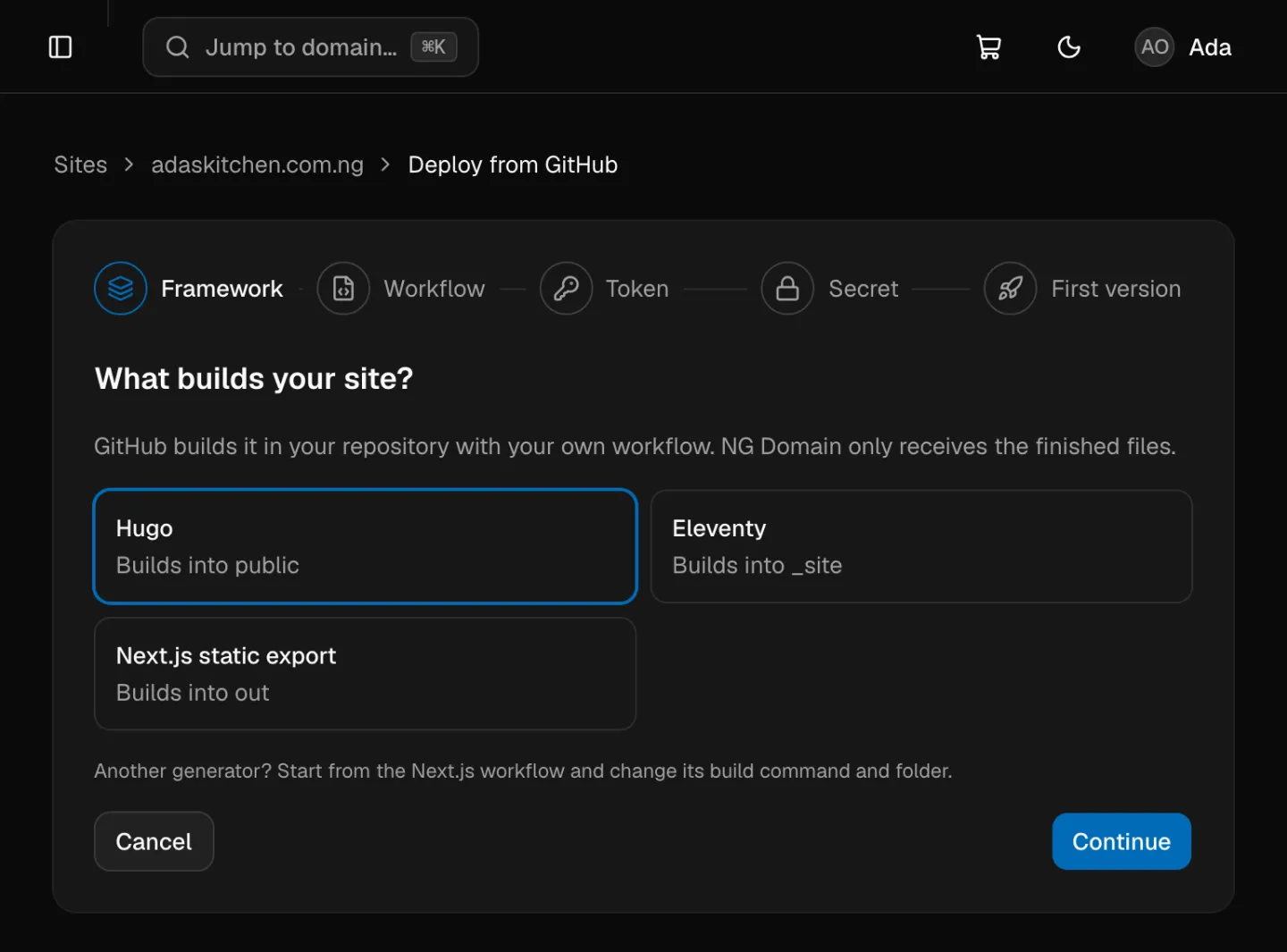
Pick what builds your site: Hugo, Eleventy or Next.js static export. Each builds into its own folder, which the workflow publishes. For another generator, start from the Next.js workflow and change its build command and folder.
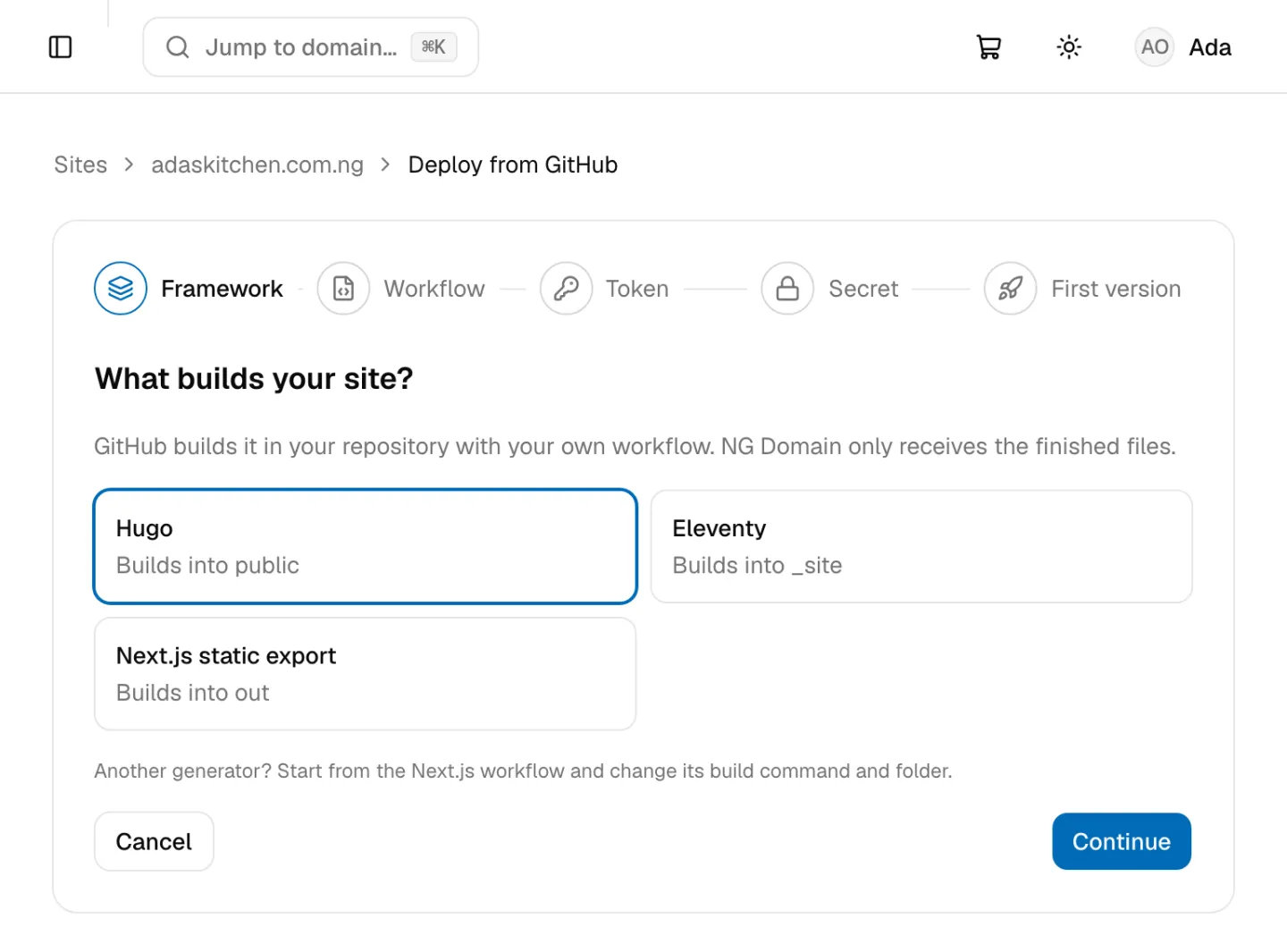
A Next.js site must export static files. See Hosting a Next.js Static Export.
2. Workflow
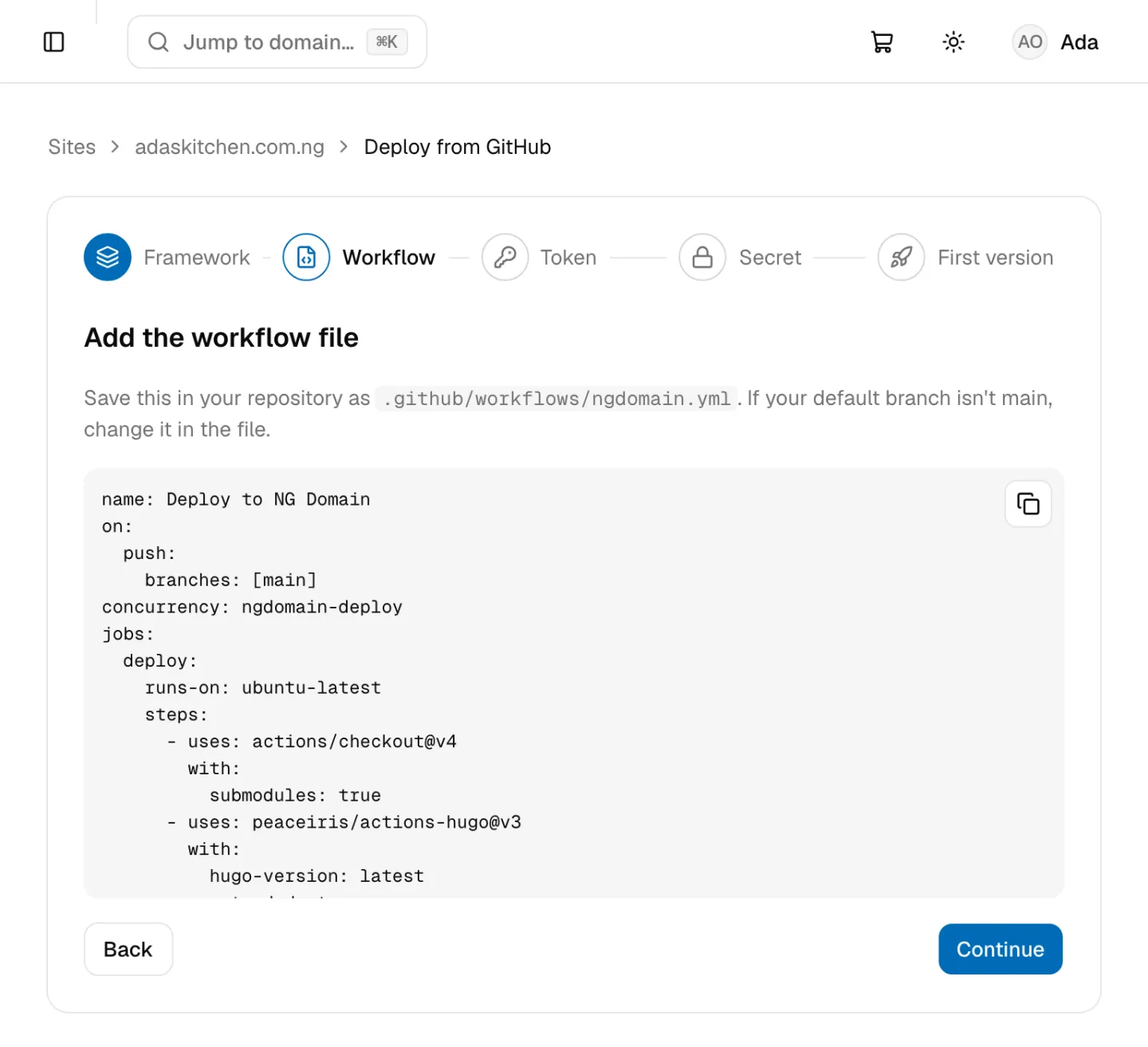
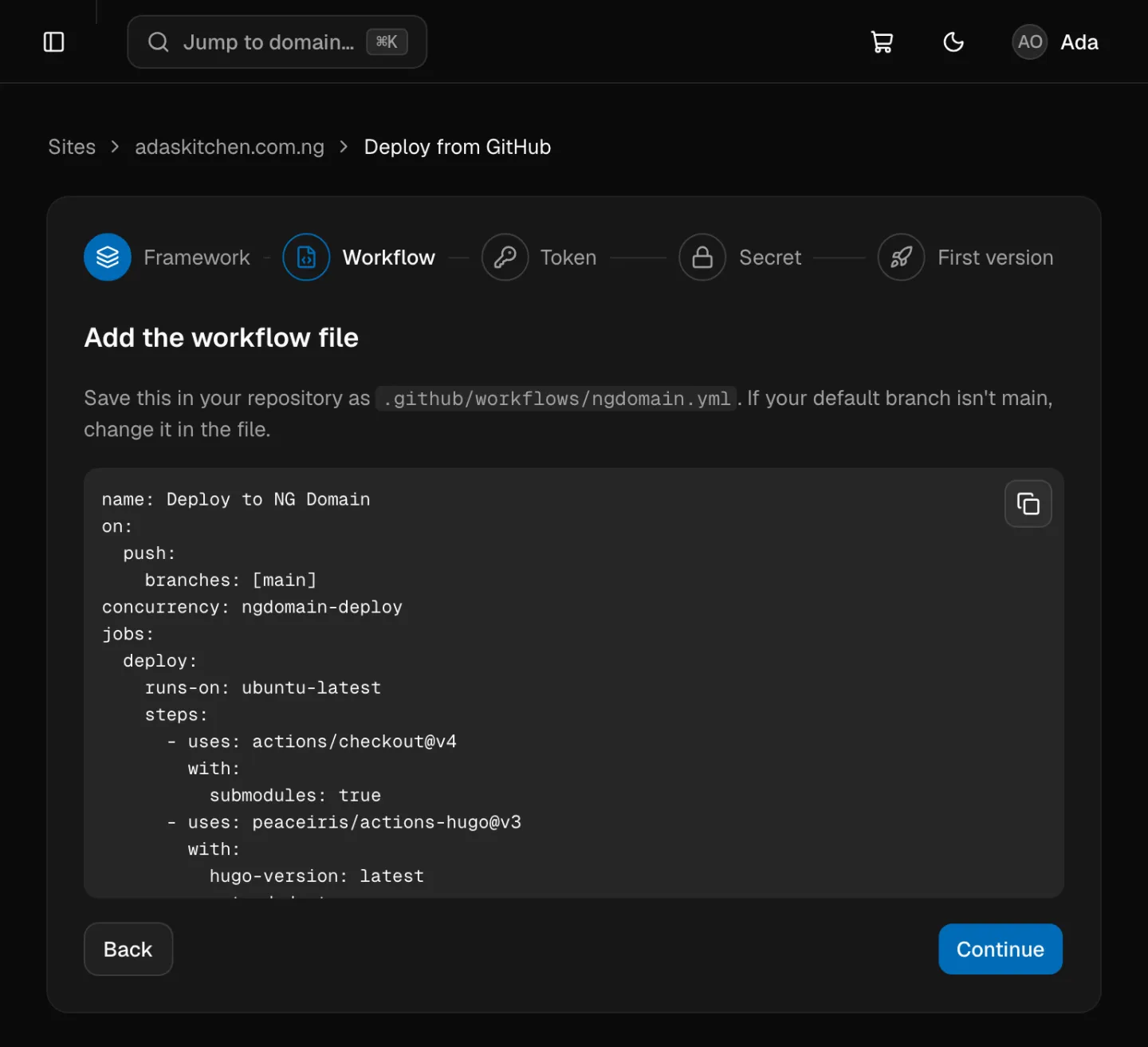
Copy the workflow file and save it in your repository as .github/workflows/ngdomain.yml. For a Hugo site it looks like this:
name: Deploy to NG Domain
on:
  push:
    branches: [main]
concurrency: ngdomain-deploy
jobs:
  deploy:
    runs-on: ubuntu-latest
    steps:
      - uses: actions/checkout@v4
        with:
          submodules: true
      - uses: peaceiris/actions-hugo@v3
        with:
          hugo-version: latest
          extended: true
      - run: hugo --minify
      - uses: justiceo/ngdomain-deploy-action@v1
        with:
          directory: public
          token: ${{ secrets.NGDOMAIN_DEPLOY_TOKEN }}
It runs on every push to main. If your default branch has another name, change it in the file.
3. Token
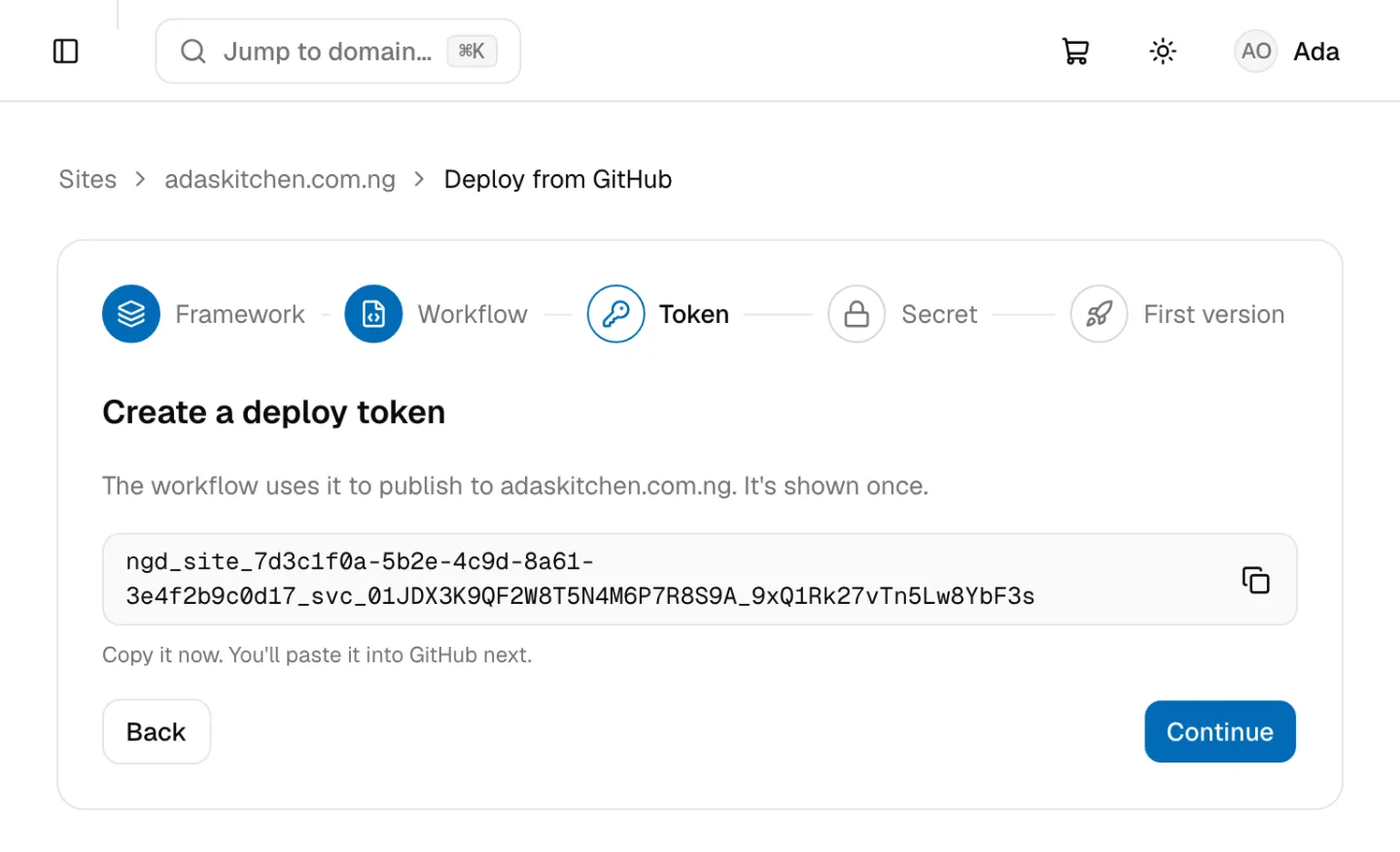
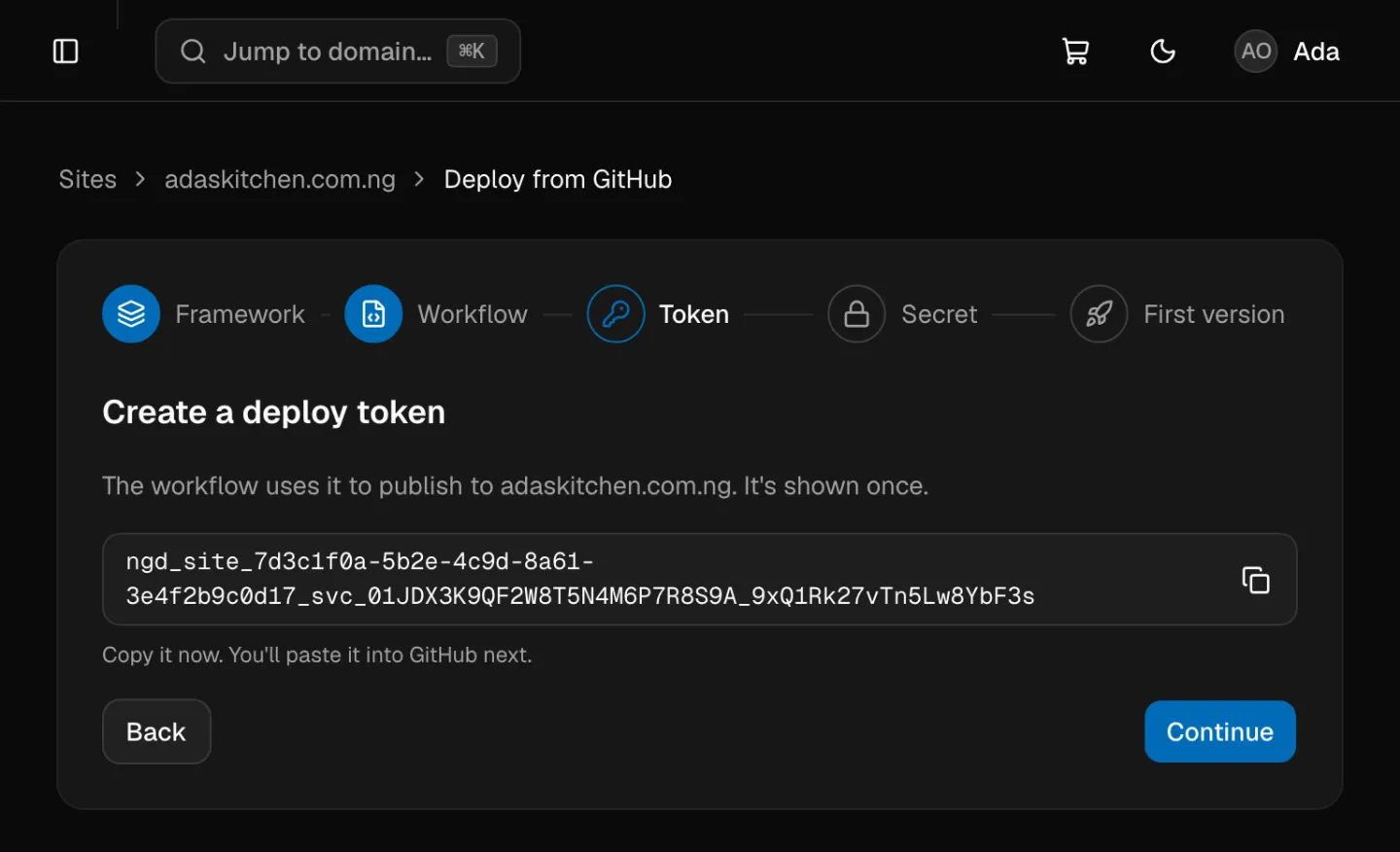
Click Create token. The deploy token lets the workflow publish this site and nothing else. Copy it now: it's shown only once.
4. Secret
Add the token to your repository as a secret, so it never appears in your code:
- In your repository on GitHub, open Settings › Secrets and variables › Actions.
- Choose New repository secret.
- Name it
NGDOMAIN_DEPLOY_TOKEN. - Paste the token and choose Add secret.
Back in the dashboard, click I've added it.
5. First version
Commit the workflow file and push:
git add .github/workflows/ngdomain.yml && git commit -m "Deploy to NG Domain" && git push
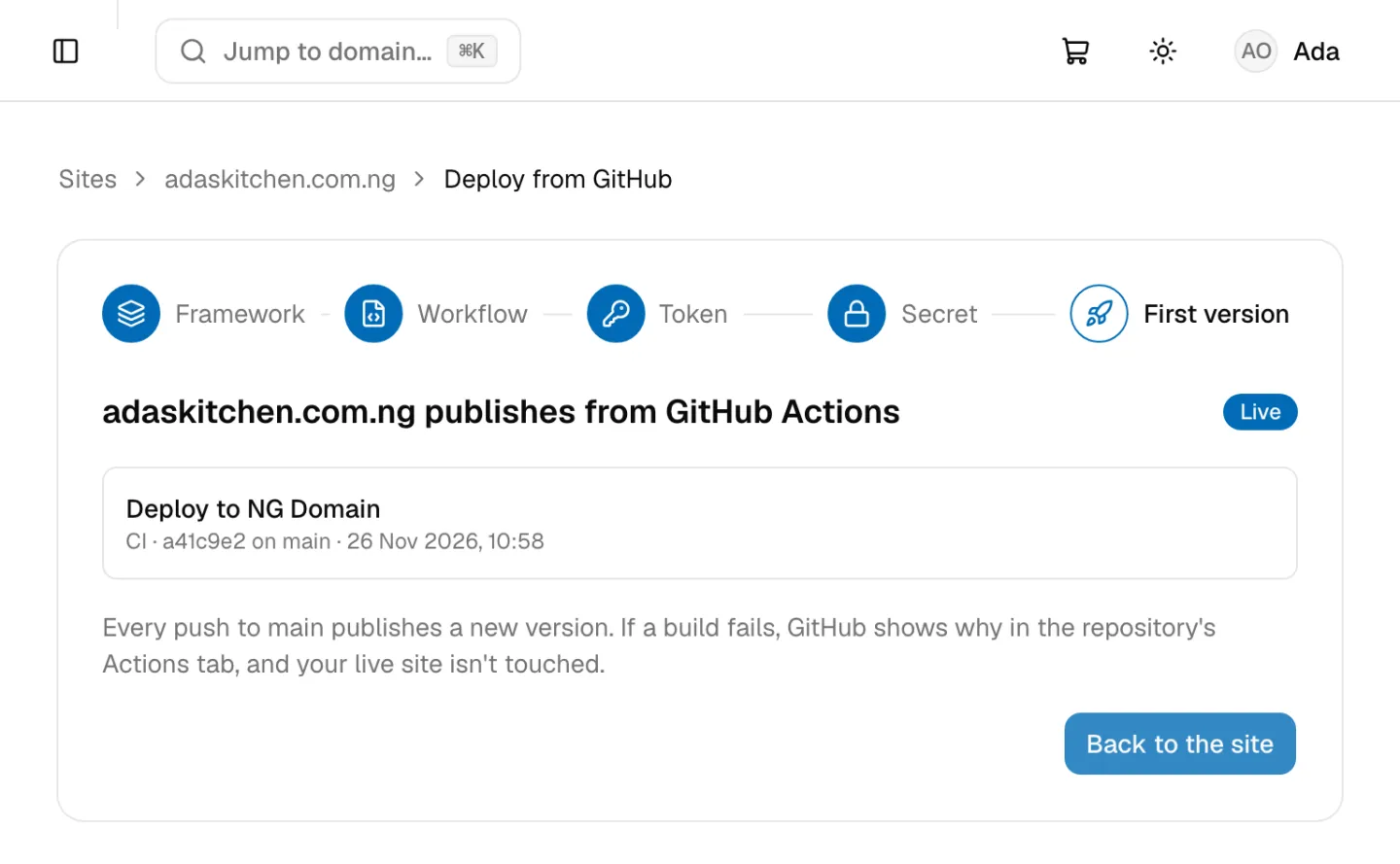
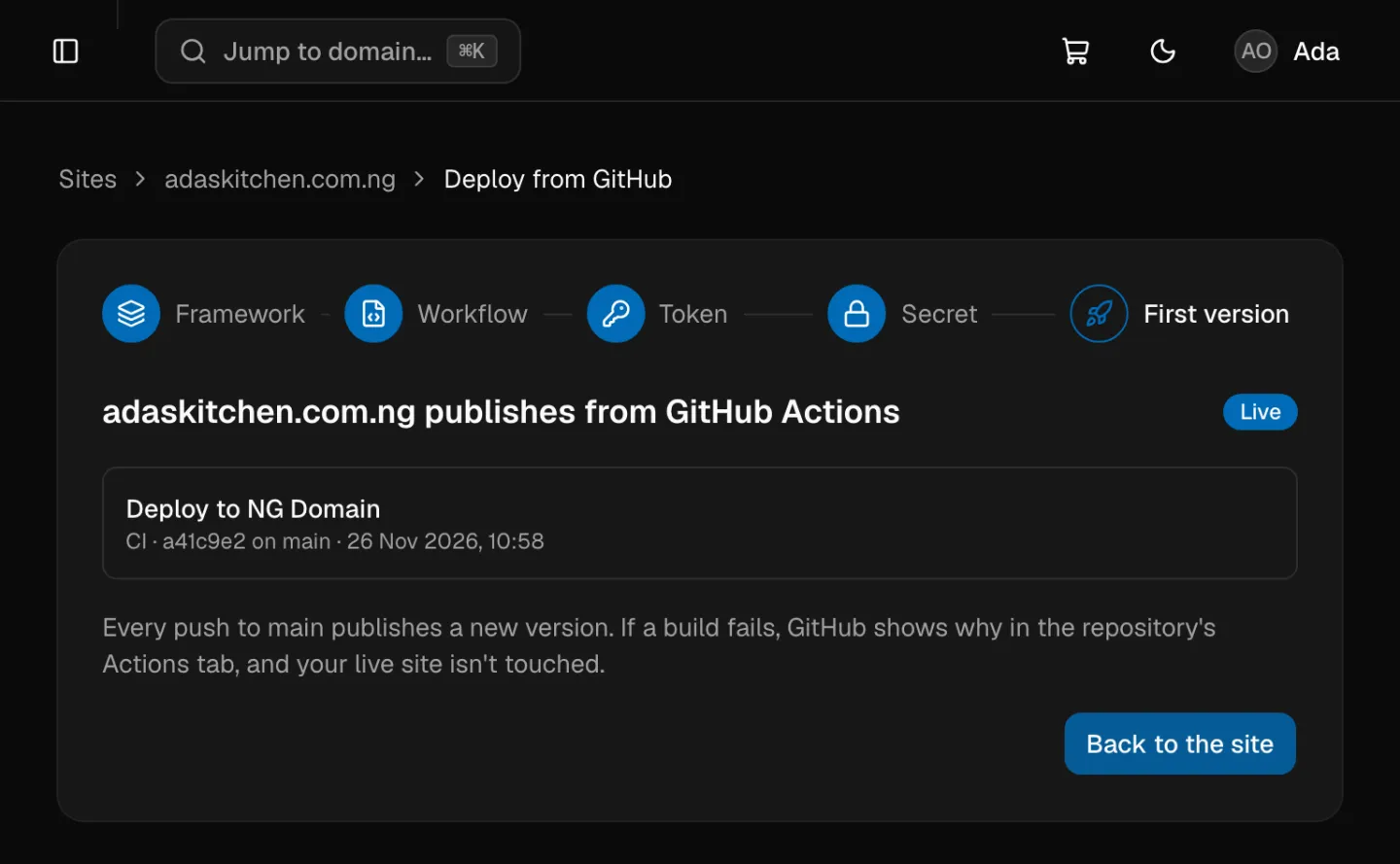
The dashboard waits for the workflow to finish, then shows the first version. From then on, every push to main publishes a new version.
When a build fails
GitHub shows why in your repository's Actions tab, and your live site isn't touched. Fix the problem and push again. Each version on the site's Versions tab shows the commit it came from, so you can roll back to an earlier one. See Publishing by Upload.
Deploy tokens
The Publishing card on your site's page lists its deploy tokens. A site holds up to five.
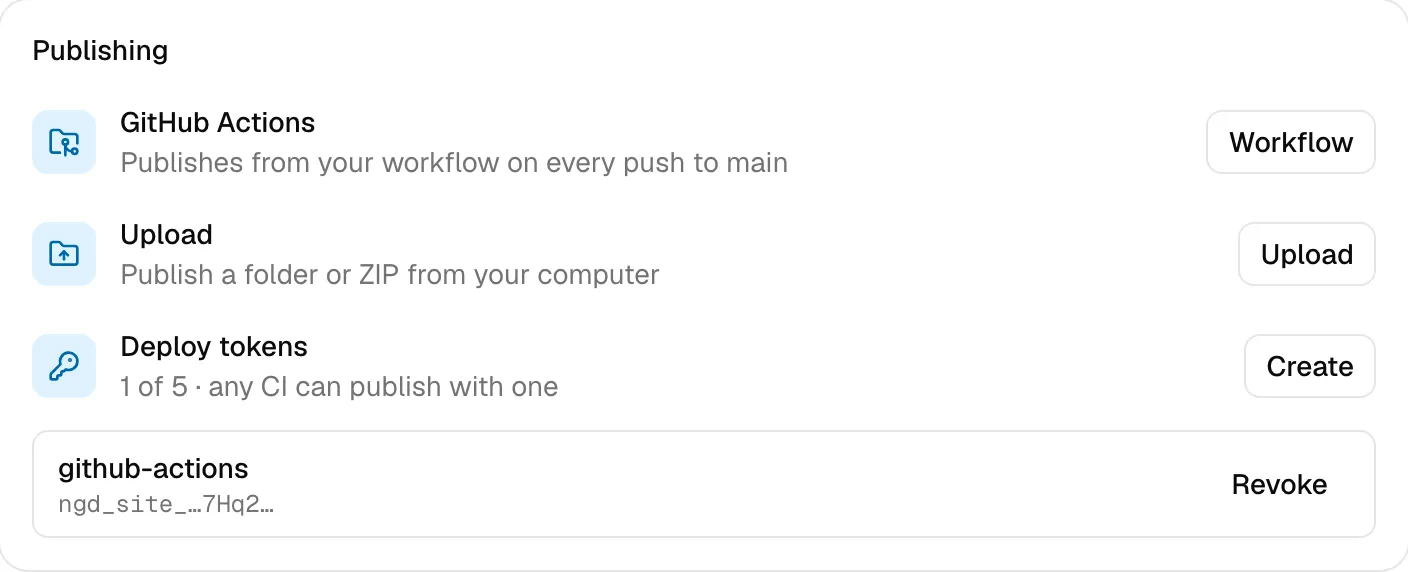
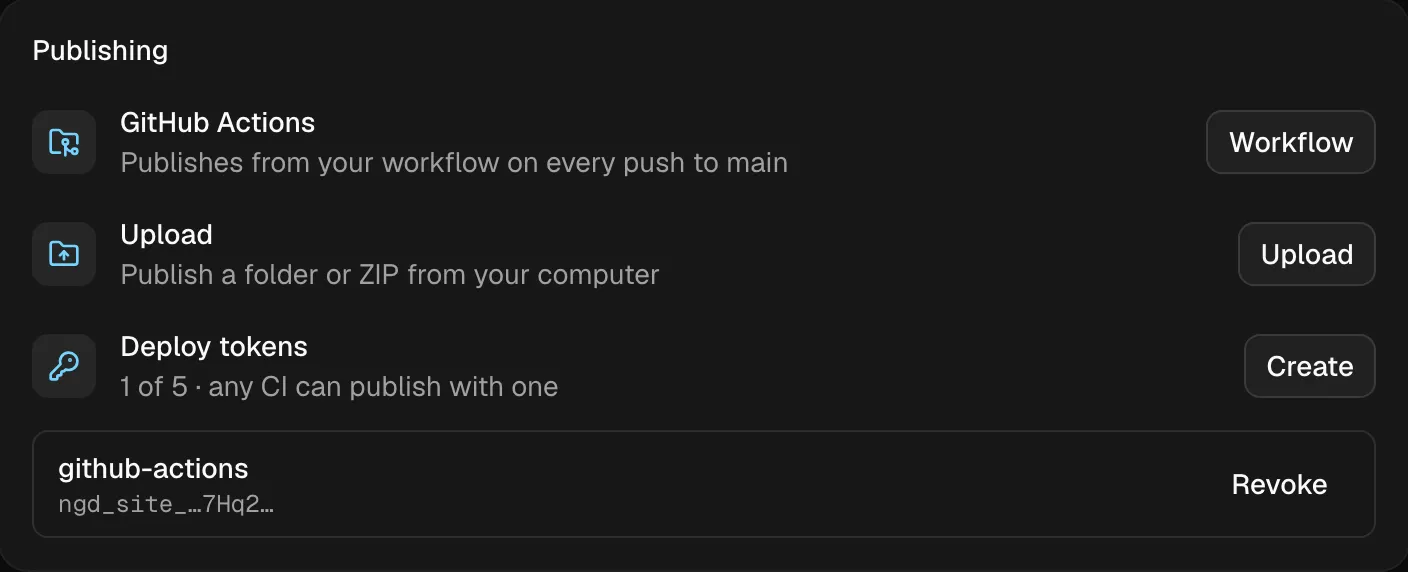
- Another repository or CI: click Create next to Deploy tokens and name the token after where it's used. One token per place means you can revoke one without stopping the others.
- A leaked token: click Revoke next to it. Anything that publishes with it stops at once. Create a new one and update the
NGDOMAIN_DEPLOY_TOKENsecret. - The workflow file again: click Workflow in the Publishing card.
Uploading still works while GitHub publishes the site. The next push replaces an uploaded version.